24 Chapter 2: Getting started with your Matrox 4Sight EV6 unit
Making your own open-wire power supply
cable
Matrox Imaging sells a power supply with an open-wire cable. However, you can
adapt your own closed-wire power supply cable into an open-wire power supply
cable so that you can power your unit. To do so, perform the following:
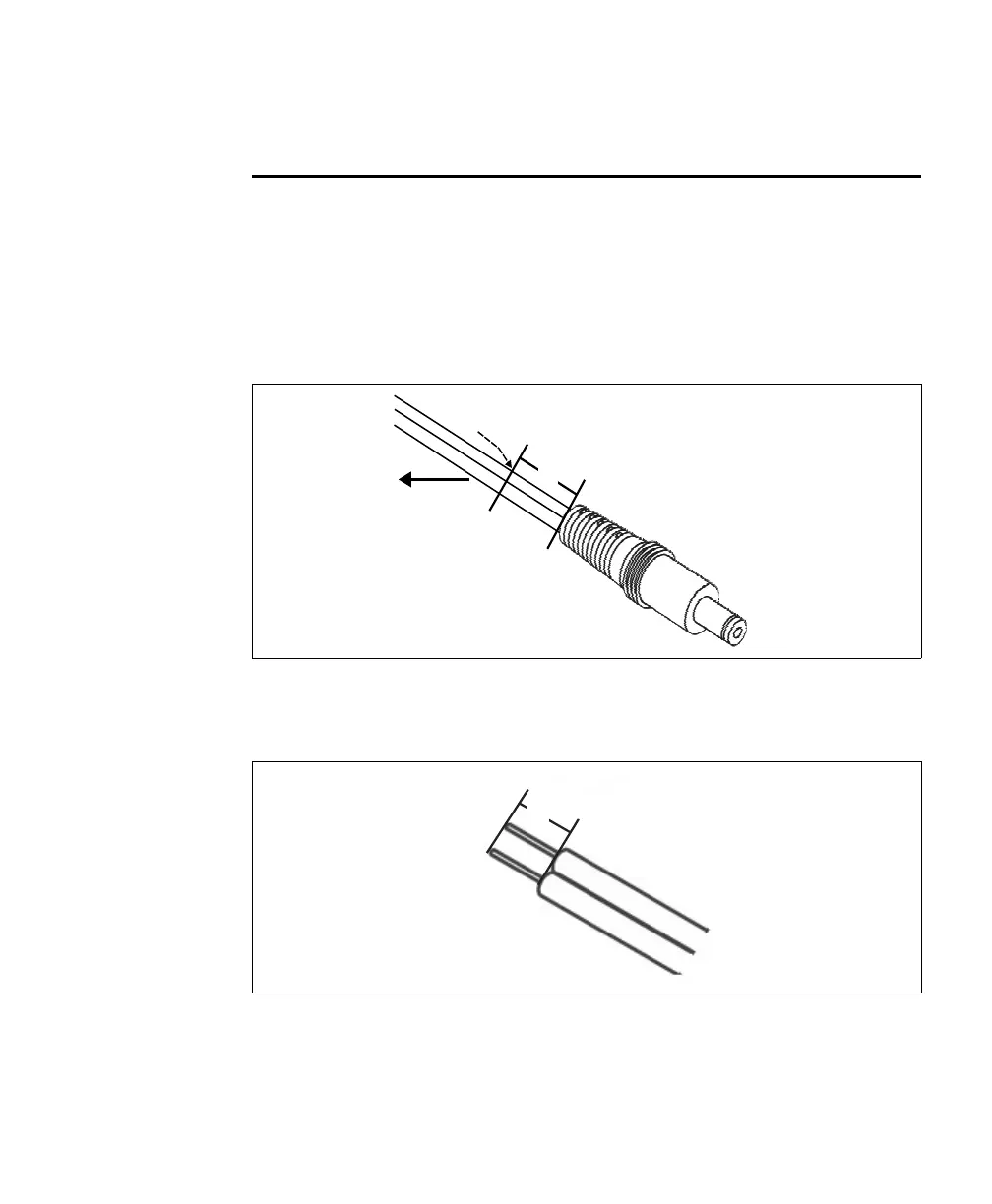
1. Clip your third-party power supply cable about 1-inch before the power adapter
(that is, the opposite end from the wall plug).
2. On the two exposed wires, carefully cut through the protective wire sheath 0.25"
back from the cut end.
0
0
1"
Power cable
Power adapter
Cut here
Wall plug
0.25"
Power cable
Exposed wires



 To Next Page