28 Chapter 2: Getting started with your Matrox 4Sight EV6 unit
Networking connections
You can connect Matrox 4Sight EV6 to your local area network (LAN) to receive
data from, for example, a GigE Vision-compatible camera, a robot controller, or
a device (such as a PLC) that communicates using the EtherNet/IP, or Modbus
industrial protocol. To do so, connect a network cable to one of the 6 Gigabit
Ethernet connectors, located on the back panel of the chassis.
Matrox 4Sight EV6 can gain access to a LAN via Gigabit Ethernet (1000 BaseT),
Fast Ethernet (100 BaseT), or Twisted Pair Ethernet (10 BaseT) through one of
the Gigabit
Ethernet connectors.
Required cabling
for Ethernet
connections
To make the connection, use an appropriate network cable. The required type of
network cable depends on the type of connection:
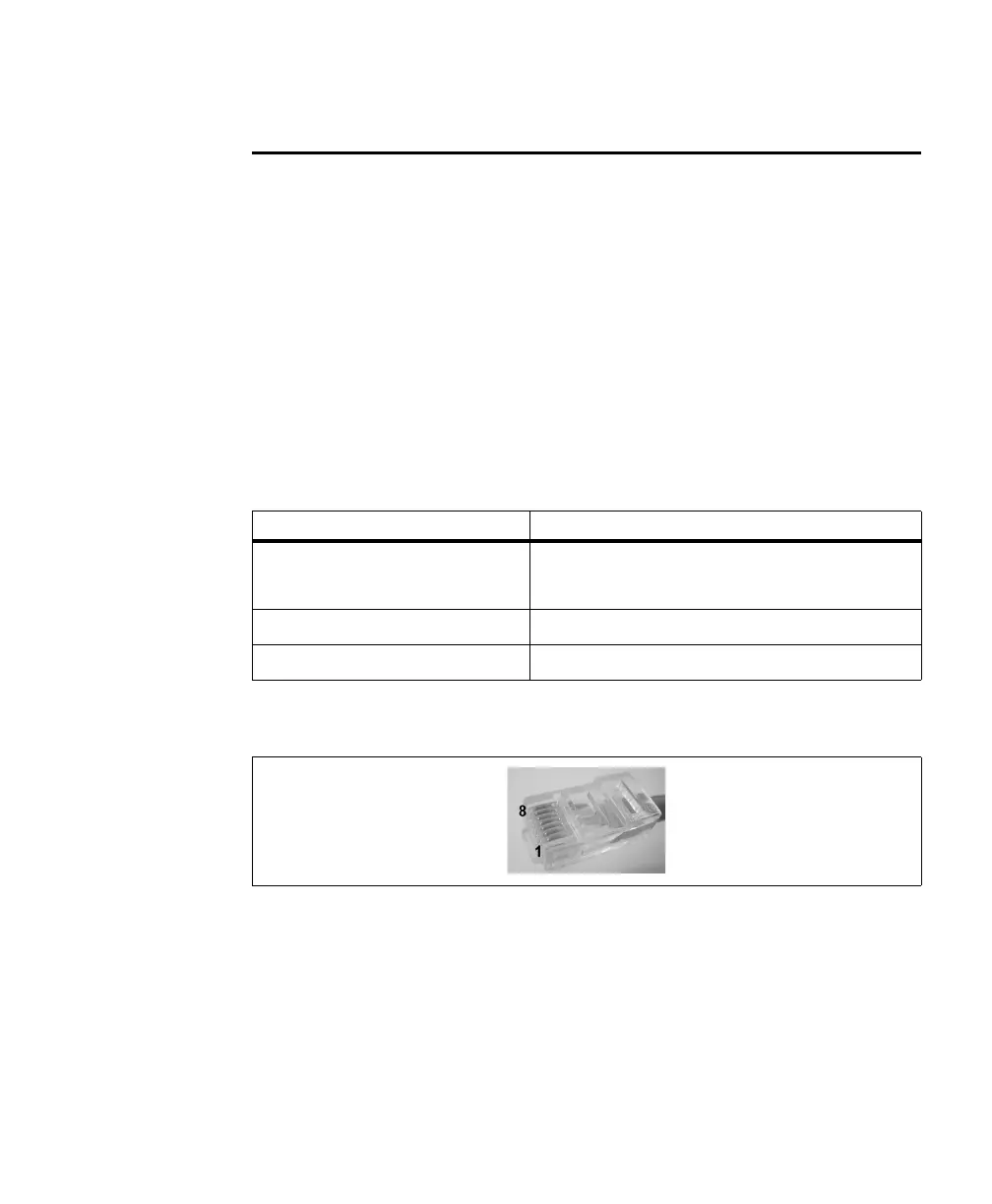
An RJ45 connector (shown below) must be attached to each end of the cable.
Connection Minimum category for network cable
Gigabit Ethernet Category 5e (CAT5e)/
Category 6 (CAT6) cable
Fast Ethernet (100 Mbits/sec) Twisted Pair Category 5 (UTP5) cable
10 Mbits/sec UTP5/UTP3 cable



 To Next Page