Removing the Matrox 4Sight EV6 chassis cover 53
Removing the Matrox 4Sight EV6 chassis
cover
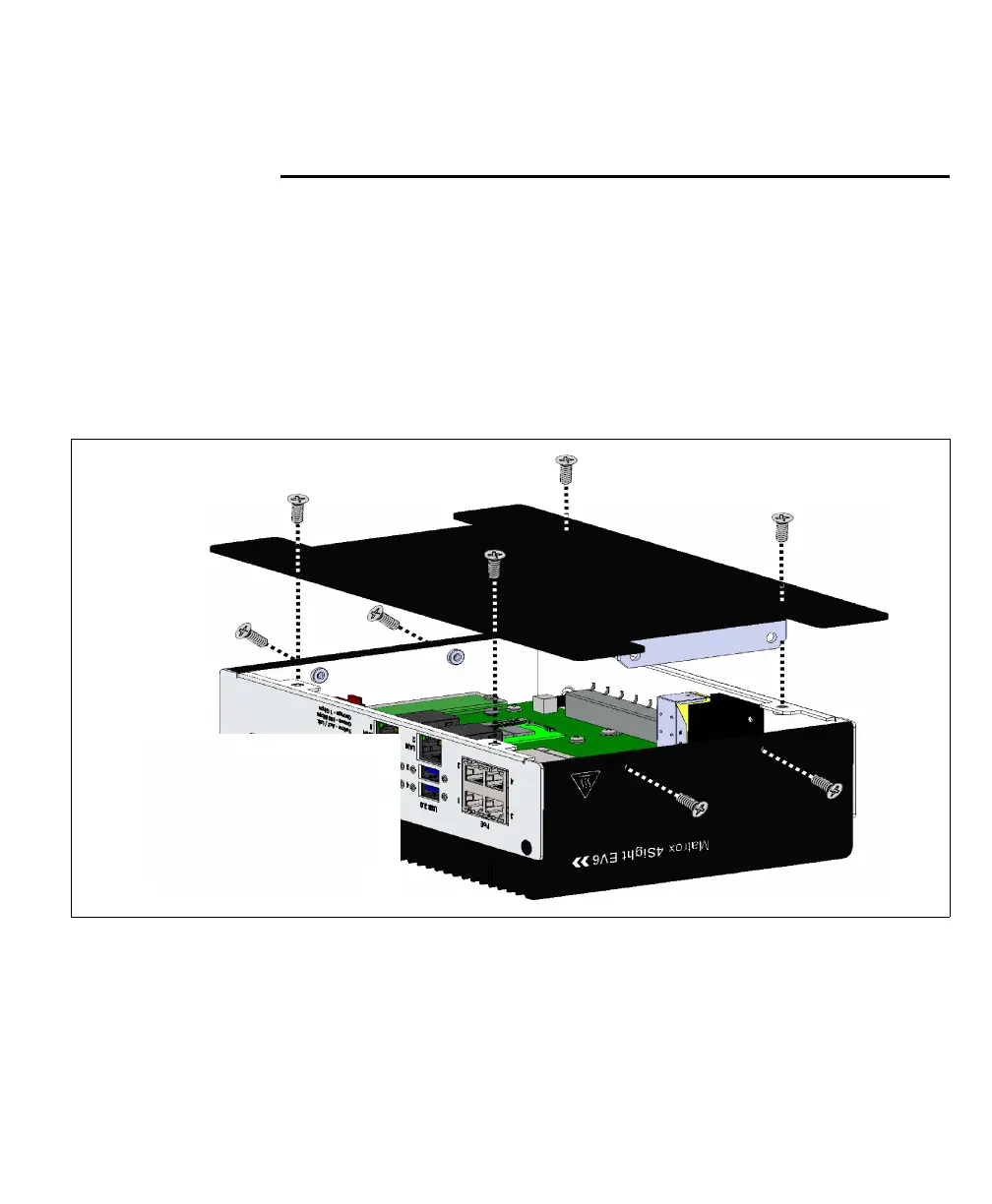
Follow the steps listed below to remove the chassis cover:
Important
1. Unplug the Matrox 4Sight EV6 power cable.
2. Flip the unit so the bottom plate is easily accessible.
3. Using a Phillips #2 screw driver, remove the screws (illustrated below) from the
Matrox 4Sight EV6 unit’s sides and bottom panel.
Caution
Be sure to turn off the
power to the unit and all
peripher as well asal,
unplug the power from
the unit before adding,
or removing devices.



 To Next Page