Pinout descriptions of internal connectors 83
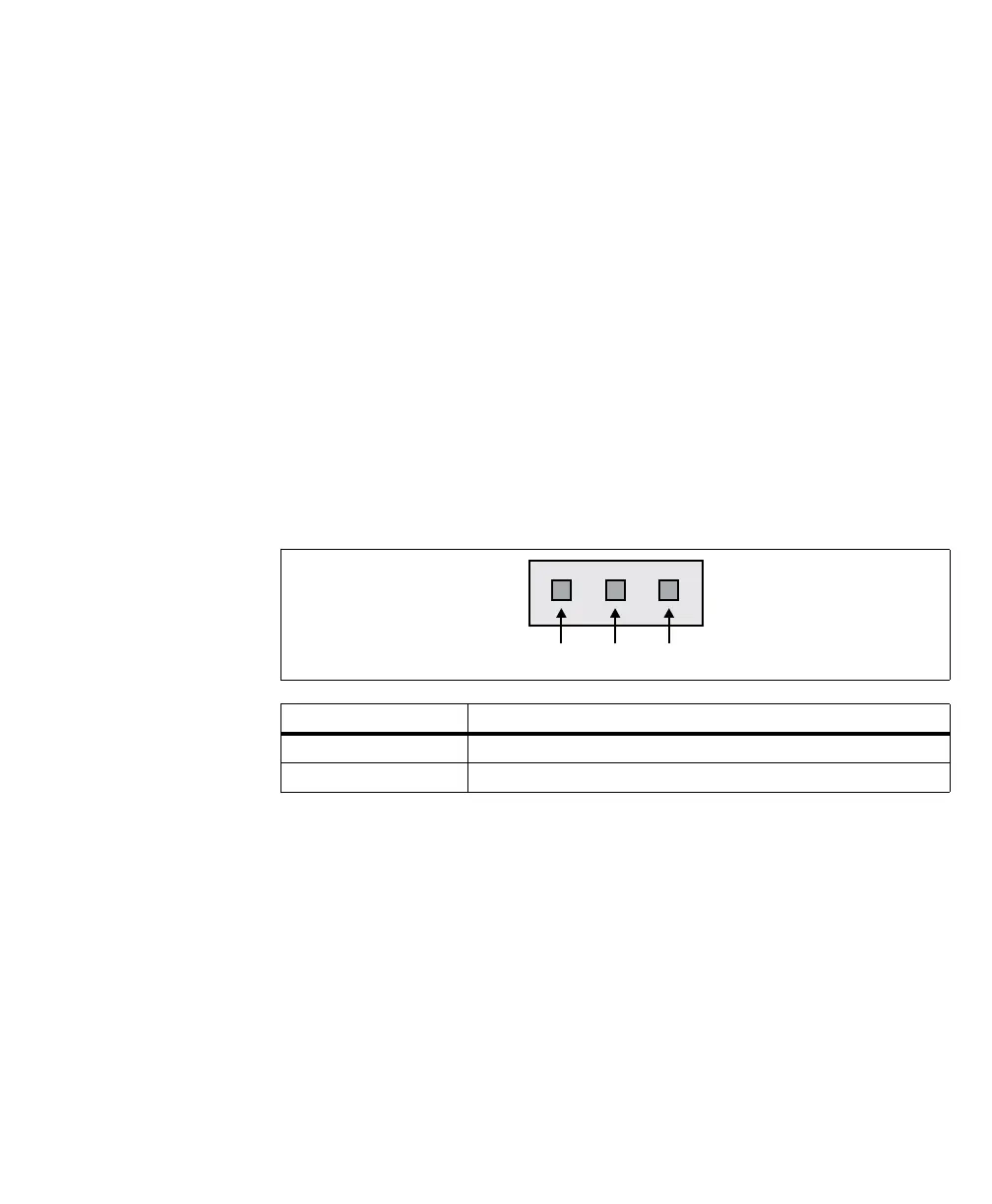
RS-485 termination connector
The RS-485 termination connector is a standard 3-pin male connector that allows
you to change the termination of the top-most serial port when in RS-485 mode.
To set or determine if the top-most serial port (the RS232/485 COM port) is in
RS-232 or RS-485 mode you must set it accordingly in the UEFI Setup utility.
To enter the UEFI Setup utility, restart Matrox 4Sight EV6 and press the Esc key
during power-on self-test (POST). You only have a few moments to press this key
before the boot-up process continues. In the UEFI Setup utility, select the
Advanced menu and open the Peripheral configuration sub-section. Under the
FPGA Com 1 option, select between RS232 or RS485.
Communication in RS-485 requires a 120 Ω termination on the differential
receiver pair of the RS-485 serial port connector. If your unit is to provide the
RS-485 termination for the signal, install the RS-485 termination jumper on pins
3-2.
Jumper Description
Installed on Pins 3-2 Termination is instantiated by the unit on the RS-485 connection.
Installed on Pins 2-1 No termination is instantiated by the unit on the RS-485 connection.



 To Next Page