Connecting to the auxiliary I/O interface 39
Connecting devices to the auxiliary input signals
Matrox 4Sight EV6 auxiliary input signals can be interfaced with a wide variety
of devices (such as proximity detectors and linear/rotary encoders). The
Matrox
4Sight EV6 auxiliary input signals only detect when current flows
between their AUX_IN+ pin to their AUX_IN- pin. As such, an auxiliary input
signal must be connected to a device that controls the flow of current. When
current is detected, the signal is reported as on; otherwise, it is reported as off. In
software, you can enable an interrupt to be generated the moment current is
detected. For information on the electrical specifications of the on and off voltage
levels, see the
Electrical specifications section, in Appendix B: Technical information.
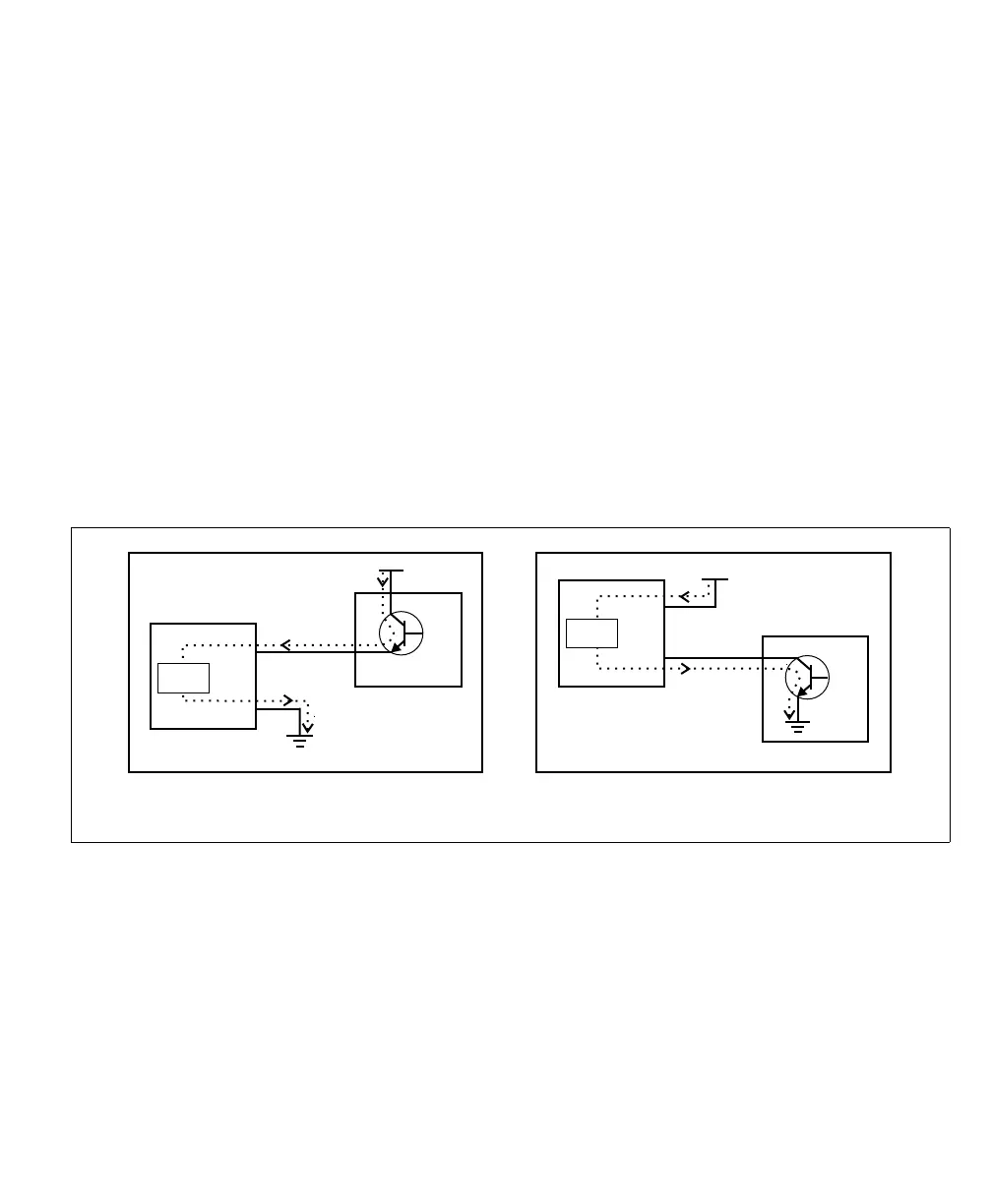
You can connect the auxiliary input signals in a sinking or sourcing configuration.
The exact connection between the input signal, the connected device, and the
power source depends entirely on the type of device to which you connect. You
should essentially connect your device respecting the following:
Equivalent circuit only
Connecting a sinking output device
to a sourcing auxiliary input signal
Connecting a sourcing output device
to a sinking auxiliary input signal
Vcc
Sourcing from Vcc
Sinking to ground
aux_in+
aux_in-
Sensing
circuit
Vcc
Sourcing from Vcc
Sinking to ground
aux_in+
aux_in-
Sensing
circuit



 To Next Page