EasyManua.ls Logo

Max 1500 PRO - User Manual

Max 1500 PRO
40 pages
Print Icon
To Next Page IconTo Next Page
Loading...
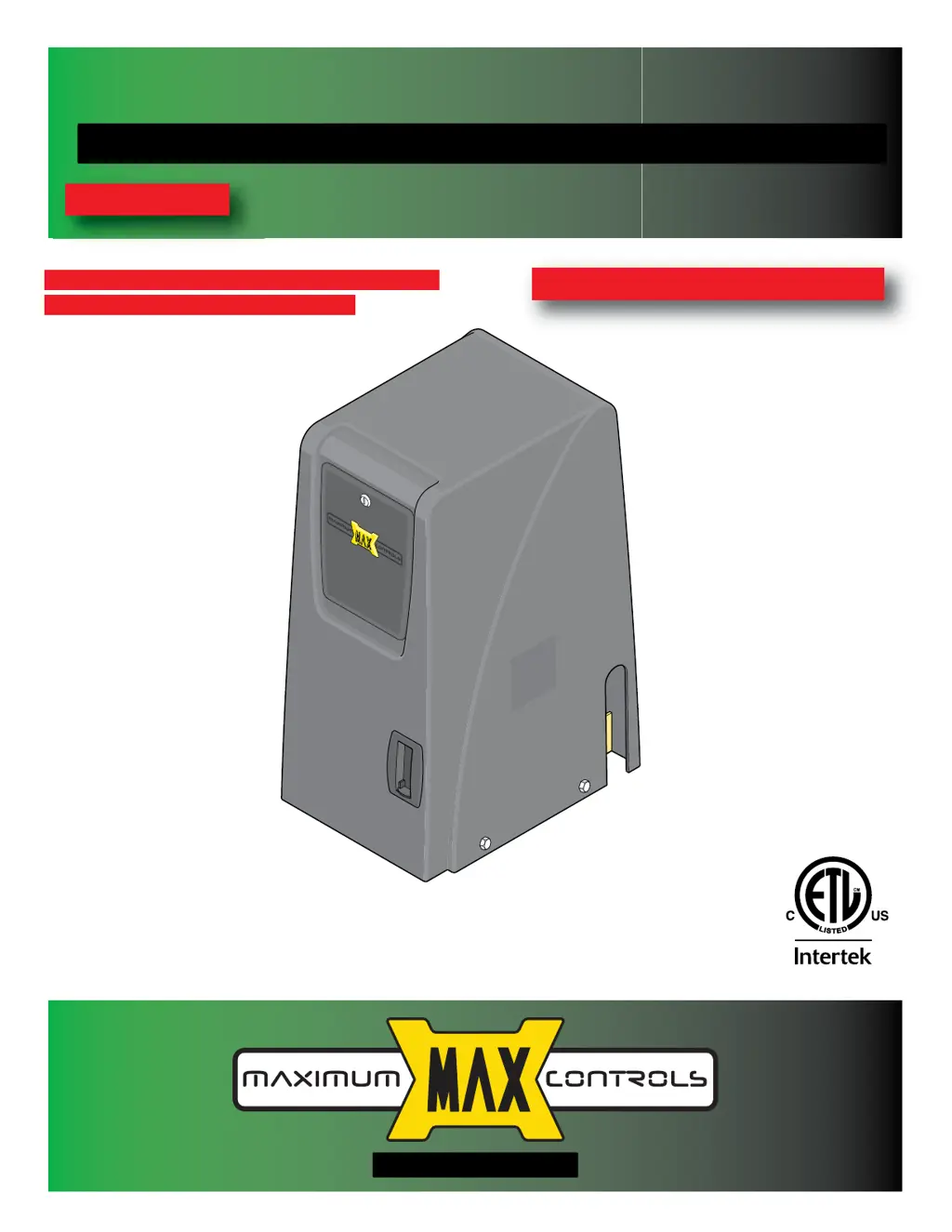
Installation Guide for
MAX 1500 PRO/2200 PRO/f18 PRO
Slide Gate Operators
www.max.us.com
4009963
Residential/Commercial
Brushless DC Slide Gate Operators
Made in USA
CONFORMS TO UL STD 325
MAX 1500 PRO/2200 PRO UL CLASS - I, II, III, IV
MAX F18 PRO UL CLASS - III, IV ONLY
CERTIFIED TO CAN/CSA STD
C22.2 NO. 247
SAFETY SENSORS REQUIRED
CONFORMS TO UL STD 325
MATRIX III
Version 7a

Questions and Answers

  • G
    Gregory LoveAug 16, 2025
    Why is the “BATTERY IN ERROR” LED on my Max 1500 PRO on?
    • A
      Anna PowersAug 16, 2025
      The “BATTERY IN ERROR” LED might be on for several reasons. First, ensure the “BATTERY Plug” is properly inserted into the “BATTERY IN” port. If AC power is lost, the operator switches to battery backup mode; check if the Toroid box AC POWER ON/OFF SWITCH is ON. If the battery is very low, check if the AC power ON/OFF switch is ON and verify AC power. If the BATTERY TEST fails and the “REPLACE BATTERY” LED is ON, the battery needs replacement. Also, ensure the battery is plugged into the BATTERY INPUT port.
  • G
    Gregory CampbellOct 31, 2025
    What to do if Max Gate Opener beeps but does not open?
    • N
      Noah LeeOct 31, 2025
      If the Max Gate Opener beeps but doesn't open or close, start by checking the GATE SHUTOFF switch to ensure it's OFF. Turn the switch ON then OFF again. Also, make sure the GATE DISABLE LED is OFF. Verify that the OPEN and CLOSE Limits have been learned. See if the GATE SPEED rotary dial is set to MAX. Confirm the gate isn't too heavy for the operator. Check if the "BATTERY IN USE" LED is ON, as this indicates battery backup mode with a low battery. Ensure the "Mode 1" switches are correctly set for operator mode. See if the “Gate in Motion” Alarm feature is ON and the “Mode 0” switches are set correctly. Check if the Power LEDs are ON on both Matrix III and Toroid box and if the “LINK ON” LED is ON. Also, verify the PRIMARY GATE "open RIGHT / open LEFT" switch is set properly. Ensure the ...

Summary

UL 325 Compliant Installation Requirements

Type D Protection Requirements

Requirements for gate operators using Type D protection for safety.

Non-Contact Sensor Placement

Guidelines for positioning non-contact sensors for gate operators.

Important Safety Information

UL 325 Model Classifications

UL 325 Required Entrapment Protection

Specifies required entrapment protection means for different gate types and classes.

Intended Use of Slide Gate Operator

Step-By-Step Installation

AC Input Power

Ground Operator

Entrapment Protection Wiring

Entrapment Protection Device Options and Locations

Details on available entrapment protection devices and their recommended placement.

Learn Gate Positions

Adjust ERD Reverse Sensor

Gate Shut-Off Switch

Troubleshooting

Gate Cycling Troubleshooting

Matrix III LED Troubleshooting

Commonly Used Safety Sensors

EMX IRB-MON Photocell (Thru-Beam) for Dual Gate Operators

Max 1500 PRO Specifications

General IconGeneral
BrandMax
Model1500 PRO
CategoryGate Opener
LanguageEnglish

Related product manuals