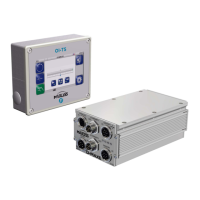
OPERATOR INTERFACE OI-TS4 - 5
D-MAXE with OI-TS www.maxcessintl.comMI 2-292 1 C
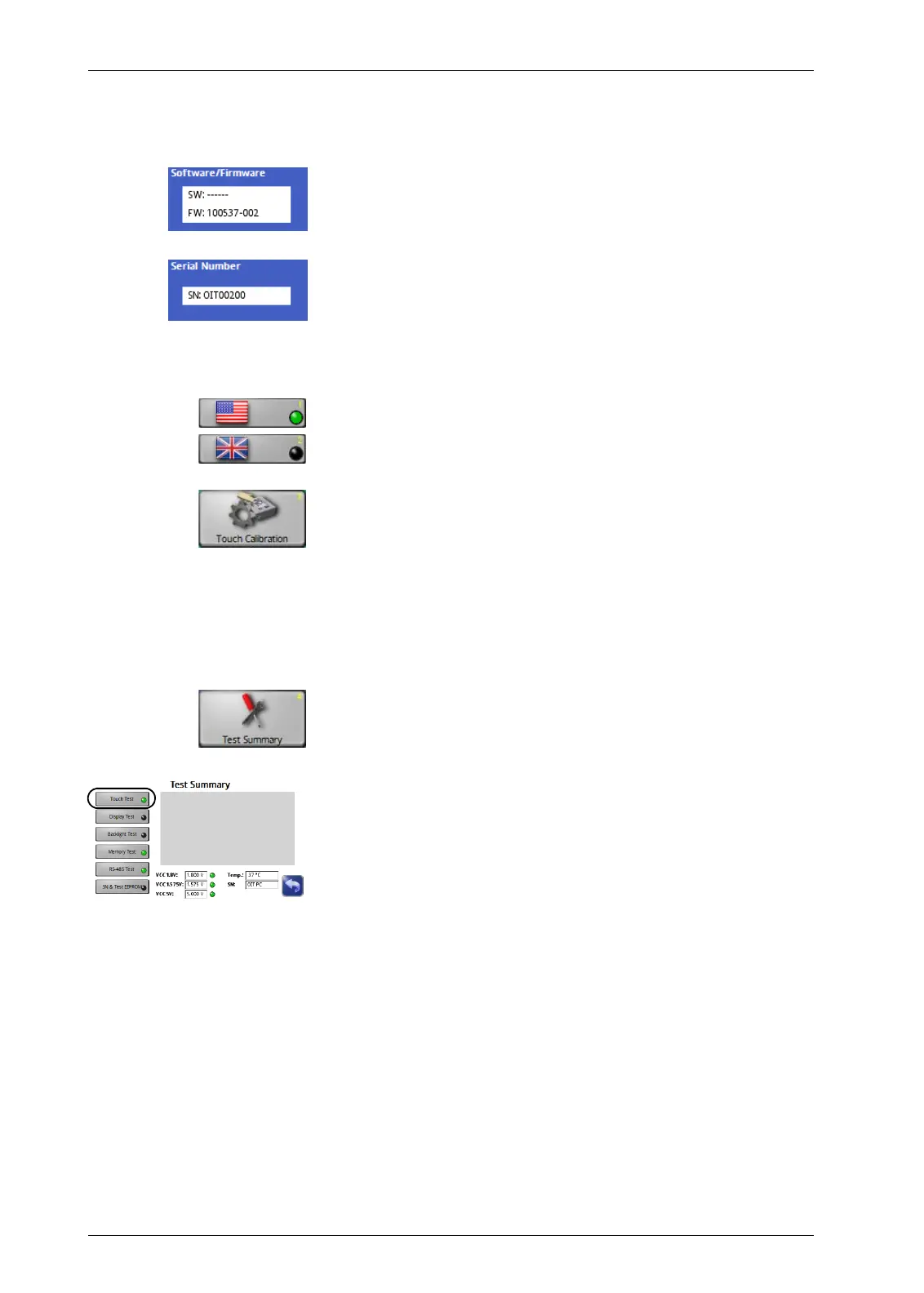
Labels This screen contains the details on the nameplate which is
affixed to the OI-TS operator interface.
– Software number
Firmware number
– Serial number
Settings
– Change between the US and British flags for display
– Calibration of the touch screen
Calibration is required if the activity of the buttons is not
synchronous with the location that is displayed. The user is
prompted to touch the screen at two points. Use of a suitable
touch screen stylus is recommended to improve the accuracy
of the calibration.
Debugging Other than the
Touch Test
, this collection of functions is
intended for Service and is not relevant for the operator.
Touch Test
This test can be performed if no actions or incorrect actions are
performed on the OI-TS operator interface.
see
D-MAXE operator interface OI-TS, page 10-3


 To Next Page