28
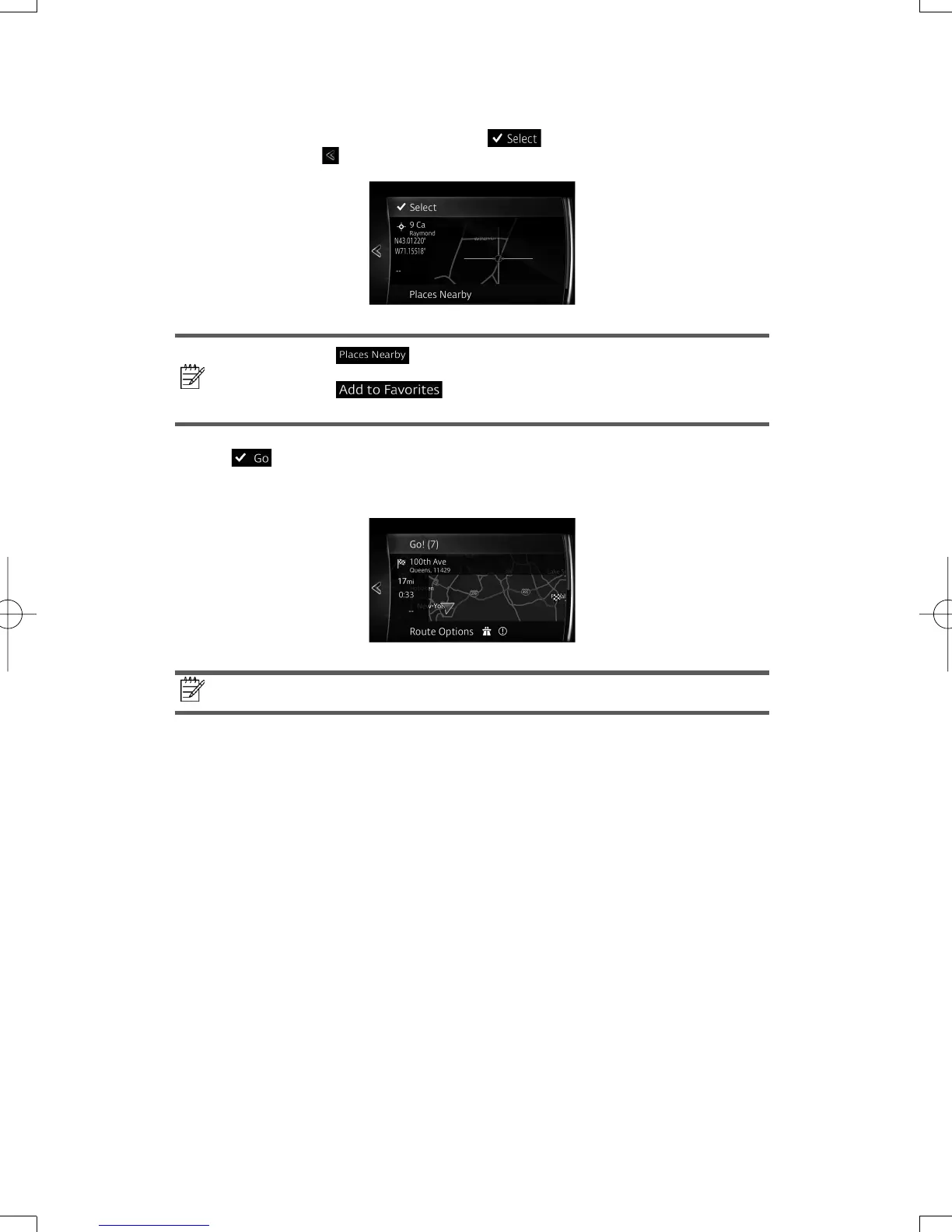
6. Transitions to the screen where the input location can be checked.
Transitions to the next screen by selecting
, and returns to the previous screen
by selecting the
button. The input location can be changed by selecting MAP.
Note!
•
: POIs (point of interest) around the selected location
can be searched.
•
: The selected location can be registered to
Favorites.
7. If
is selected or it is not operated for a continuous 10 seconds, the route
guidance is started.
The set route can be checked by selecting MAP.
Note!
The route can be edited by selecting other options.
NAV-6AVUAEA.indb28NAV-6AVUAEA.indb28 2013/07/3110:51:322013/07/3110:51:32


 To Next Page
 Loading...





