24
4. GENERAL FUNCTIONS
4.1 TURNING YOUR EQUIPMENT ON AND OFF
IMPORTANT NOTICE: Before you switch on the device, make sure that it is compliant with
panel of the device.
Always make sure that the power switch on the rear panel of the device is fully
switched o before adding or removing connections.
Once all the wiring has been properly connected, you can switch on the device by turning
on the Power
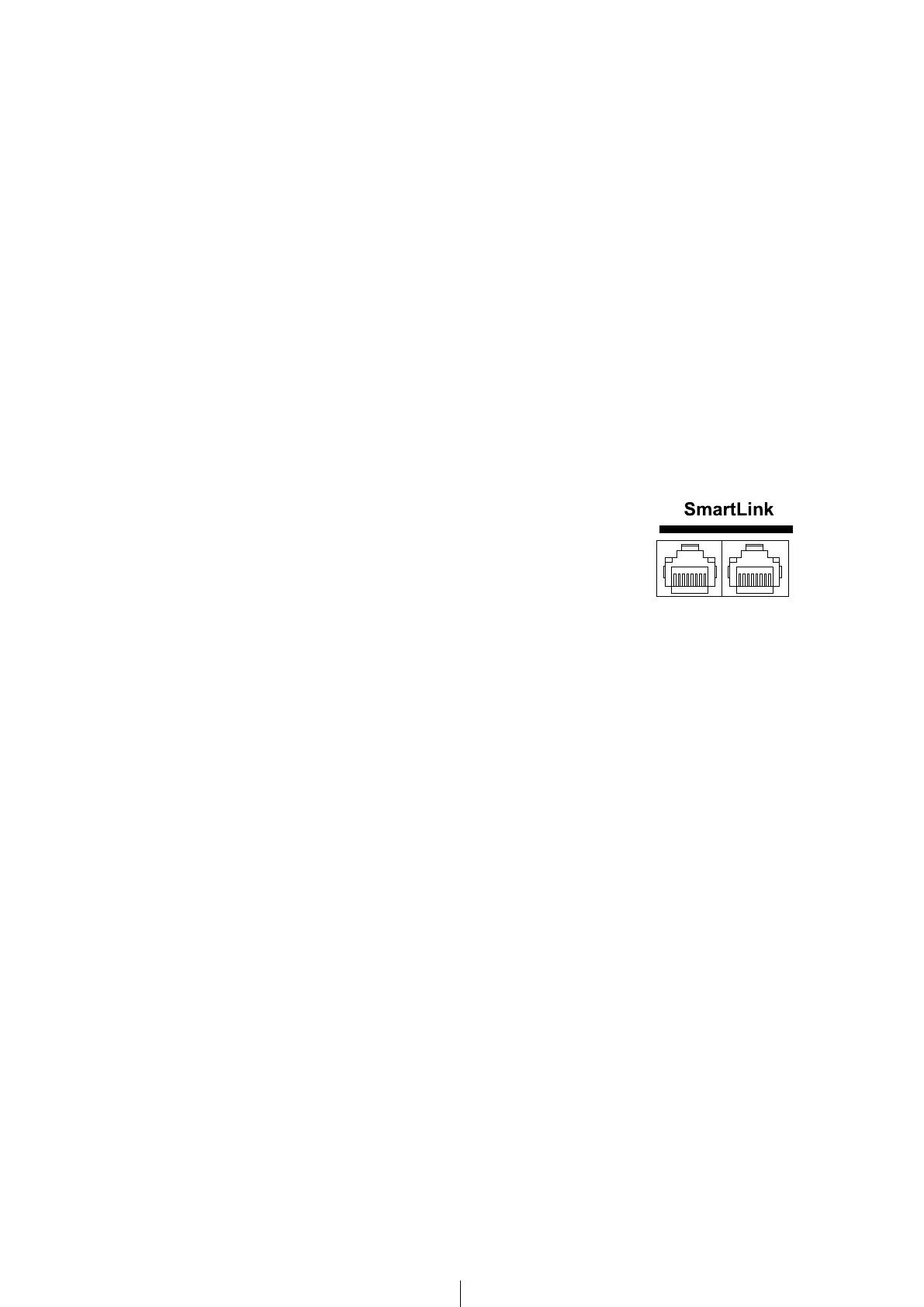
4.2 MBL SMARTLINK
All the components of the MBL Cadenza Line can be connected to
one another using MBL SmartLink cable. This enables interconnected
components to exchange various pieces of information. With MBL
SmartLink cable, operation of the Standby and Display Brightness
functions applies simultaneously to all devices and there is
synchronisation of the selected input source between the CD-DAC
4.3 DISPLAY BRIGHTNESS
transmitted to all MBL devices which are connected via MBL SmartLink (required cable
Hint: When the menu is active, the display cannot be dimmed.
By keeping the touchpad pressed for more than two seconds the device is being removed
from the common dim function and the brightness of the display may be adjusted
further longer press of the Touchpad brings the device back to the common dim function.
Pressing any standby key of a device within the MBL SmartLink chain switches the
4.4 STANDBY
Pressing any standby key of a device within the MBL SmartLink chain switches the
device may be switched of or on separately. The next time the MBL SmartLink chain is
switched on the device is back in the chain and switched on as well.


 To Next Page