49
11. Play demo tunes
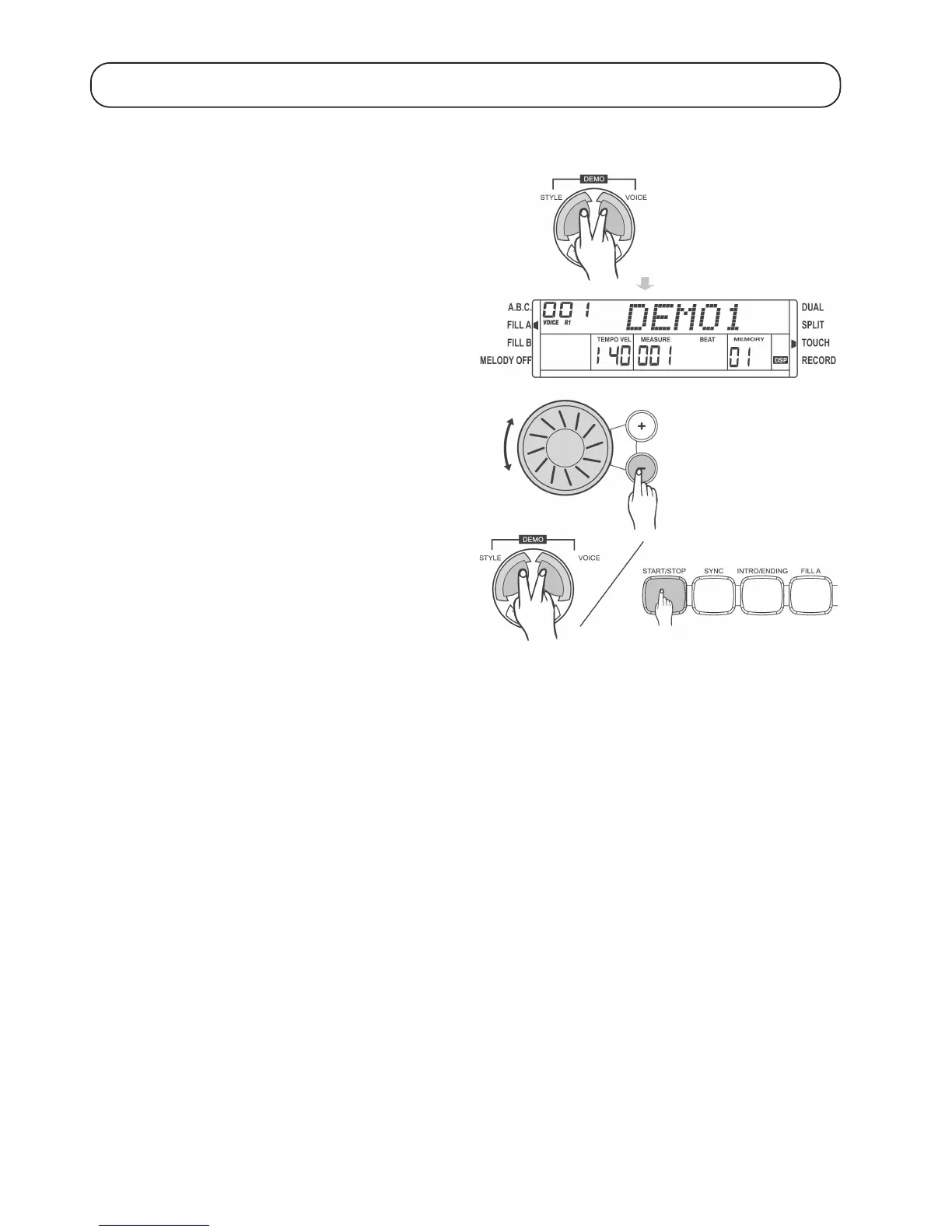
To demonstrate the capabilities of the digital piano, you can choose between three different demo songs and play them.
Press the „VOICE“ and „STYLE“ buttons simultaneously to play the
first demo tune.
Set the desired volume using the volume control („VOLUME“).
Use the control wheel or the „+“ and „-“ buttons next to it to select one
of the three available demo tunes.
To stop playing a demo tune, press the „VOICE“ and „STYLE“ buttons
again.
You can also stop playback by pressing the „START/STOP“ button.


 To Next Page