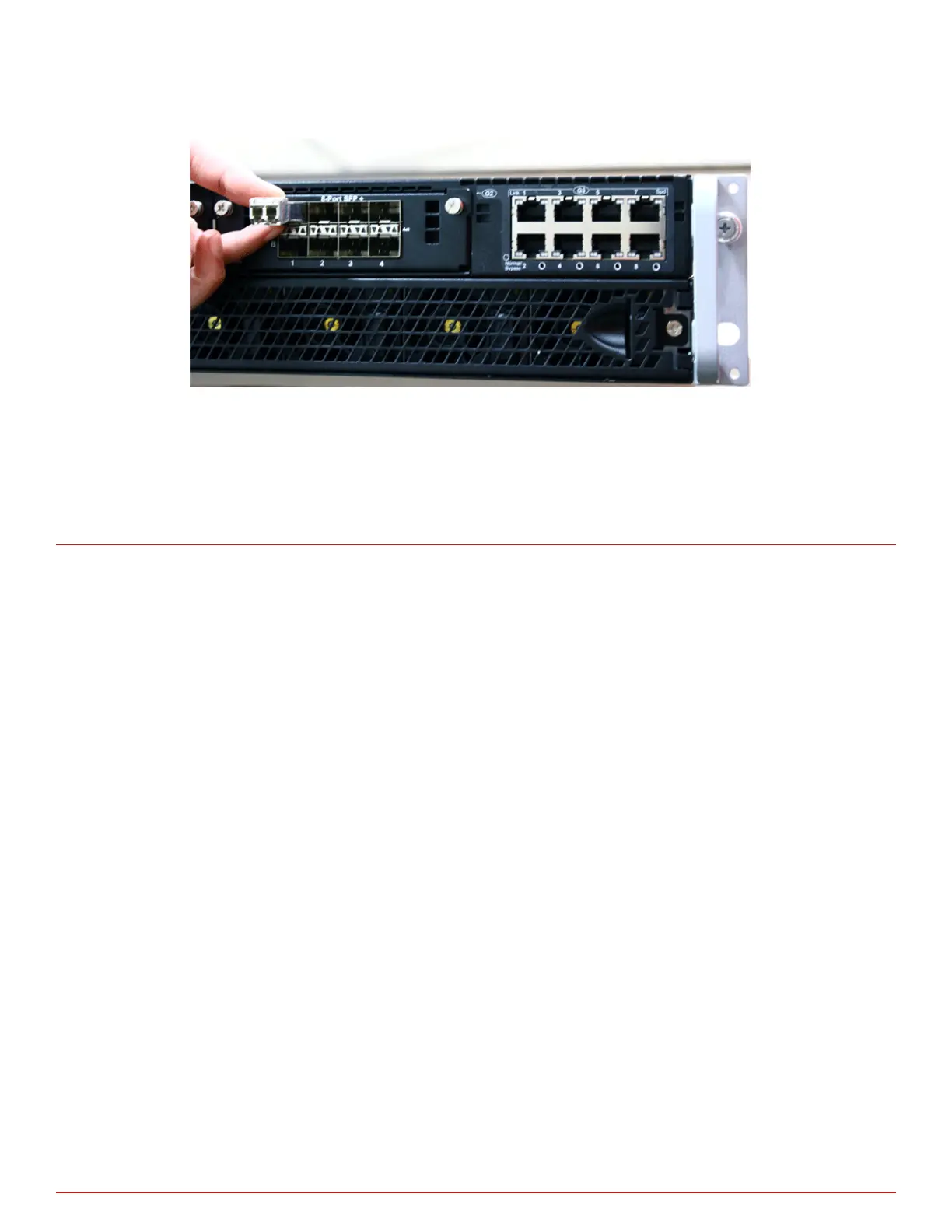
Modules are keyed to prevent incorrect insertion.
Figure 6-5 Insert a transceiver module
In the following scenarios you need to reboot the Sensor to detect the new speed:
• 100 Gbps Copper transceiver to 40 Gbps transceiver Copper or vice versa
• 100 Gbps Fiber transceiver to 40 Gbps Fiber transceiver or vice versa
Remove a transceiver module
Perform these tasks if you need to remove a module.
Task
1
Disconnect the network ber-optic cable from the module.
2
Release the module from the slot by pulling the bail clasp out of its locked position.
3
Slide the module out of the slot.
4
Insert the module plug into the module optical bore for protection.
6
Small form-factor pluggable transceiver modules
Remove a transceiver module
28
McAfee Network Security Platform



 To Next Page