Page 20 85
-
J - Operator’s Manual - 95803
January 2024Section 7 - Operating Instructions & Pre-Operation Function Tests
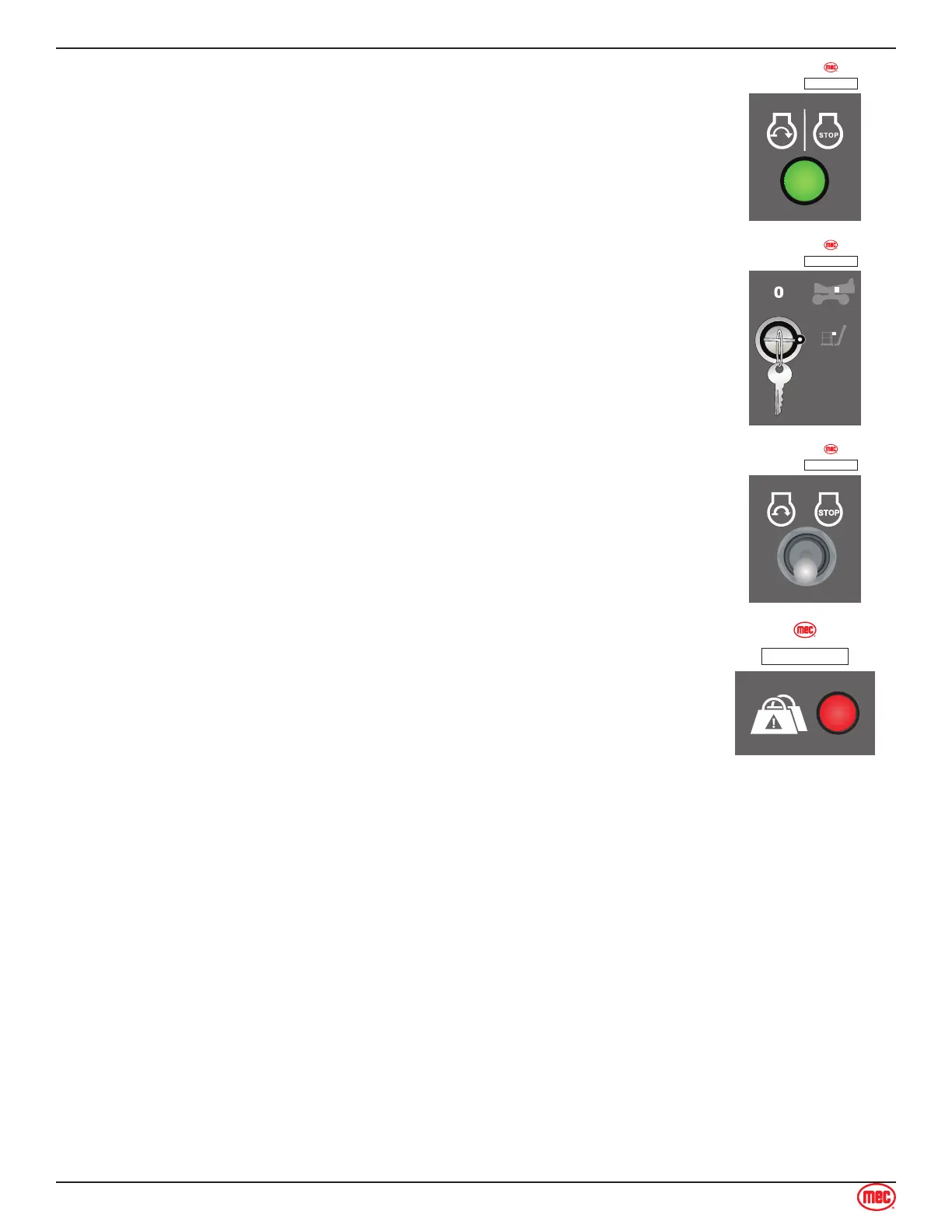
Lower Control Start/Stop Button
Press the green button to start the engine or to turn the engine o.
ART_6095
ILLUSTRATION No.
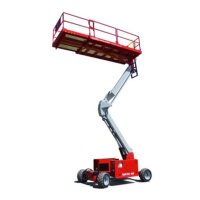
Starting Engine from Platform Controls
Be sure that the upper and lower EMERGENCY STOP Switches are reset.
Lower Control Box: Turn the Key Switch to PLATFORM.
ART_6095
ILLUSTRATION No.
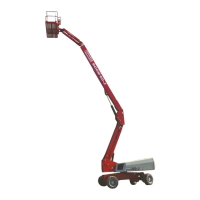
Upper Control Start/Stop Switch
Press this switch to either start the engine or to turn the engine o.
ART_6095
ILLUSTRATION No.
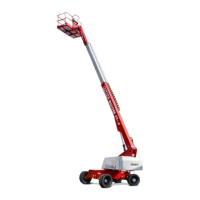
Upper Control Overload Indicator Light
Light ON indicates too much weight on the platform.
An audible alarm will sound and all machine function will stop. Remove weight
from the platform to restore function and continue.
ART_6097
ILLUSTRATION No.


 To Next Page