Page 28 85
-
J - Operator’s Manual - 95803
January 2024Section 7 - Operating Instructions & Pre-Operation Function Tests
Platform Operations Test
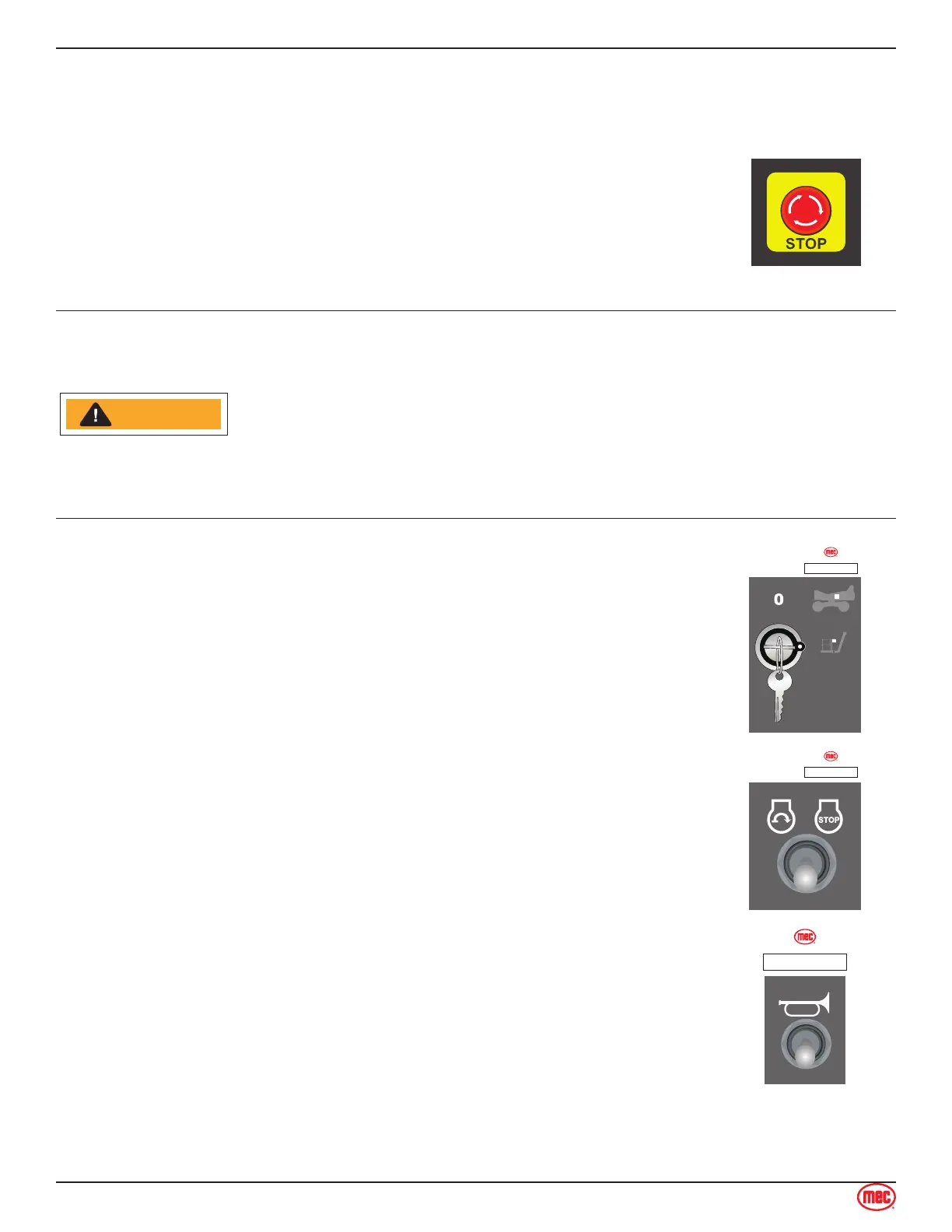
Emergency Stop
Press the Emergency Stop Switch at any time to stop all machine functions.
Turn switch clockwise to reset.
Depress the EMERGENCY STOP switch whenever the machine is not in
operation. Turn switch clockwise to reset.
NOTICECAUTION
CAUTIONWARNING
ART_6091
Activation of the EMERGENCY STOP switch will apply brakes
immediately.
This will cause sudden platform movement as the machine comes to an
abrupt stop.
Brace yourself and secure objects on the platform during operation of
machine.
Starting Engine from Platform Controls
Be sure that the upper and lower EMERGENCY STOP Switches are reset.
Lower Control Box: Turn the Key Switch to PLATFORM.
ART_6095
ILLUSTRATION No.
Operate from Platform - Start/Stop Switch
Enter the platform through one of the personnel entry gates. Close and secure
the entry.
Press this switch to either start the engine or to turn the engine o.
ART_6095
ILLUSTRATION No.
Horn Button
Press the Horn Button to verify proper operation.
ART_6097
ILLUSTRATION No.


 To Next Page