Mecmesin MultiTest-x manual
25
However, if any calculation command has been activated (see [1], [3], [2], [1] Select
Analysis, above), pressing the [2] key will display the screen which allows the limits of
the first calculation to be specified.
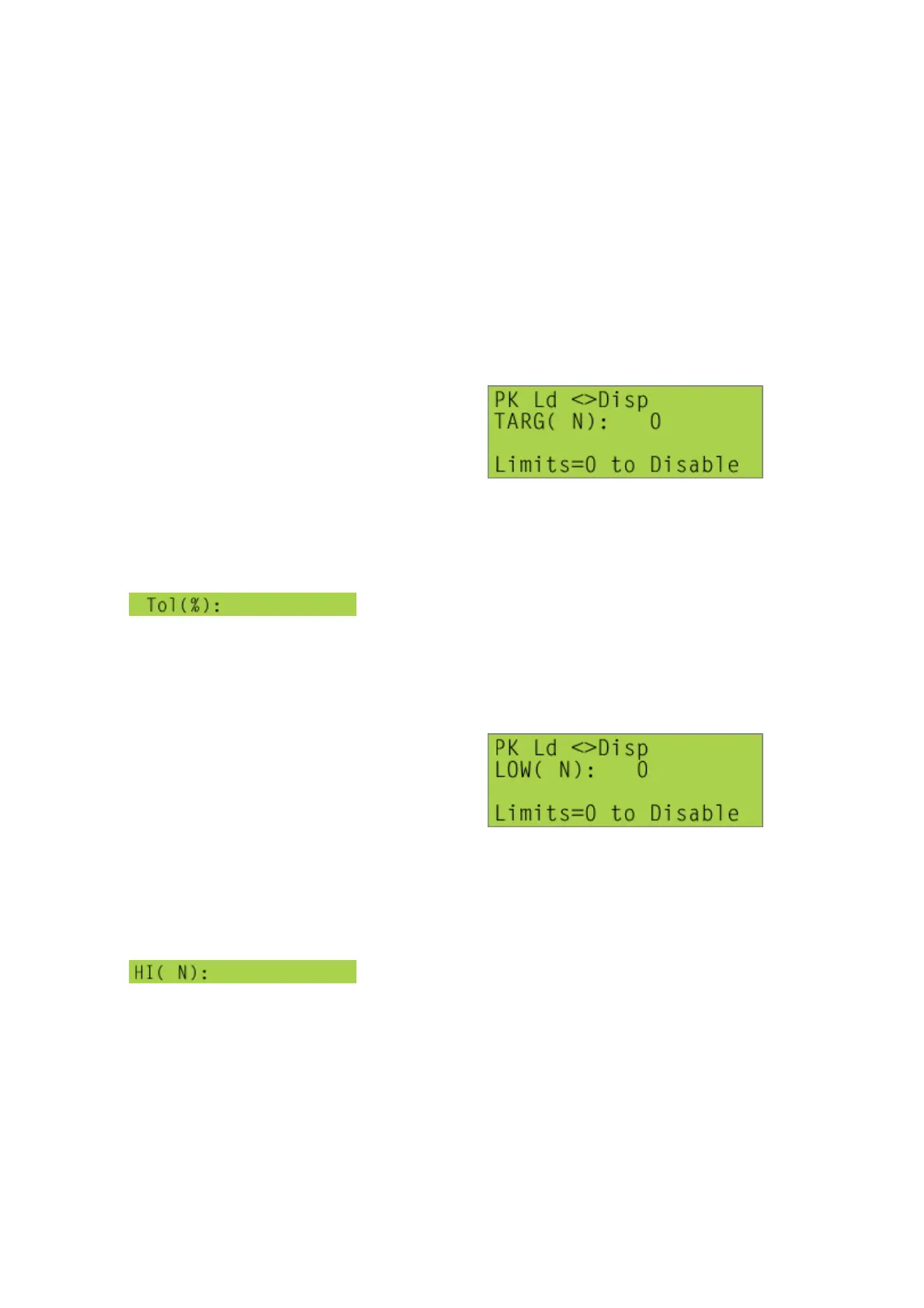
If, for example, the first analysis is a peak calculation, and the ‘Limit Type’ command
(see [1], [4], <2>) has been set to ‘%TARG’, the screen displayed will be similar to,
Pressing [Start/ENT] twice (i.e. entering zero for both parameters) will disable the set
limits facility for the first calculation.
However, if a target value for the result of this calculation is typed in, pressing
[Start/ENT], will display a new line in the Set Limits screen,
when a value for the tolerance percentage is typed in,
pressing the [Start/ENT] key will store the tolerance values and display the Set Limits
screen for the second calculation.
Alternatively if a peak calculation has been set-up, but the ‘Limit Type’ command (see
[1], [4], <2>) has been set to ‘ABS’, the screen displayed will be similar to,
Pressing [Start/ENT] twice (i.e. entering zero for both parameters) will disable the set
limits facility for the first calculation.
However if a lower limit value for the result of this calculation is typed in, the new line
displayed in the Set Limits screen after pressing [Start/ENT] will be similar to,
when a value for the lower limit value is typed in,
pressing the [Start/ENT] key will store the tolerance values and display the Set Limits
screen for the second calculation.



 To Next Page