Mecmesin MultiTest-x manual
14
[1], <1>, Procedure Menu (Choosing and Running a Test Procedure)
Choosing a Test Procedure
Pressing [1] scrolls through the procedures (programs) which are available. The
MultiTest-x can store up to five such procedures. Pressing [Stop/BK SP] will load the
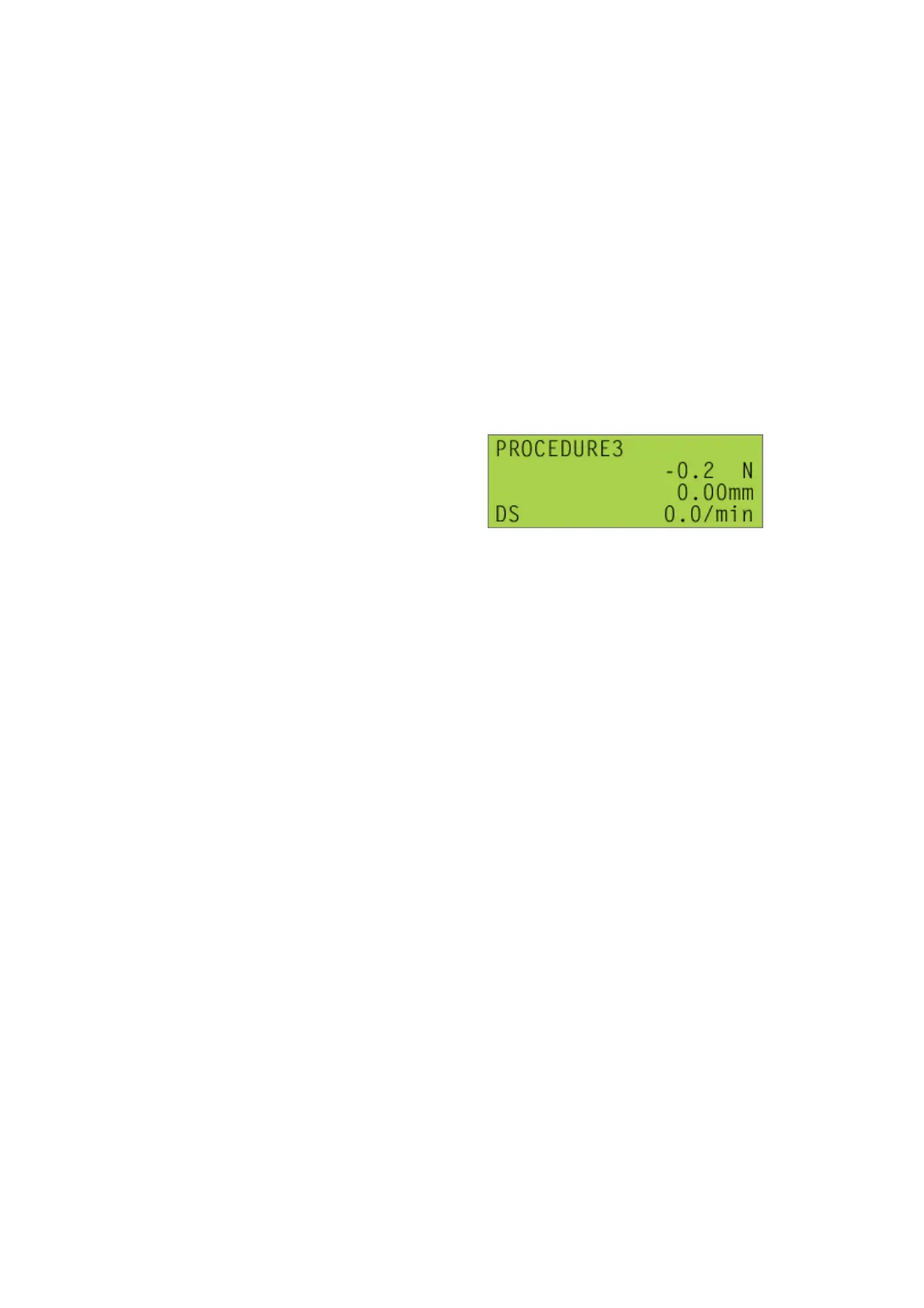
procedure selected; for example, after clicking [1] twice, thus selecting Procedure 3, a
screen similar to this
will be displayed.
Note that this is the ‘live’ test screen, i.e. gently pushing or pulling the loadcell will
change the load reading. This screen is indicating that:
• Procedure 3 is loaded, and ready to run
• The current load reading is -0.2N. (Note than when there is no load this reading
could typically be displaying readings of: -0.2, -0.1, 0.0, 0.1 or 0.2N due to small
levels of noise on the signal from the 5000N Xtra loadcell connected in this
particular example)
• The current length reading is 0.00mm
• The current speed of the crosshead is 0.0mm/min
To leave the ‘live screen’ and return to the Main Menu, press the [1/Menu] key.
Running a Test Procedure
With the appropriate procedure selected (see previous section), press the [Start/ENT]
key. While the test is running the screen(s) displayed will appear similar to:



 To Next Page