Mecmesin MultiTest-x manual
35
The data displayed will help a Mecmesin engineer diagnose the current status of a
particular system. In the unlikely event of a problem arising with a MultiTest-x, an
engineer providing remote support may ask for a description of this screen to be
provided by telephone or Email. To return to the utilities menu hold down the
[Stop/BK SP] key.
[1], [4], [7] Calibration
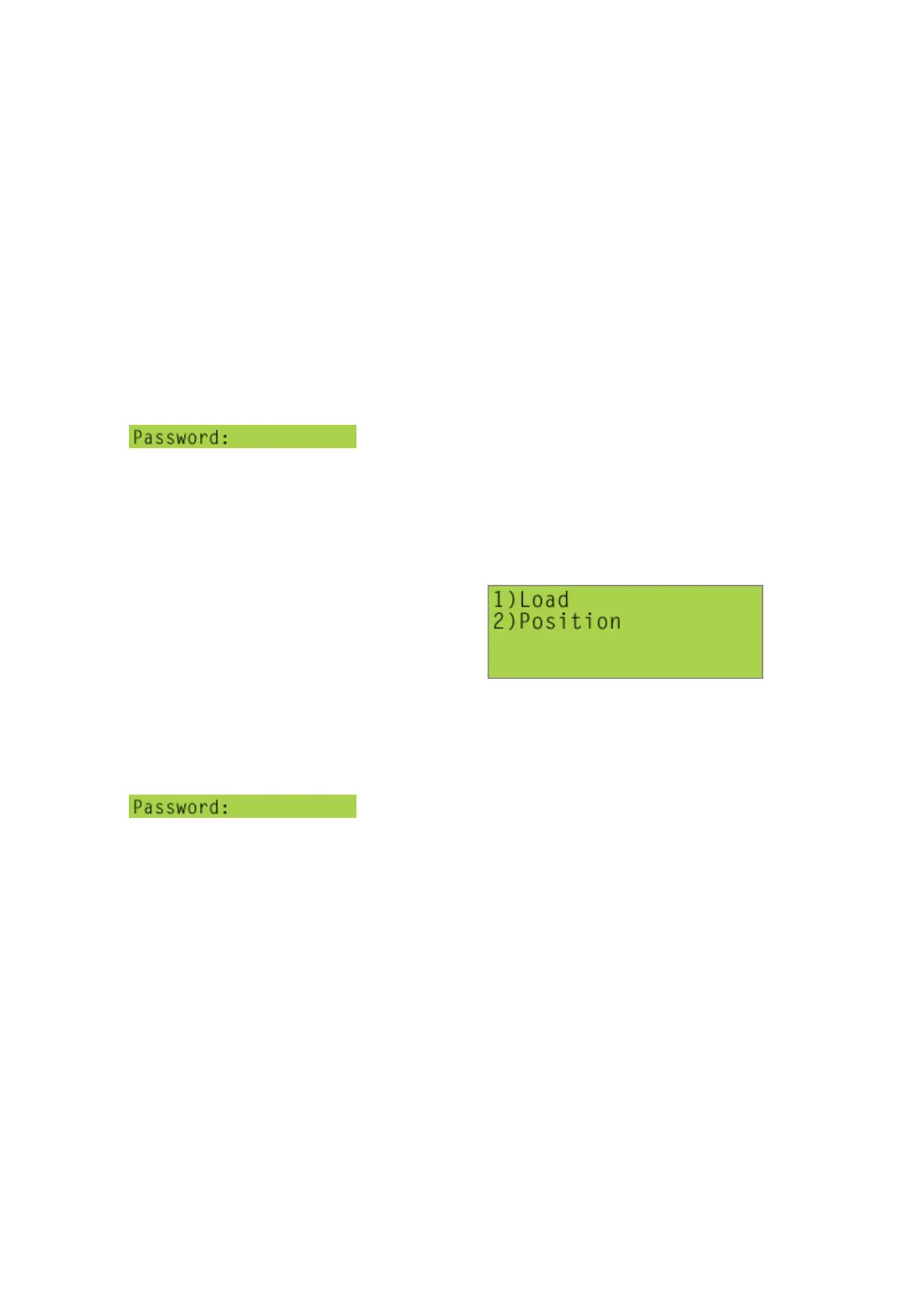
If you have permission to enter this screen, type in the
appropriate password. Access to this screen is limited to Mecmesin engineers,
Mecmesin overseas agents, and technicians in Mecmesin-approved calibration
laboratories. (If the password is entered incorrectly ‘INVALID PASWORD’ will be
displayed, and the screen will automatically re-set after a few seconds.)
Pressing [Start/ENT], will display the following screen:
i) Press [1] to carry out the load calibration procedure
ii) Press [2] to carry out the displacement calibration procedure
[1], [4], <8> Supervisor-ON
If you have permission to enter this screen, type in the
appropriate password. Access to this screen would normally be limited to the
designated ‘responsible person’ associated with the particular MultiTest-x system,
typically the Quality Manager or Quality Laboratory Supervisor. (If the password is
entered incorrectly ‘INVALID PASWORD’ will be displayed, and the screen will
automatically re-set after a few seconds.) Pressing [Start/ENT]. will toggle between
‘Supervisor-ON’ and ‘Supervisor-OFF’.
Note that systems which have been set to ‘Supervisor-OFF’ mode will not allow the
operator to change options selected or values entered in many of the screens
described in this manual. Titles of sections which display options/values which can
only be changed when the system is in ‘Supervisor-ON’ mode’ appear in blue within
this manual.



 To Next Page