Mecmesin MultiTest-x manual
32
Under no circumstances should any attempt be made to make changes, this could
result in serious damage of the MultiTest-x system, and will certainly invalidate any
warranty associated with that system. The system should immediately be shut down
by turning off the power switch located on the back panel of the test stand.
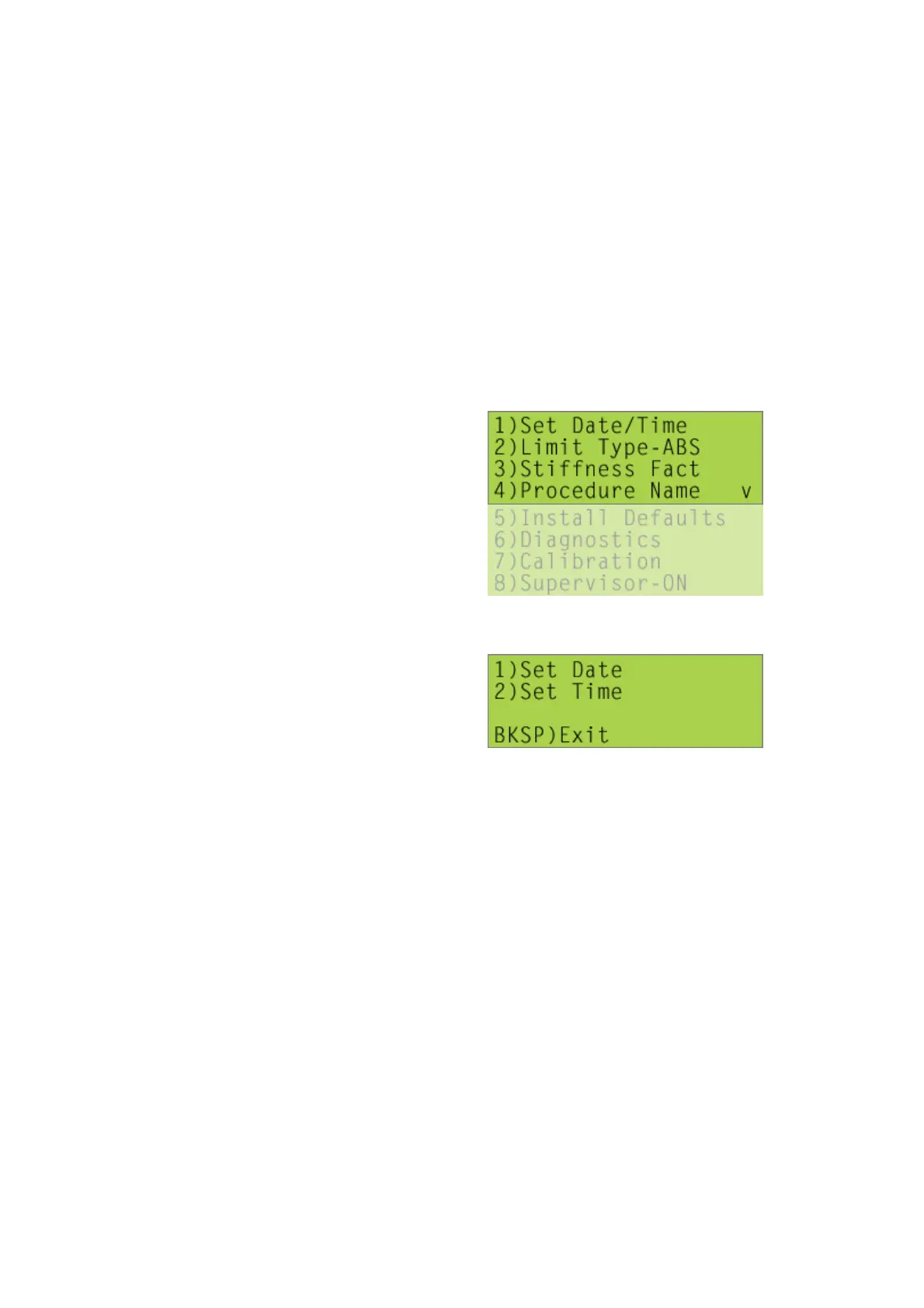
[1], [4] Utilities Menu
[1], [4], [1] Set Date/Time
• Press [1], type in the month (1 to 12), then press [Start/ENT]
• Type in the day (1 to 31), then press [Start/ENT]
• Type in the year(2 to 99), e.g. enter ‘7’ for 2007, then press [Start/ENT]
• The message ‘DATE SET!’ will be displayed
• Press [2], type in the hour (0 to 23), then press [Start/ENT]
• Type in the minute (0 to 59), then press [Start/ENT]
• The message ‘TIME SET!’ will be displayed
Press [Stop/BK SP] to return to the Utilities menu.
[1], [4], <2> Limit Type-ABS



 To Next Page