Mecmesin MultiTest-x manual
31
A feature called ‘touch control’ enables, for example, spring testing and absolute
height measurement. The upper fixture moves at a given speed (see [1], [3], [3], [8],
below) towards the lower fixture, or anvil plate, until they touch at a given load (see
[1], [3], [3], [7], below); then the crosshead returns to the Home position (see [1], [3],
[3], [5], above). The ‘touch position’, where the fixtures made contact, is set to zero –
all subsequent position measurement will be relative to this touch position. Activating
touch control, in effect, introduces a third stage into a test procedure – the touch-on
routine will be carried out immediately prior to Segment A being executed for the first
time. Tests involving springs, shock absorbers, top-loading of plastic containers or
metal cans, and insertion/withdrawal of fasteners or electrical connectors can all be
undertaken easily by means of this technique.
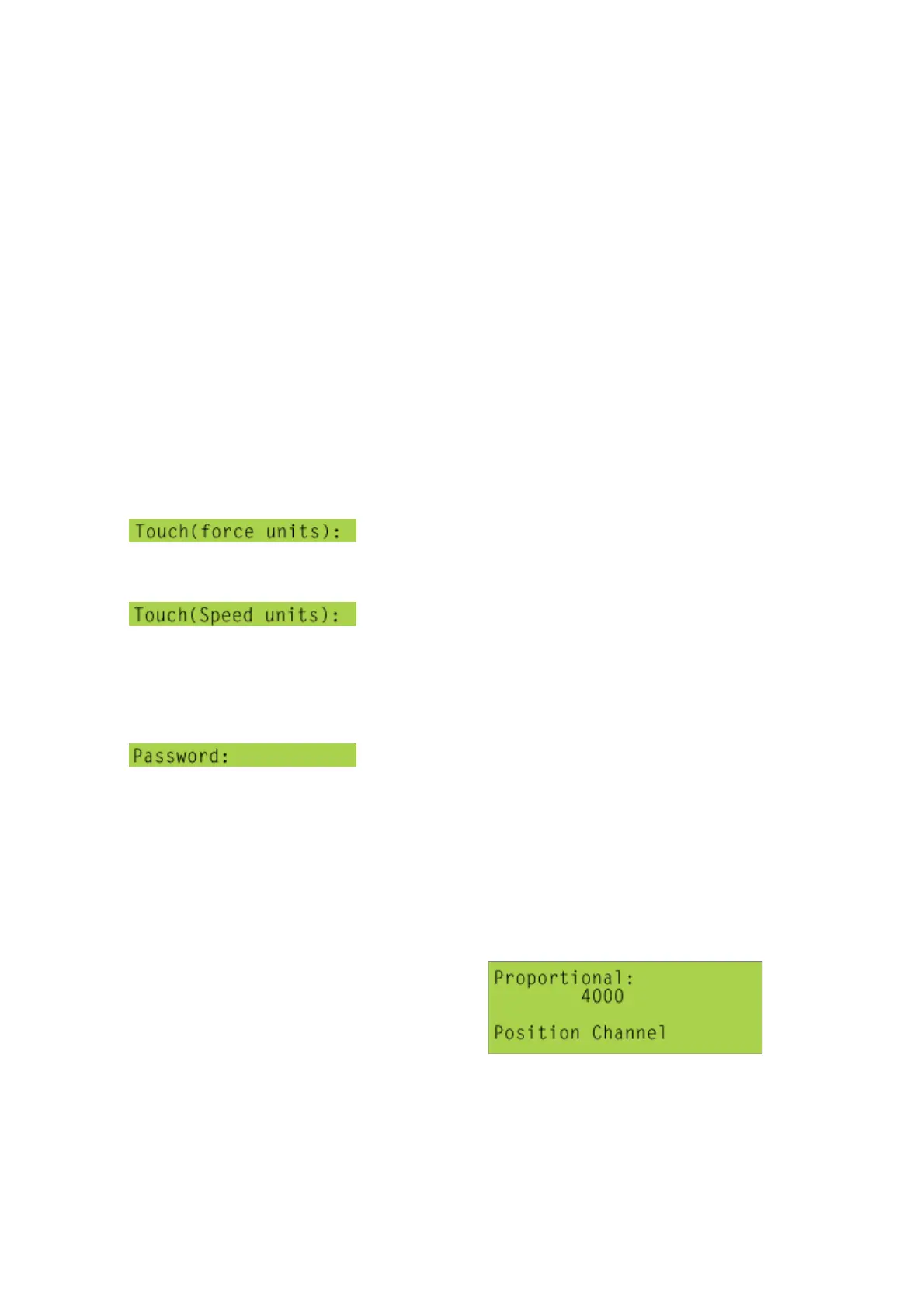
[1], [3], [3], [7] Touch Load
type in the touch-on load in the units indicated.
[1], [3], [3], [8] Touch Rate
type in the touch-on speed in the units indicated.
[1], [3], [3], [9] Control Gains
only Mecmesin engineers and approved service
personnel have permission to enter this screen, type in the appropriate password, and
press [Start/ENT]. (If the password is entered incorrectly ‘INVALID PASWORD’ will
be displayed, and the screen will automatically re-set after a few seconds.)
With a MultiTest-x, the speed will not drop off as the force increases. This is because
the gain parameters of a PID control algorithm have been set-up automatically to
keep the speed constant, even up to the capacity of the testing machine. Although
these parameters can be adjusted – nobody apart from a Mecmesin engineer will ever
need to do so. If, by any chance, an operator should encounter a screen similar to
this,



 To Next Page