Mecmesin MultiTest-x manual
9
Limit Stops
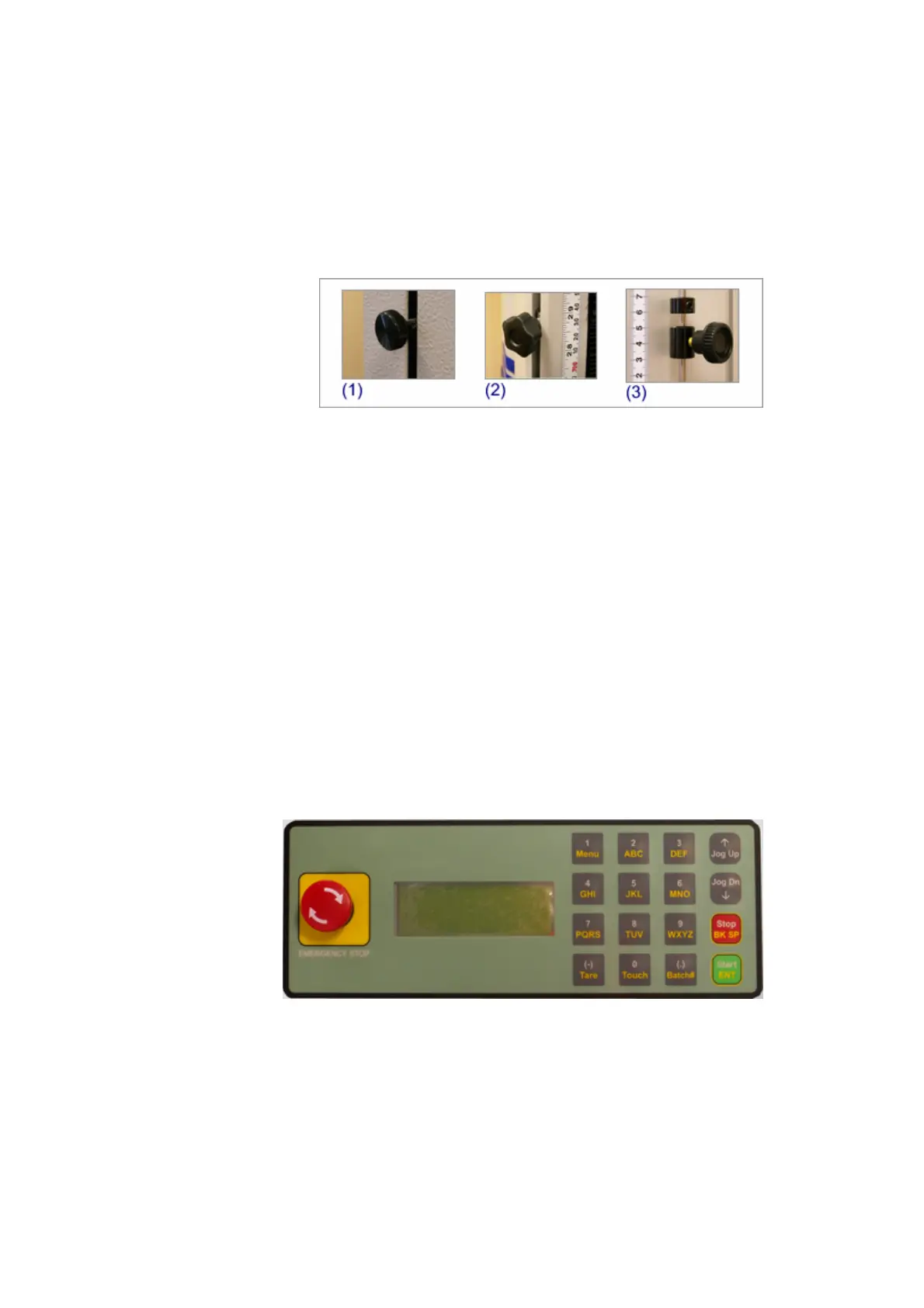
The range of travel of the crosshead can be physically limited by using ‘limit stops’,
each MultiTest-x has both an upper limit stop and a lower limit stop. Limit stop
adjusters are illustrated above: MultiTest 1-x and MultiTest 2.5-x, use type (1),
MultiTest 5-x uses type (2), while MultiTest 10-x and MultiTest 25-x use type (3). In
each case slacken off the black adjuster wheel, re-position appropriately, then re-
tighten.
If a limit stop is reached, a message, prompting the operator to drive the crosshead in
the appropriate direction, will be displayed on the control panel.
Control Panel
The MultiTest-x software communicates with the operator via a four line twenty
character LCD display within the control panel.
The operator communicates with the MultiTest-x software via the sixteen button
keypad on the control panel.
In an emergency the operator can stop the MultiTest-x crosshead moving by pushing
the red [Emergency Stop] button on the left-hand side of the control panel. Normal



 To Next Page