Mecmesin MultiTest-x manual
21
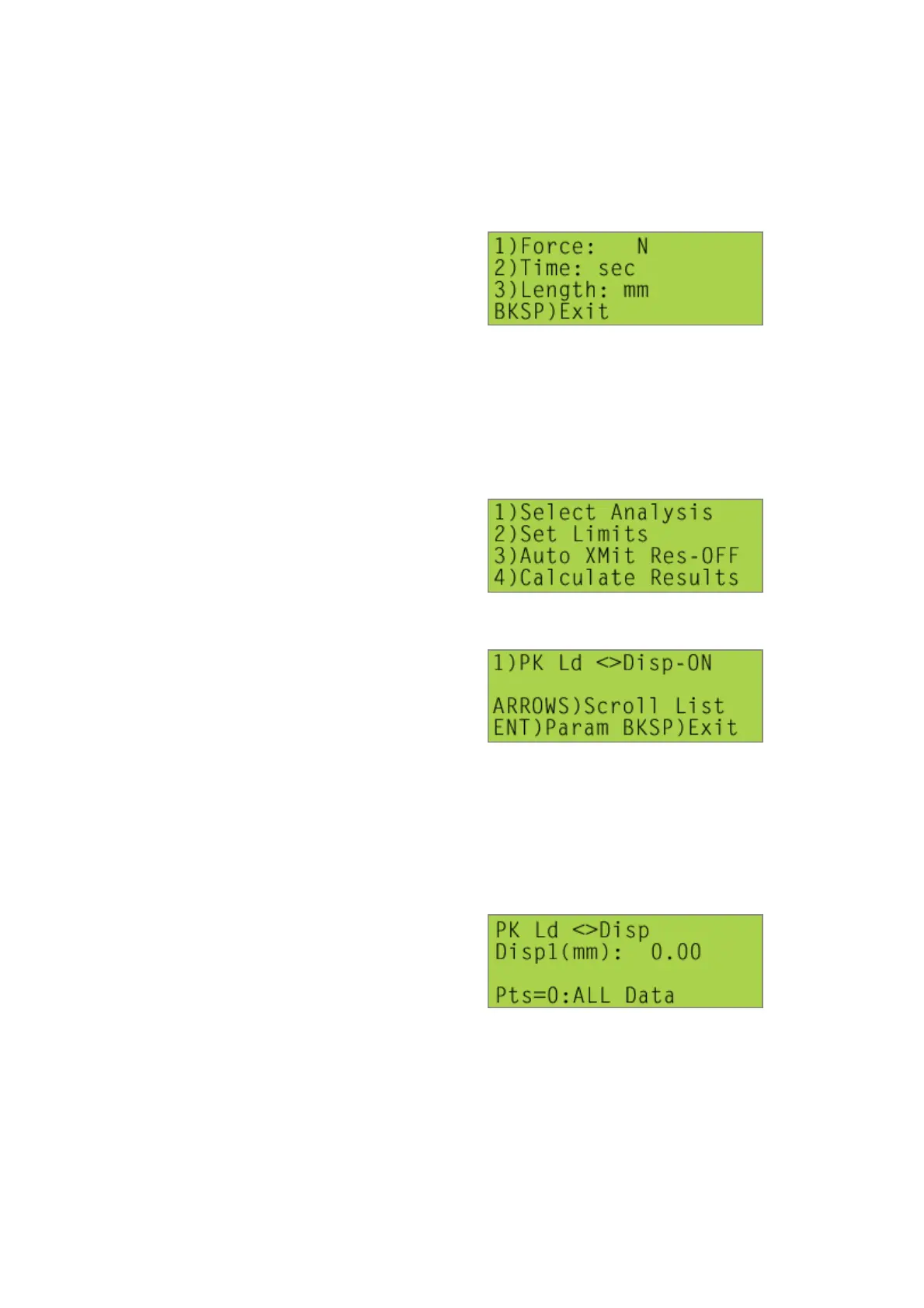
<1> to scroll through the units of force measurement available (N, kN, mN, gf, kgf, ozf,
lbf)
<2> to toggle between the units of time measurement available (sec, min)
<3> to toggle between the units of length measurement available (mm, in)
[1], [3], [2] Analysis Menu
[1], [3], [2], [1] Select Analysis
The screen displayed will be similar to,
Pressing the [1] key will toggle between the options available (‘ON’ or ‘OFF’), i.e. the
operator will be able to choose whether the peak load is displayed when the results
are calculated at the end of a test (see [1], [3], [2], [4] Calculate Results), i.e. this is
how a calculation can be activated.
Pressing the [Start/ENT] key will, if the ‘ON’ option is selected, allow the parameters
(i.e. arguments) of the function to be specified.



 To Next Page