Chapter 4 Operation
- 34 -
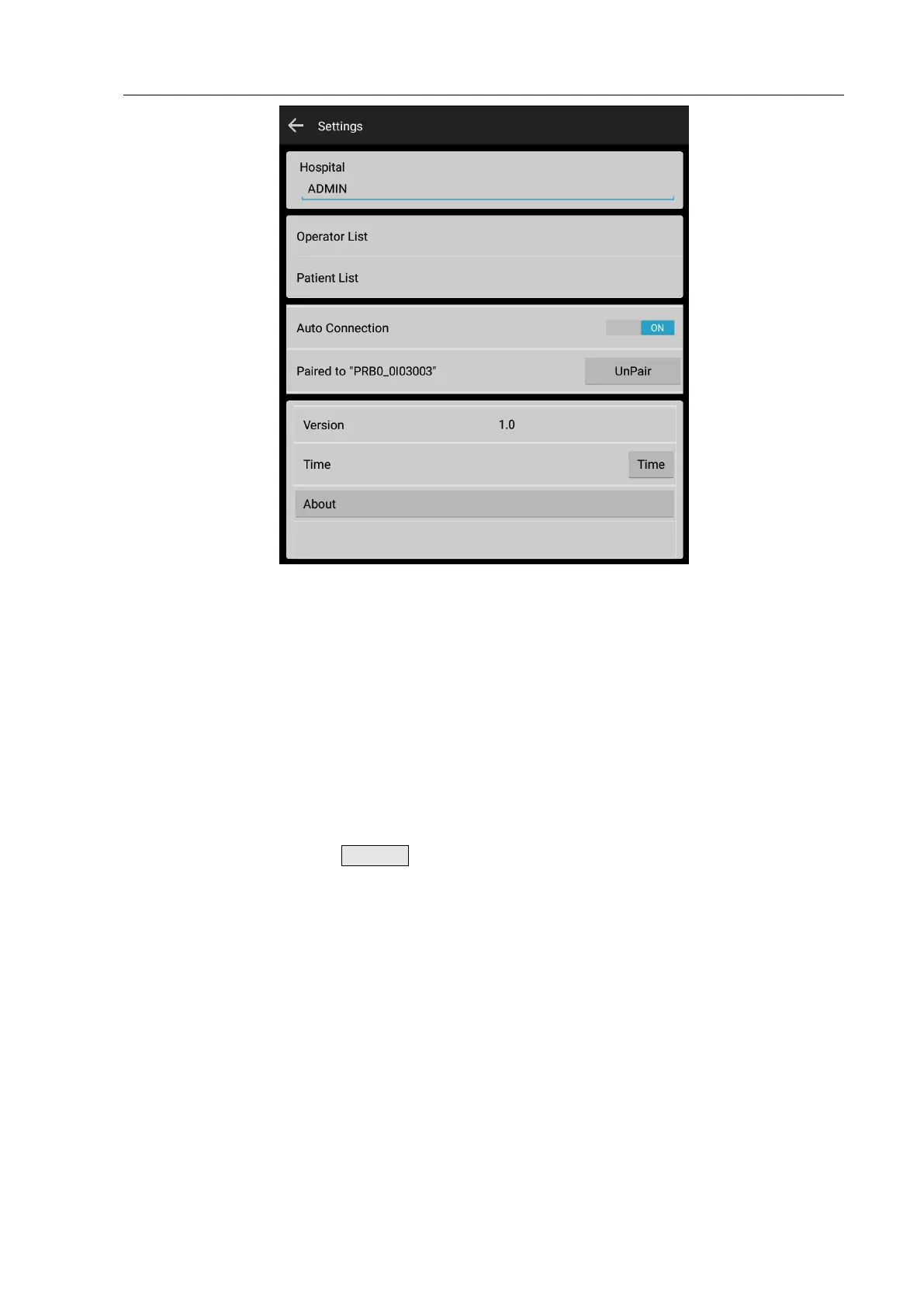
Fig. 4.31 System Parameter Setting
4.3.13 Name of Medical Institution
Click the edit box under “Hospital” to input the name of the medical institution with the soft keypad
popped up.
4.3.14 Operator List
Click the item of “Operator” to enter the Operator List Interface, as shown in Fig. 4.32. When you
enter the interface, the software automatically reads the operator list stored in the Main Unit to the
Tablet PC and displays name with a tick. Users can add, delete and edit the operator list, if
necessary, send an operator list to the Main Unit, select the operator to be sent to the Main Unit
and tick it, and then click the UPDATE key to update it to the Main Unit.


 To Next Page