MediaTek Proprietary and Confidential. © 2022 MediaTek Inc. All rights reserved. Unauthorized reproduction or disclosure of this document, in whole or in part, is strictly prohibited.
Genio 1200 Evaluation Kit User Guide
3.4 Micro SD Card Connector
Genio 1200 EVK has one MicroSD connector. It uses MT8395 MSDC1 interface and supports following features.
• Default Speed Mode
• High Speed Mode
• SDR12 Mode
• SDR25 Mode
• SDR50 Mode
• SDR104 Mode
• DDR50 Mode
• Support 1bit/4bit SD Bus Width
3.5 Power and Function Key Interface
12V power supplies to the system from a 2.0 mm DC Jack. Power-on button and Reset button on the evaluation-board to
turn on and reboot the system. Home and Download buttons make the operation easier.
3.6 USB Device
Genio 1200 EVK has two USB device ports, among which the USB Type-C port can be used for ADB debugging port.
3.7 USB Host
Genio 1200 EVK has four USB host ports for USB device connections, which are two USB Type-A connectors and one USB
Type-C connector and one Micro USB connector.
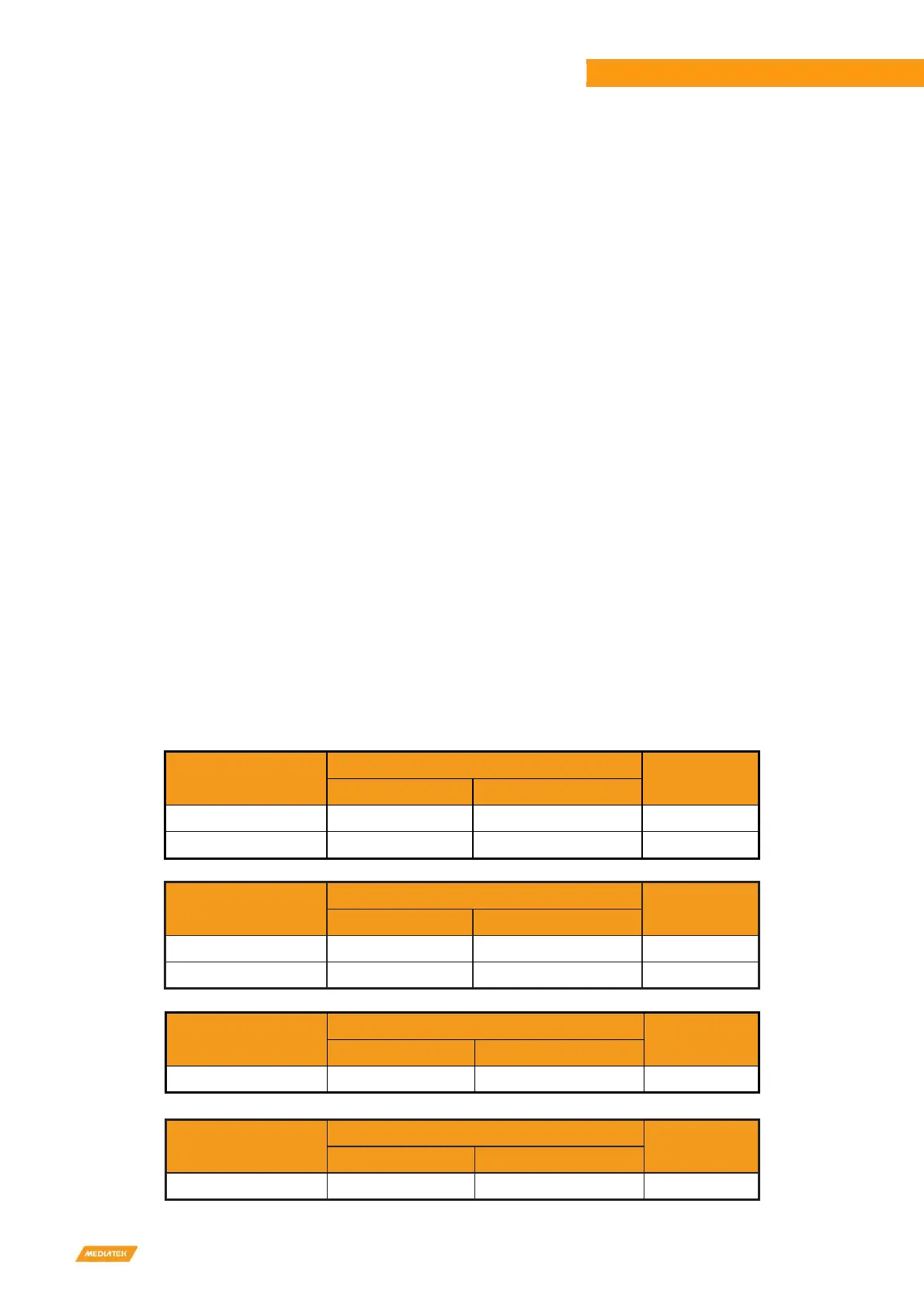
Table 3-8 USB Feature in Genio 1200 EVK
USB Port 0 on SoC
SW Support Mode
Function
Host Mode Device Mode
USB3.2 Gen1 Support Support USB Type-C
USB2.0 Support Support USB Type-C
USB Port 1 on SoC
SW Support Mode
Function
Host Mode Device Mode
USB3.2 Gen1 Support Not Support EVK with Hub
USB2.0 Support Not Support EVK with Hub
USB Port 2 on SoC
SW Support Mode
Function
Host Mode Device Mode
USB2.0 Support Support Micro USB
USB Port 3 on SoC
SW Support Mode
Function
Host Mode Device Mode
USB2.0 Support Not Support Wi-Fi Module



 To Next Page