Chapter 1 - Using the Mediatrix 1104 User’s Manual (SIP Version)
Mediatrix 1104
4
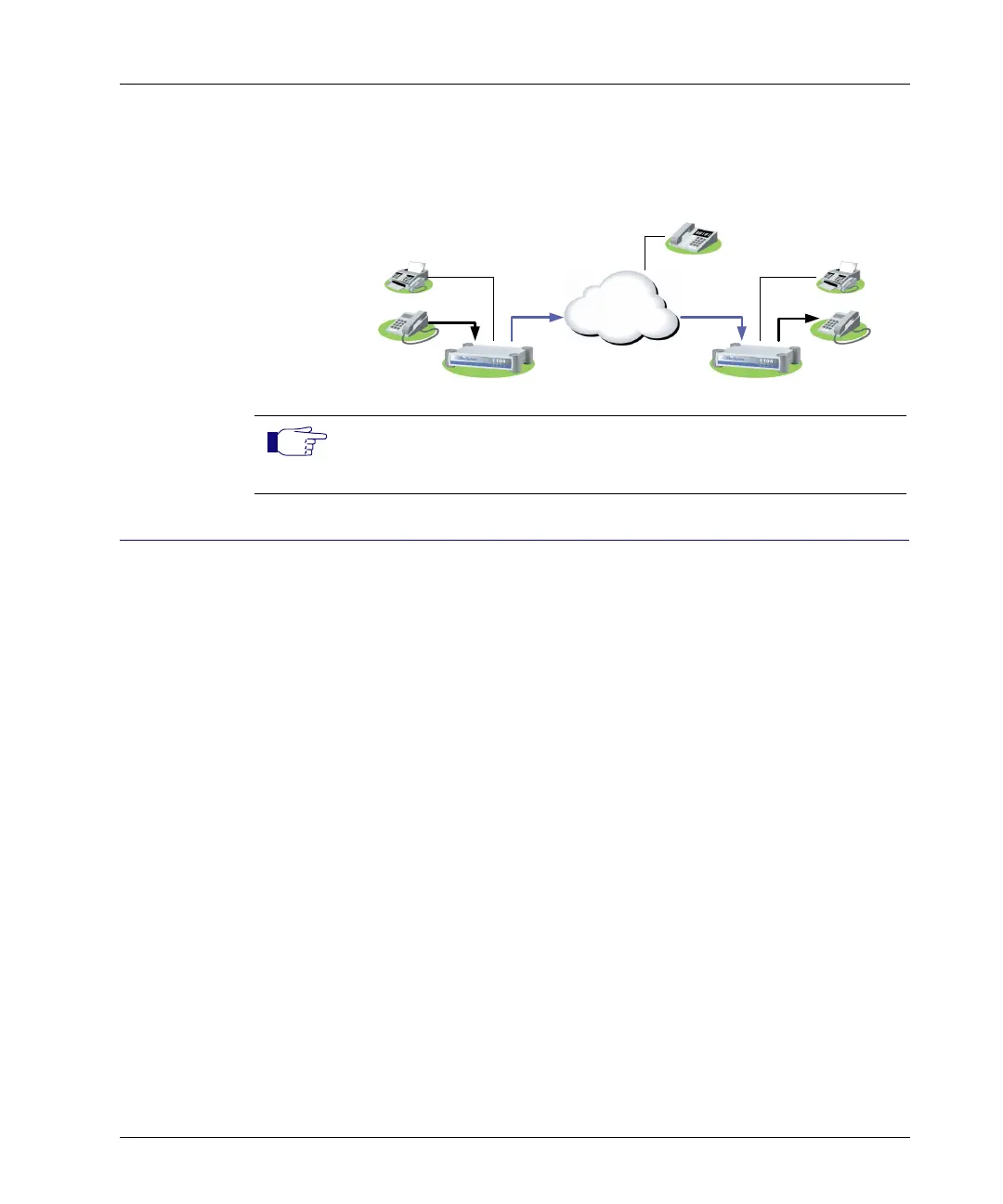
Calls Without a SIP Server
You can dial another unit (gateway or access device) without the help
of a SIP Server by entering its IP address. See “Dialing an IP Address”
on page 6 for more details.
Making Calls Users with telephones or faxes connected to a Mediatrix 1104 dial as
if they were on a standard telephony system.
Complete Dial-
ing Sequence
There are three ways to indicate the dialed number sequence is
complete and the Mediatrix 1104 can dial the number:
Your administrator has set up the dialing process so that
you must end the telephone number with a particular
character to indicate it is complete, e.g. a “#”.
Your administrator has set up the dialing process with a
timer. This timer checks the dialing process and, when no
further digits have been dialed for the time set by the
administrator, it assumes the number is complete and
dials it.
Your administrator has set up the Mediatrix 1104 so it
knows exactly how many digits it must collect before it
places the call. It finds the number of digits to collect by
looking at the first few numbers dialed. For example: a
telephone number beginning by 1 should be followed by
10 more digits in North America.
Check with your administrator to determine which dialing process is
defined.
Telephone
y IP phone
y Soft Phone
Mediatrix 1104 Mediatrix 1104
Fax
Telephone
Fax
LAN Endpoint
IP
Note: This type of dialing is only possible when the Mediatrix 1104 is
configured to allow it. See your network administrator or the
Administration manual for more details.



 To Next Page