MEDIVATORS REPROCESSING SYSTEMS
27
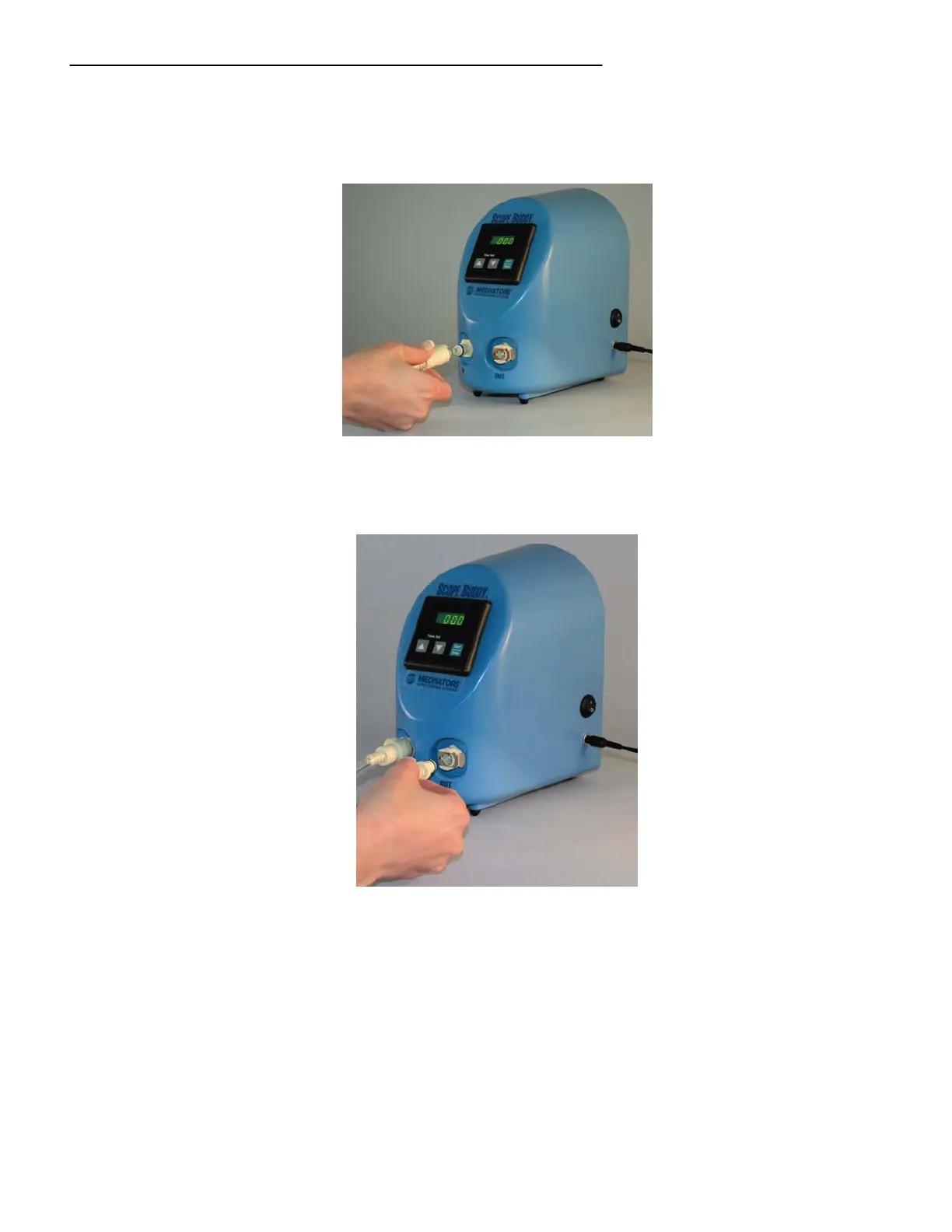
2. Locate the Fluid Intake Line and attach to front panel tubing connection port labeled “IN.” Place the
screened end into the sink or a clean container of detergent solution. Verify the screened end is deeply
submerged into the detergent solution. See Figure 12.
Figure 12 Plugging into “IN” labeled connection port on base unit.
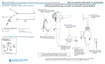
3. Locate the Elevator Wire Channel Hook-up and attach it to the front panel tubing connection port
labeled “OUT.” See Figure 13.
Figure 13 Plugging into “OUT” labeled connection port on base unit.
4. Attach the Elevator Wire Channel Hook-up to the appropriate endoscope channel referencing the
endoscope hook-up instructions. The tubing sets should now be connected as in Figure 3.
5. Using the SCOPE BUDDY front panel arrow keys, set the timer until it displays the desired flushing
time.
6. Press the “START/STOP” button to begin the cycle, the timer display will now begin counting down.
Detergent solution will now be drawn up, pumped through SCOPE BUDDY, and will flow out of the
endoscope channel.



 To Next Page