40 TM1700-SERIES ZP-BL16E BL1448GE
4 CABA LOCAL
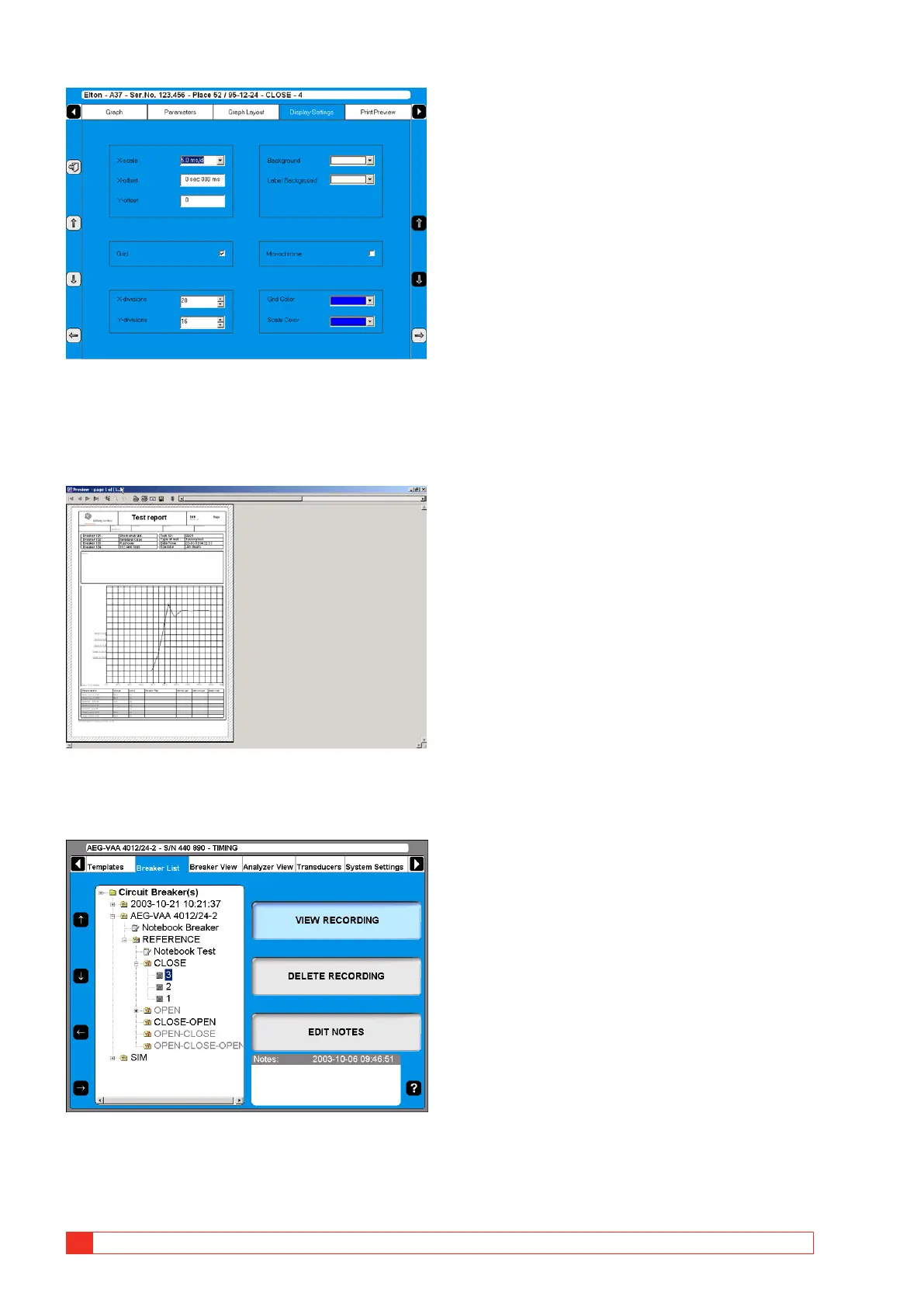
Print preview
This image shows an example of a test report, see
“5.7 Reporting” on page 38.
Delete recording
1] Press “DELETE RECORDING”
2] Confirm delete of single recording by press-
ing “YES”
Edit notes
1] Press “EDIT NOTES”.
2] Make your notes, and press “BACK”.



 To Next Page