2 8
T O R K E L 8 2 0 / 8 4 0 / 8 6 0
P r o g r a m m a E l e c t r i c A B
Z P - B S 0 6 E R 1 0 1
11
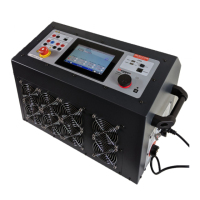
TORKEL connected
to a PC
TORKEL Win
program
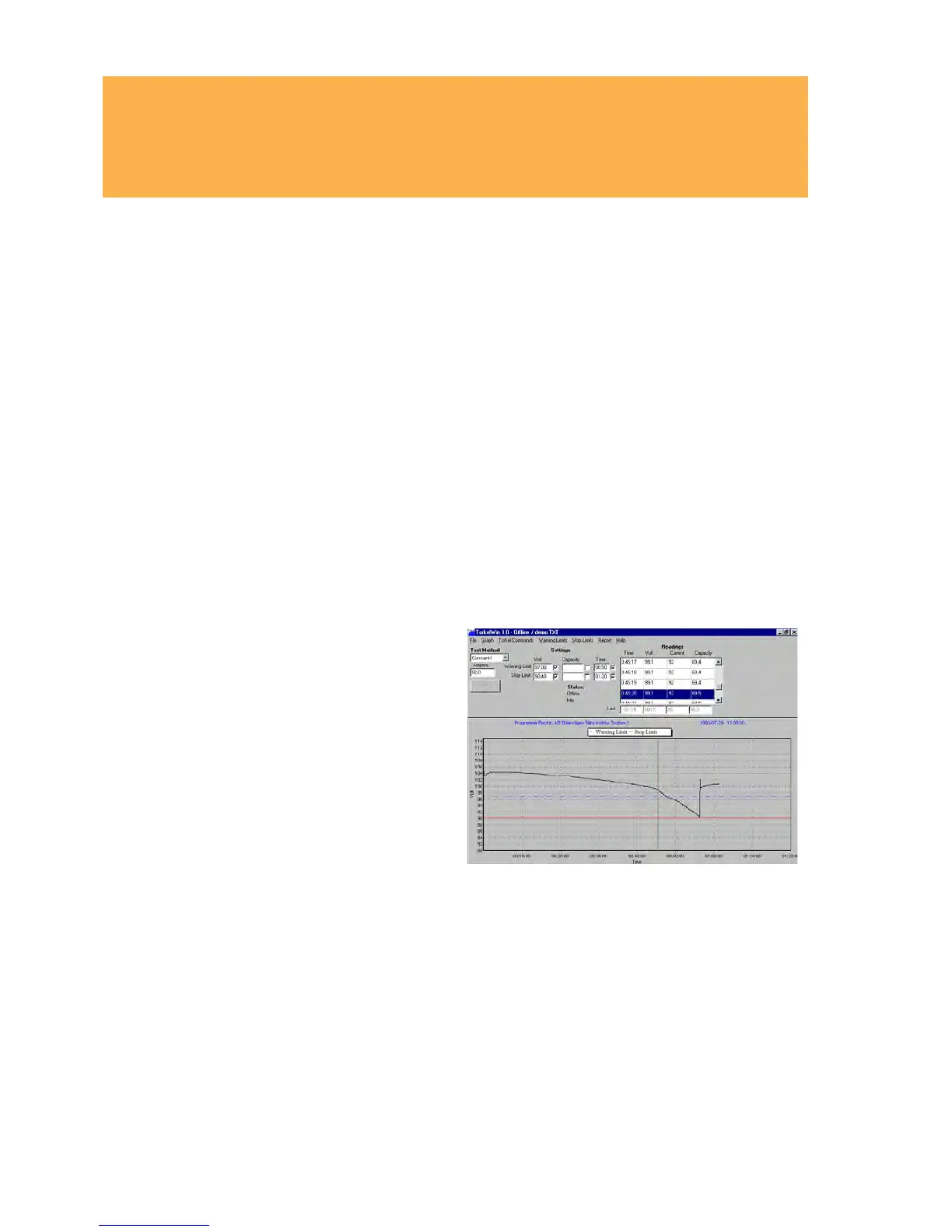
The TORKEL Win program builds up a voltage curve
on the screen while the test is running and presents
the current, voltage and capacity values in a scrol-
lable table. Moreover, you can control TORKEL from
TORKEL Win during the test, print out a report and
store the measured values in a text file, which can be
imported easily into Microsoft
®
EXCEL.
Because TORKEL always stores the total voltage curve
during the test (one curve can be stored), you can also
connect TORKEL to a PC after the test, transfer the
voltage curve, examine it and store it as a file using
TORKEL Win.
TORKEL Win features
Example of a discharge voltage curve
Displayed while test is running (or
retreived later from a file)
Voltage curve
Voltage, current and capacity in tabular
form.
Commands that can be issued to
TORKEL
Set the test method
Set the load (current, power or resistance)
•
•
•
•
General
TORKEL can be connected to a PC and controlled
by the TORKEL Win program. TORKEL also supports
communication with the TMC95 program that was
created to conduct capacity tests together with the
TMC4001 Multi-Channel Data Logger.


 To Next Page