AJ0383DE ZP-AJ01E TRAX
13
3 CONTROLS, INDICATORS AND CONNECTORS
3.2 Top panel
21
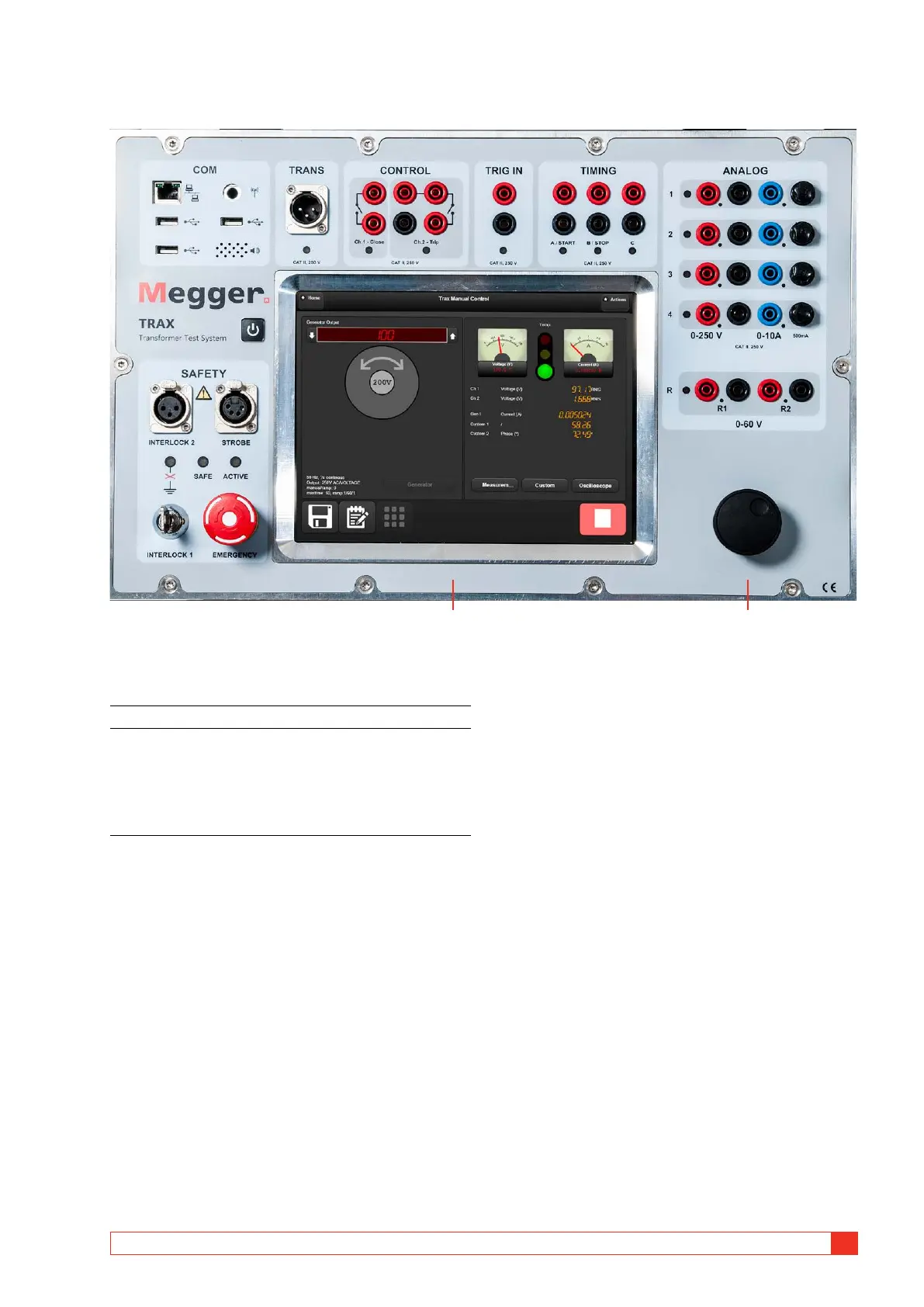
Screen and control knob
1. Capacitive touch screen.
2. Control knob for controlling selected output
generator. Press to change value for the incre-
mental steps (e.g. 1 V, 2 V, 5 V, 0.1 V).
Used as pairing device when connecting TRAX
for external control via Ethernet or Wifi cursor
up/down when reading reports.














 To Next Page