AJ0383DE ZP-AJ01E TRAX
47
6 DATA HANDLING AND REPORTING
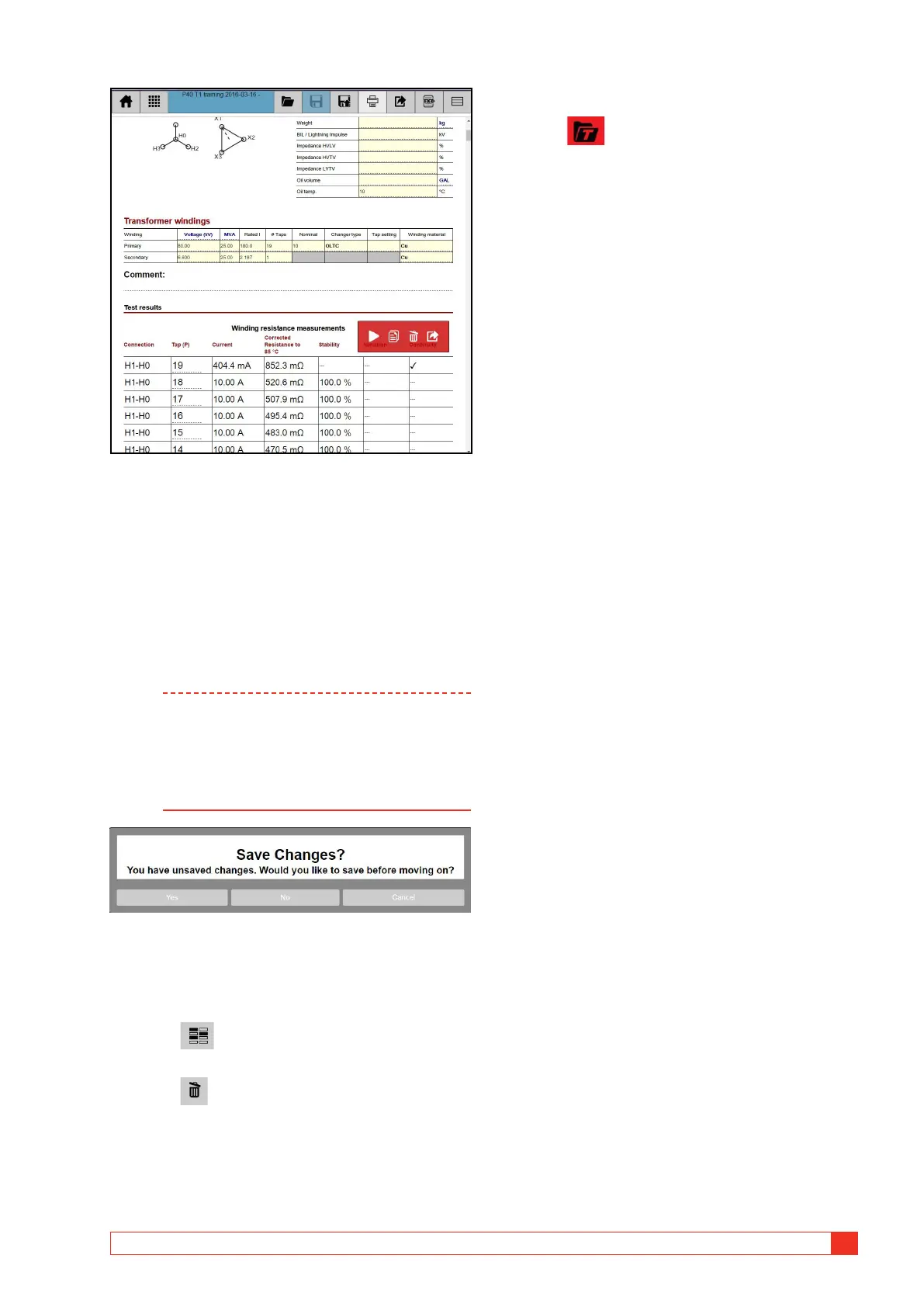
5] Scroll down to find desired measurements.
By using the action buttons you can:
▪ Move the test back to the actual app for e.g.
remaking or adding tests.
▪ Start a new test within the same test session.
▪ Delete a test from the session/report.
▪ Copy the table in CSV/text file (tab separator and
decimal point) format to a selected destination e.g.
a USB stick.
Note Deleting data in the file is not done until
question “Save changes?” is answered. If
deleting by mistake; Close/leave report view,
answer “No” on question to save changes.
The original report without any changes is
stored. Reload the report.
Delete files
In the “Load file” window you can also select files to
delete.
1] Press to enable deleting.
2] Select on ore more files to delete.
3] Press
6.5 Load Template
1] Press to load an existing report as
template for a new test session, e.g. when a
similar transformer shall be measured. The
TRAX file/report will be opened as-is with
transformer data and test tables but without
any measurements.














 To Next Page