Preparing beverages
49
ENGLISH
» The display shows: Easy Cleaning?
(OK for start).
3. Remove the vessel.
4. Run the Easy Cleaning programme or
prepare another beverage and then
carry it out, see section9.4, page57.
5.4 Preparing hot water
1. Place a vessel beneath the outlet.
2. Press the "Hot water" button.
» Hot water dispensing begins.
3. Remove the vessel.
5.5 Preparing beverages with
recipes (BARISTA
TS model
only)
Information
When selecting a recipe with milk, connect
the milk container or a commercially avail-
able milk pack.
The direct starting of recipes is similar for
all beverages. The selection of a lungo is
described as an example here.
Requirement: The ready symbol
appears on the display.
1. Place a vessel beneath the outlet.
2. Press the "My Coee/Recipes" button
until the Recipes prole appears and
conrm with "menu/ok".
» The recipe selection appears on the
display.
Alternatively, you can also press the
"My Coee/Recipes" button for 2
seconds to access the recipe selection
directly.
3. Use the arrow buttons to select Lungo
and conrm with "menu/ok".
4. Remove the vessel.
5.6 Changing beverage set-
tings before and during
preparation
Beverage settings can be changed before
and during beverage preparation.
Information
These settings only apply to current bever-
age preparation.
Changing beverage settings before
preparation
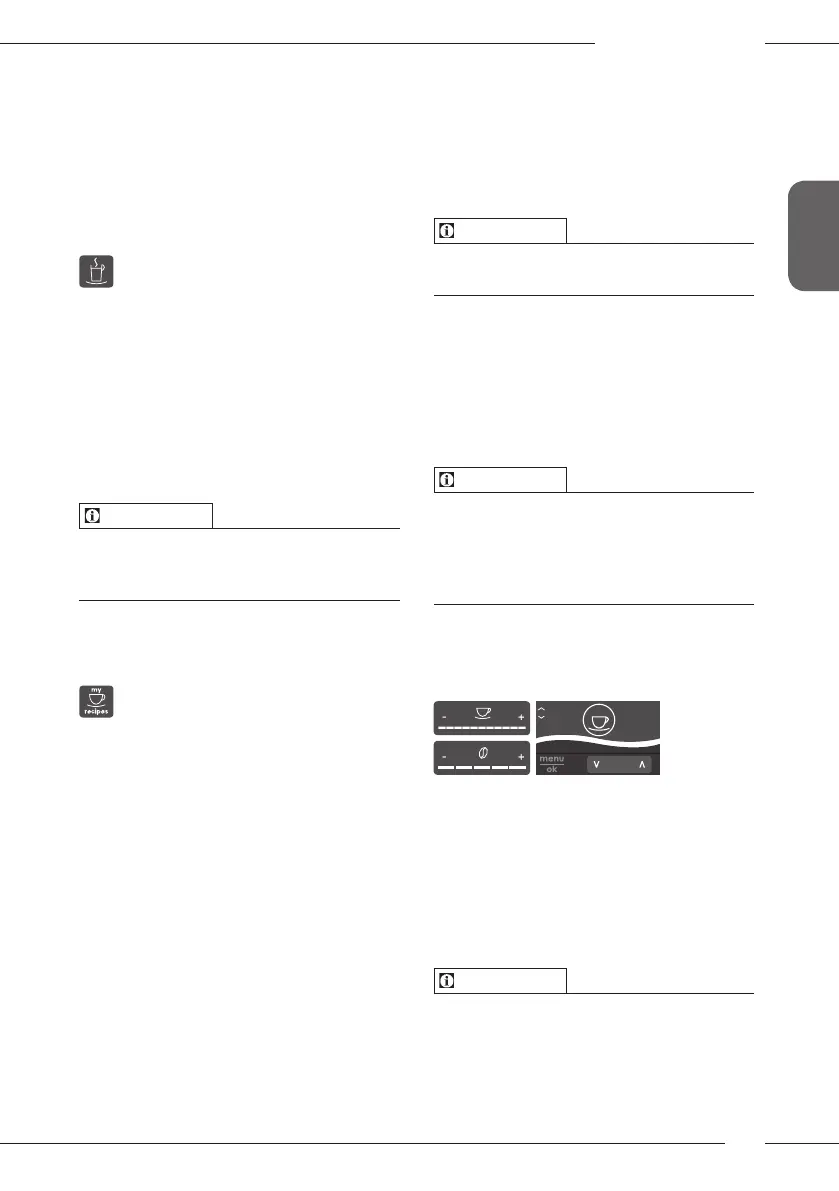
The bean type, the total beverage quan-
tity, the coee strength and the coee
avour can be changed before selecting a
beverage.
Information
The coee avour is set with the Intense
aroma function. STANDARD and INTENSE
are available for selection. In the INTENSE
setting, the brewing time is longer and the
coee has a more intense aroma.
Select a bean type with the
"BEANSelect" button (BARISTATS
model) or with the "BeanSelect" slider
(BARISTAT model).
Before selecting a beverage, use the
"Beverage quantity" slider to set a bev-
erage quantity.
Before selecting a beverage, use the
"Coee strength" slider to set the coee
strength.
Set the coee avour with the "arrow
buttons".
Information
ū When preparing latte macchiato and
cappuccino, the total beverage quan-
tity is subdivided into a coee and a
milk amount according to a specied
ratio.



 To Next Page
 Loading...










