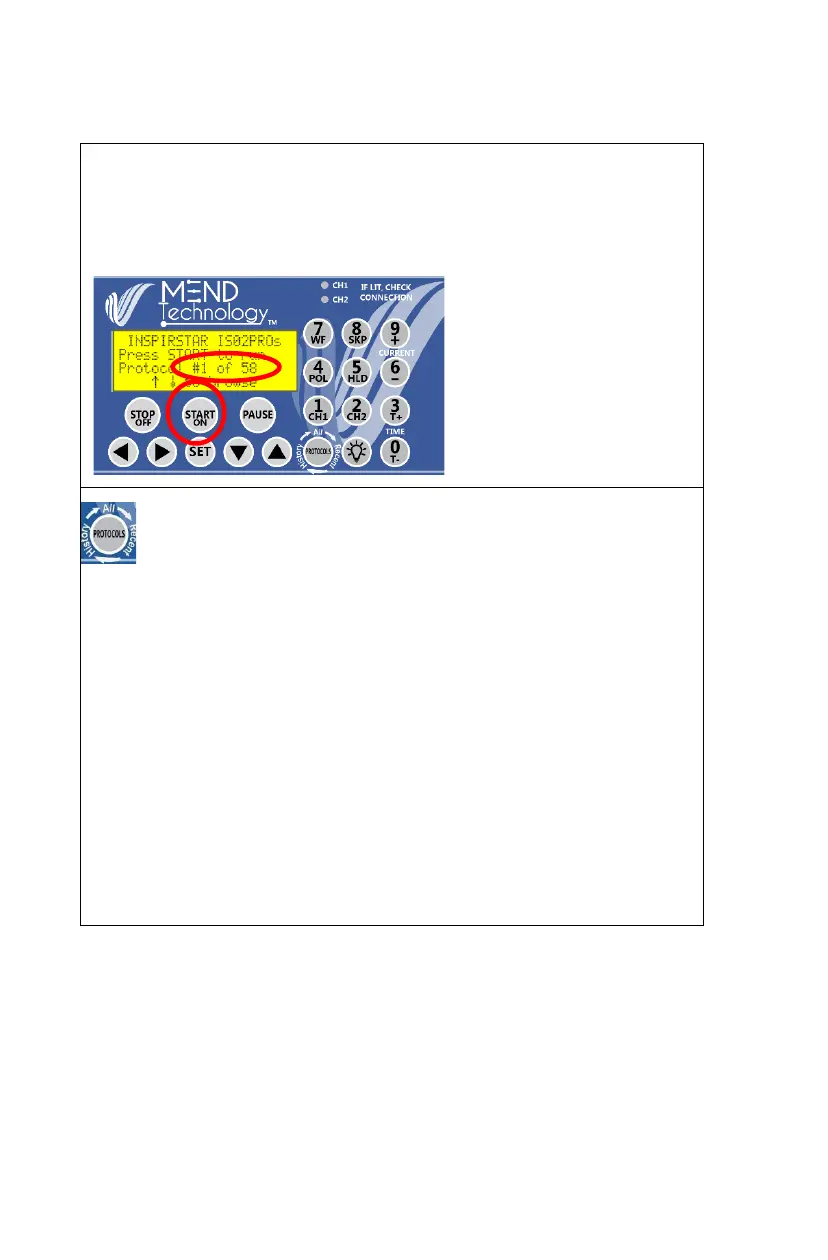
Power ON
Press START/ON to power on the unit. The Power-On Initial Screen
displays the protocol number of last run protocol. Press START to run this
last used protocol.
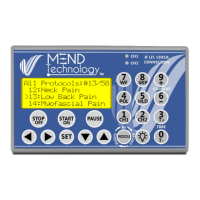
All, Recent, History or Batch Protocols
All Protocols lists all protocols in user programmed profile.
Recent Protocols lists the protocols that were recently used. Use Recent
Protocols to quickly select your most frequently used protocols.
History Protocols lists the actual protocol running history. The latest used
protocol is displayed on the top of the list. Use History Protocols to check
the therapy history and also select a protocol to run again. Note: the history
will show the exact usage, so you may see the same protocol multiple times
in the history.
Batch Protocols allows you to daisy-chain up to 9 protocols. To run a set
of frequently used protocols, simply put them in the Batch list and run.


 To Next Page