3.3 Advanced Operations and Display Information
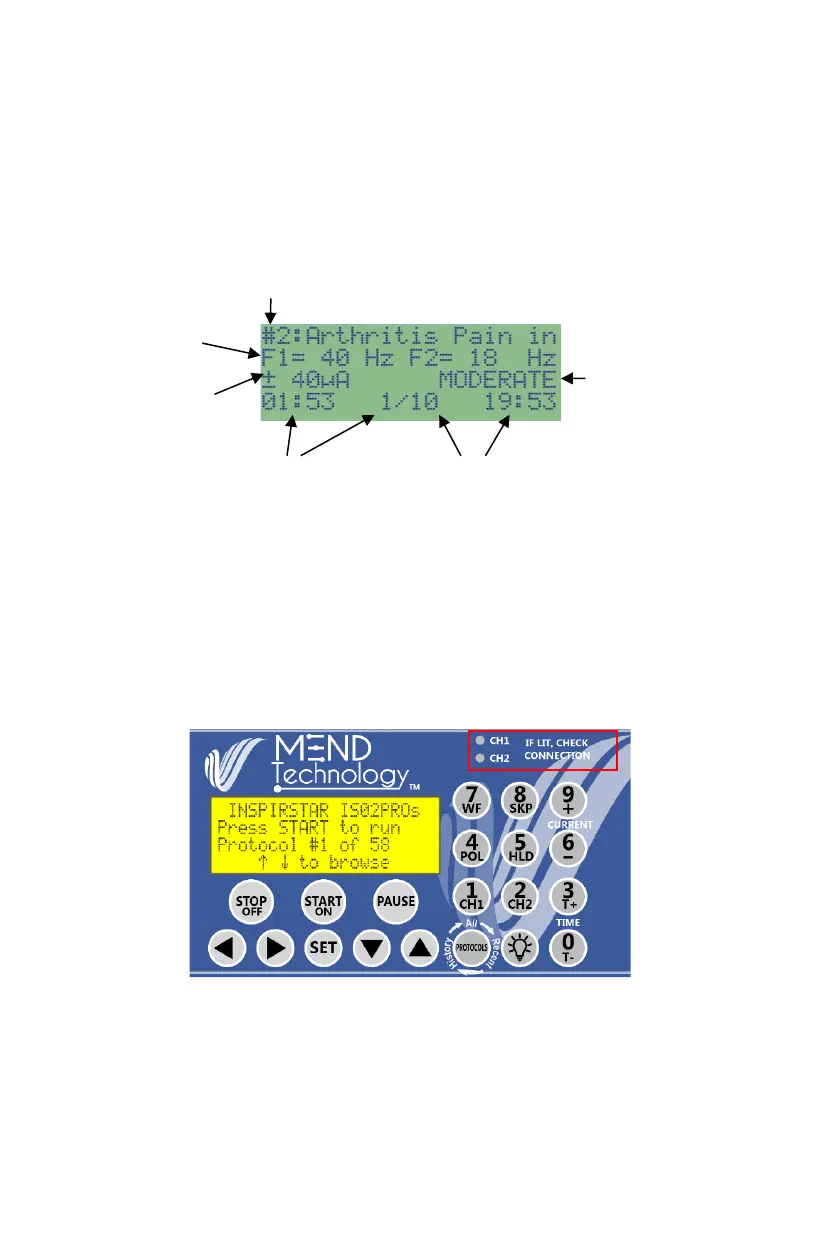
Protocol Running Information and Status
When a protocol is running, the screen will display the protocol information and
status.
During the running of the protocol, the MEND Professional
TM
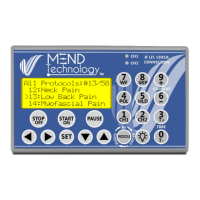
uses two LED
lights to indicate the output connection. If the channel status LED CH1 or CH2
turns on or flashes, check that your leads are inserted firmly into the jacks and
your pins are plugged into the conductive material. The common problems are
loose plugs, plugs are not inserted, the button or push pin is not inserted into
gloves or electrodes, dry skin contact needs moisture or broken lead wires.
Note: During treatment you may experience a mild tingling sensation as a result
of the stimulating current flow.


 To Next Page