Turn on the Back Light
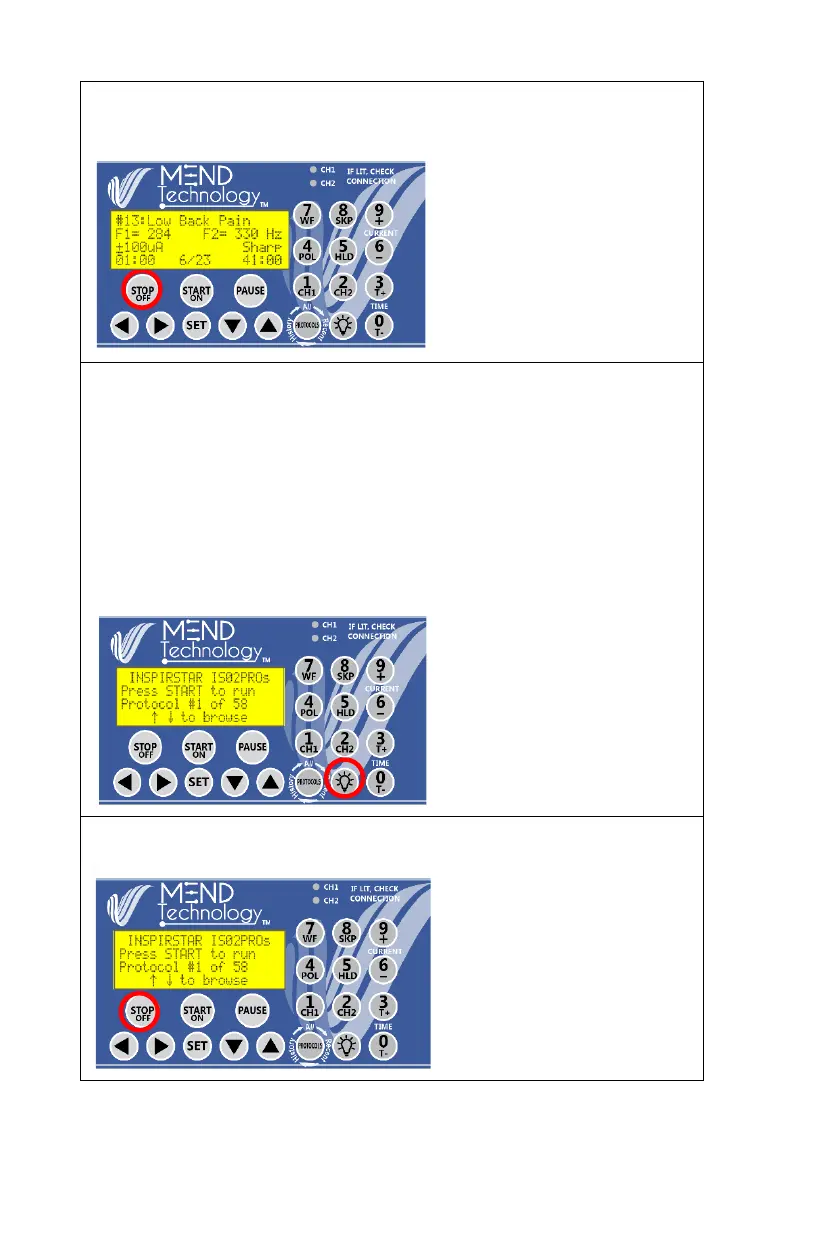
To turn on the back light: press the lightbulb key to turn on the LCD back
light. The back light will turn off when there is no keypad activity after 10
seconds.
To turn off the LCD back light: press the back light key to turn off the
back light immediately.
To turn on the LCD back light for 30 seconds: press and hold the back
light key for 3 seconds, the light will stay on for 30 seconds. To keep the
backlight on for 8 hours, press
and hold the Back Light key
again until the LCD backlight
flashes once.
Turn power off
Press the STOP/OFF key to
turn off the MEND Pro. The
unit will power off
automatically if the unit is not
in use for 60 seconds.
If you accidently press STOP,
you can restart the protocol
and skip to the last frequency
pair you were running.


 To Next Page