9
Chapter 2
2. 2. 4. WISP Mode
In this mode, the router connects to the ISP network wirelessly in areas without wired service.
1. Connect the power adapter to the router and power on the router.
2. Connect a computer to the router via an Ethernet cable or wirelessly by using the SSID
(wireless name) printed on the bottom label of the router.
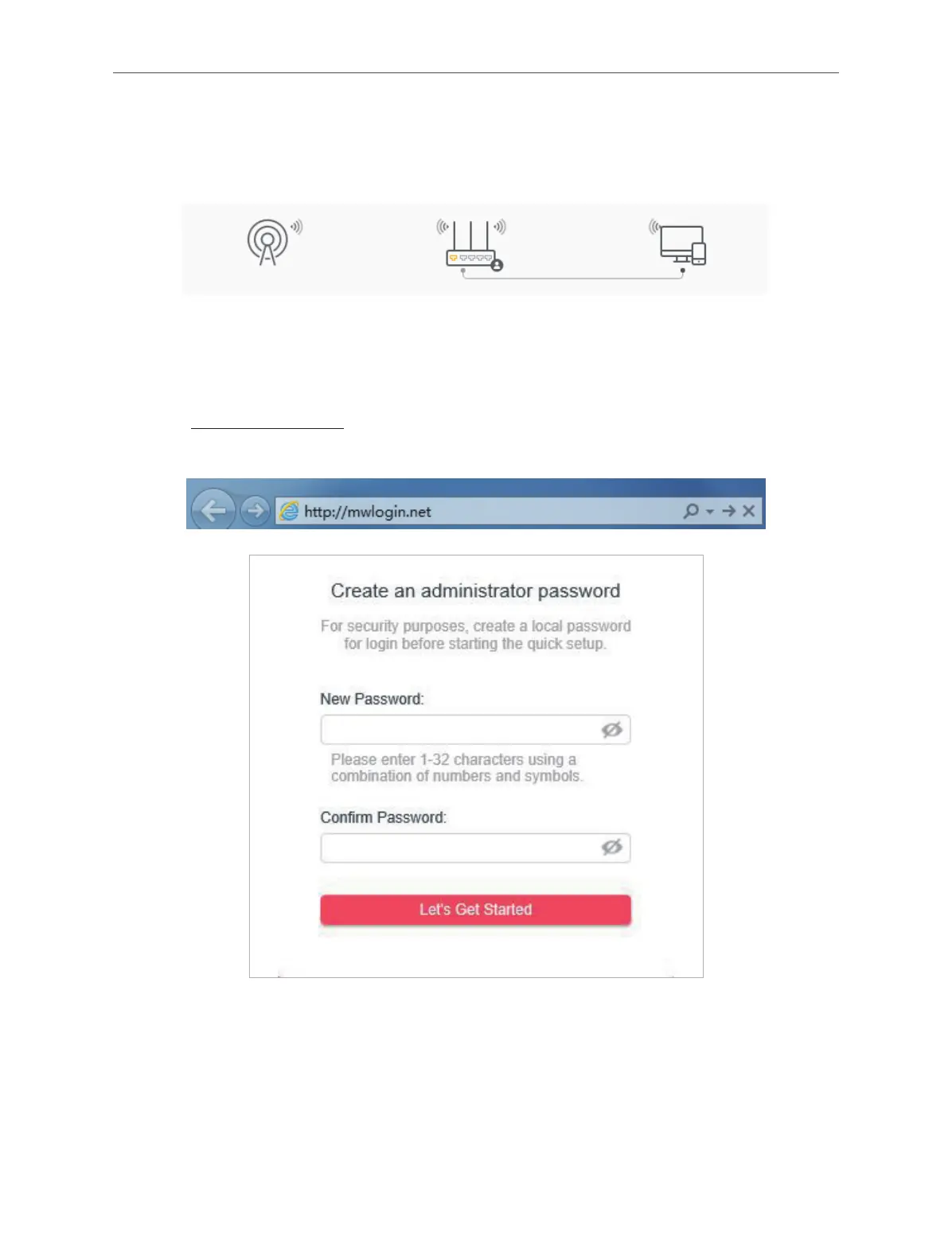
3. Enter http://mwlogin.net in the address bar of a web browser. Create a password to log
in.
4. Click Change Mode in the top right corner and select WISP Mode. Wait for the router to
reboot.
5. Follow the Quick Setup to set up the internet connection.
6. Enjoy! Connect your devices to the wireless network and enjoy the internet.



 To Next Page