23
BASIC SETTINGS
DELAY MOTOR 1 IN CLOSE DIRECTION
27
Within the Basic Setting, navigate through the menu screen until you find
“MAIN MENU DELAY MOTOR 1 - CLOSE”.
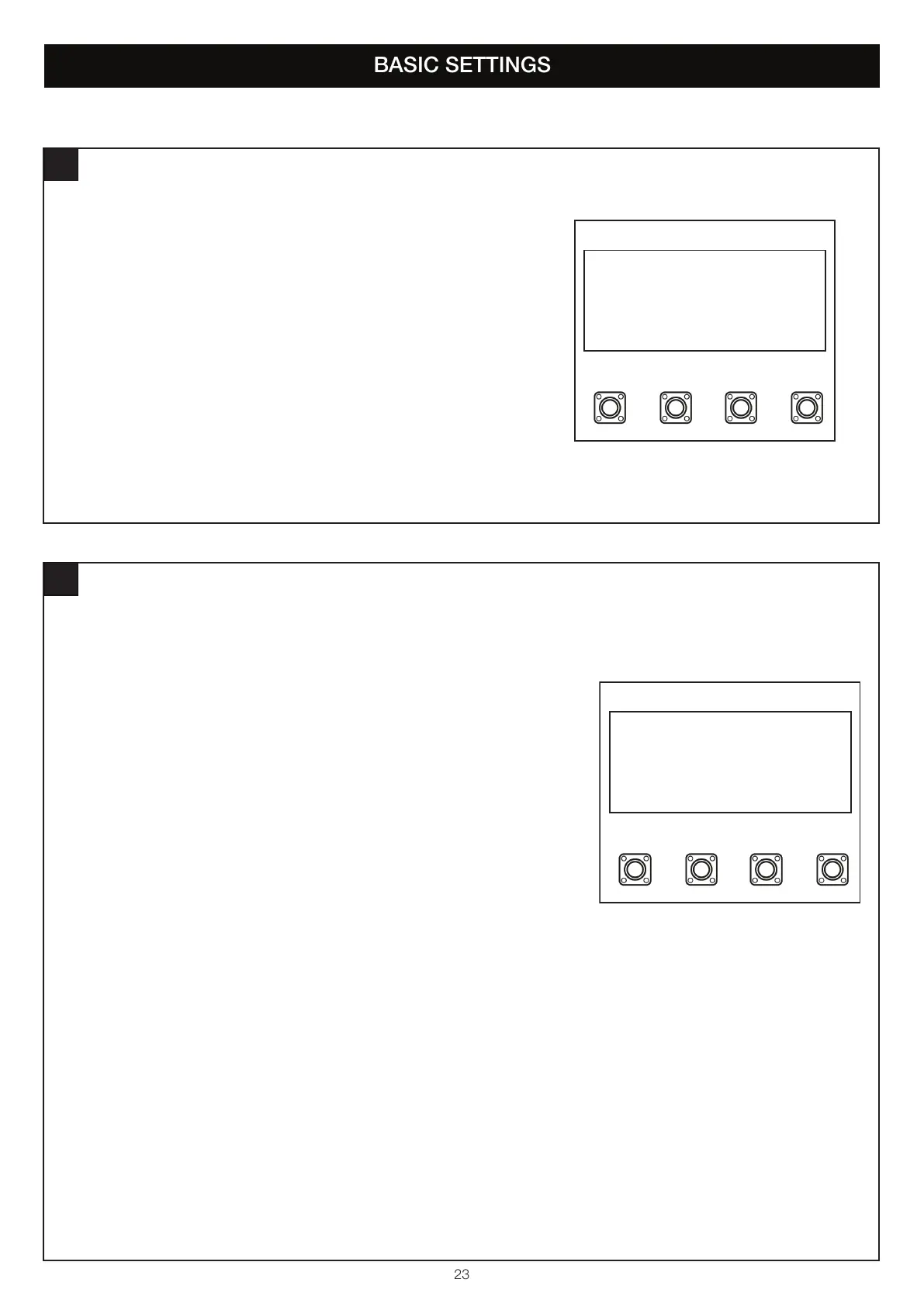
1. Press the “P” button to enter this setting (figure 1).
2. Press the “+” or “-“ buttons to navigate through the options.
3. You can have no delay, or select delays from 1 second to 20 seconds.
4. To confirm the setting, press the “P” button to save and return to the
main menu screen.
SP
+-
MAIN MENU
DELAY MOTOR 1 - CLOSE
figure 1
TIMER TO CLOSE (TTC)
28
Within the Basic Setting, navigate through the menu screen until you find “MAIN MENU
TIMER-TO-CLOSE”.
1. Press the “P” button to enter this setting (figure 1).
2. Press the “+” or “-“ buttons to navigate through the options.
3. You can select the following options:
• TTC Disabled
• Setting TTC 10 Seconds
• Setting TTC 20 Seconds
• Setting TTC 30 Seconds
• Setting TTC 45 Seconds
• Setting TTC 1 Minute
• Setting TTC 1.5 Minutes
• Setting TTC 2 Minutes
• Setting TTC 3 Minutes
• Setting TTC 5 Minutes
4. To confirm the setting, press the “P” button to save and return to the
main menu screen.
SP
+-
MAIN MENU
TIMER-TO-CLOSE
figure 1


 To Next Page