30
FACTORY RESET
FACTORY RESET
42
Within the Advance Setting, navigate through the menu screen until you find
“MAIN MENU FACTORY RESET”.
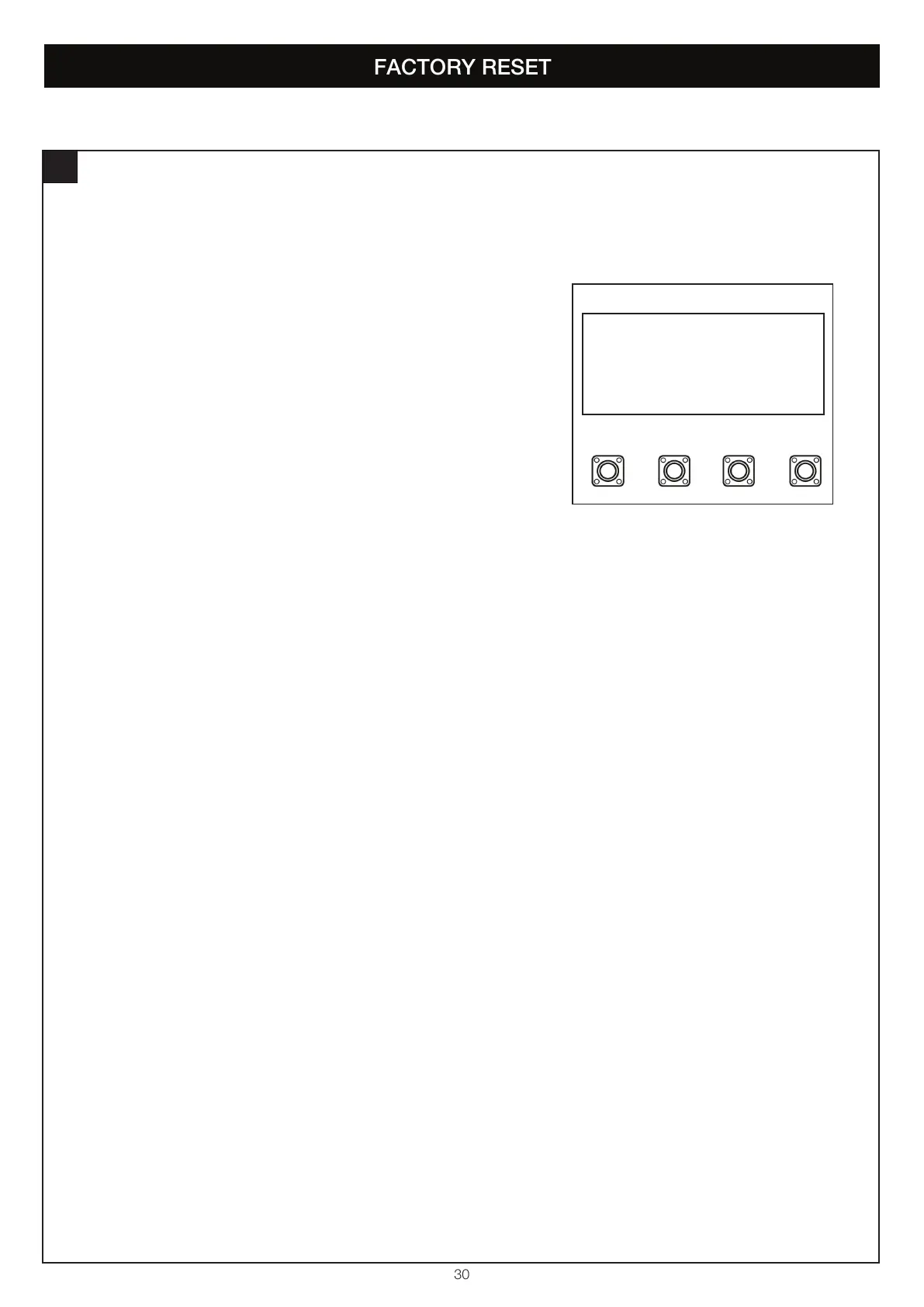
1. Press the “P” button to enter this setting (figure 1).
2. Press the “+” or “-“ buttons to navigate through the options.
3. You can select the following options:
• Execute Factory Reset
• Exit
4. To confirm the setting, press the “P” button to save and return to the main
menu screen.
NOTE: Deletes all settings, including passwords. Does not delete remote
controls and myQ devices.
SP
+-
MAIN MENU
FACTORY RESET
figure 1


 To Next Page