28
ADVANCED SETTINGS
FORCE MOTOR 1 & 2 OPEN / CLOSE (PASSWORD PROTECTED)
38
SP
+-
MAIN MENU
FORCE MOTOR 1 -
OPEN (PW)
SP
+-
LEARNED FORCE
SP
+-
MAIN MENU
FORCE MOTOR 1 -
CLOSE (PW)
SP
LEARNED FORCE
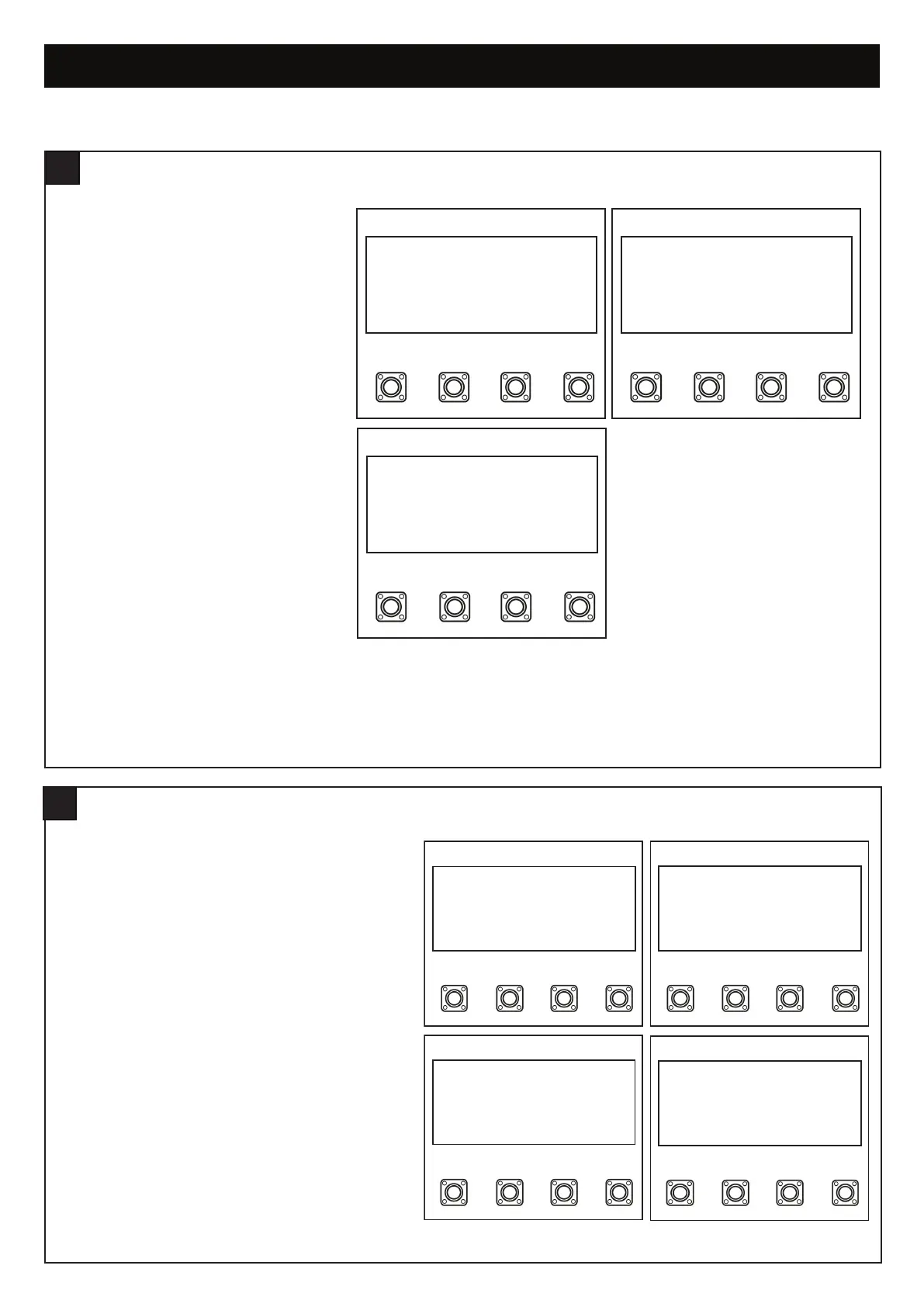
figure 1
figure 2
figure 1
figure 2
NOTE: To access this setting the password must be
entered.
Within the Advance Setting, navigate through the menu
screen unil you find MAIN MENU FORCE MOTOR 1 & 2
OPEN or MAIN MENU FORCE MOTOR 1 & 2 CLOSE
(PW).
1. Press the “P” button to enter this setting (figure 1).
2. Press the “+” or “-” buttons to navigate through the
options.
3. You can increase the force by 15%, 30% or 50%.
4. To confirm the setting, press the “P” button to save
and return to the main menu screen.
PASSWORD
37
ENTER PASSWORD
1. Navigate the Menu screen till you get to
“MAIN MENU PASSWORD” by pressing the
“+” and or “-” buttons (figure 1).
2. Press the “P” button to enter this setting
(figure 1).
3. Select “ENTER PASSWORD” and press the
“P” button (figure 2).
4. Enter the four digit password and then press
the “P” button.
NOTE: If the incorrect password is entered,
“ERR: WRONG PW” will be displayed for 2
seconds on the screen 0001 to 9999.
SP
+-
MAIN MENU
PASSWORD
SP
SET PASSWORD
ENTER PASSWORD
CHANGE PASSWORD
SP
+-
0000
SP
+-
MAIN MENU
PASSWORD
SP
+-
SET PASSWORD
ENTER PASSWORD
CHANGE PASSWORD
SP
+-
ENTER OLD PW
0000
SP
+-
ENTER NEW PW
0000
figure 1 figure 2
figure 3


 To Next Page