26
BASIC SETTINGS
SPECIAL CONTACT
34
Within the Basic Setting, navigate through the menu screen until you find “MAIN MENU
SPECIAL CONTACT RELAY".
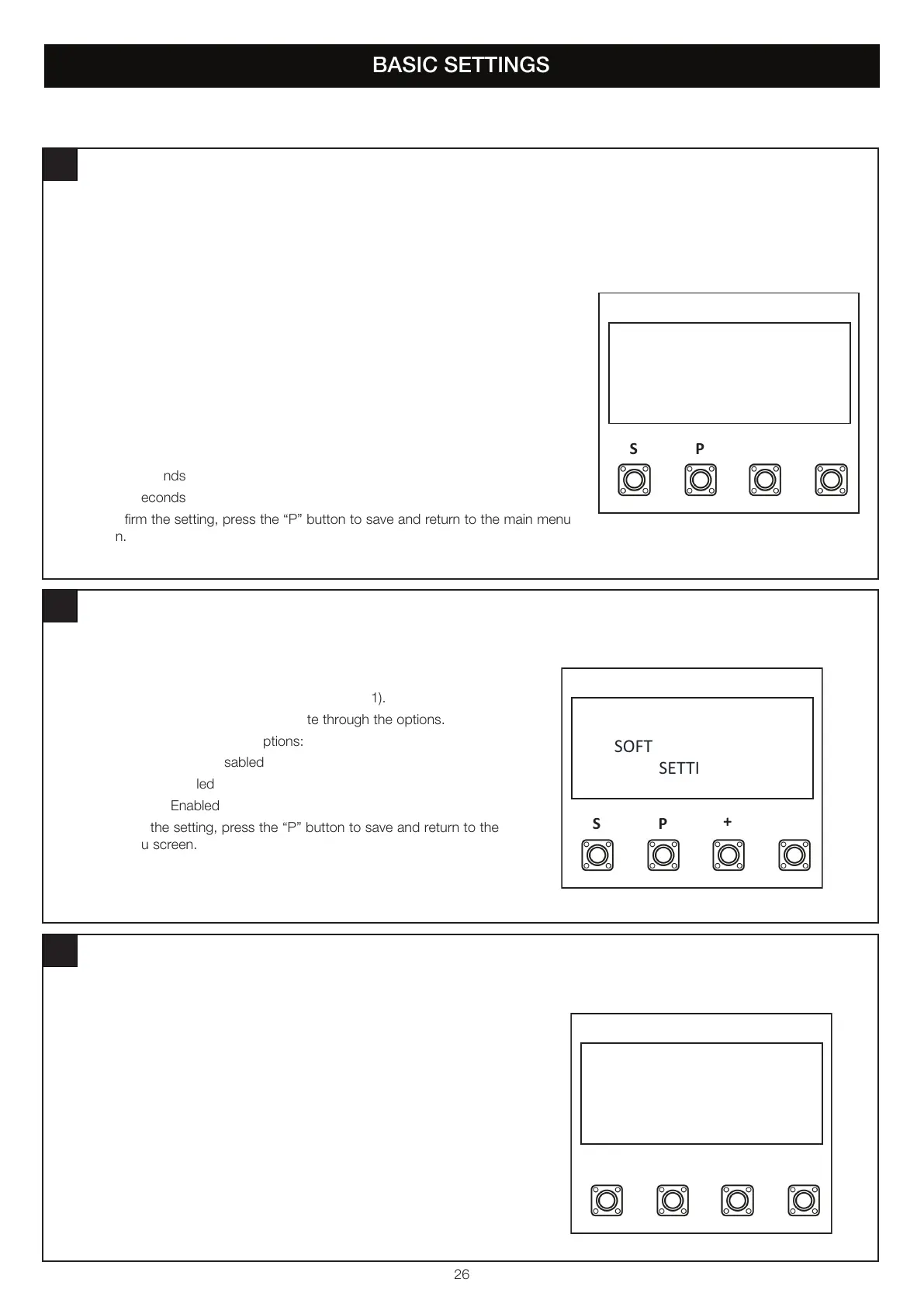
1. Press the “P” button to enter this setting (figure 1).
2. Press the “+” or “-“ buttons to navigate through the options.
3. You can select the following options:
• Disabled
• 15 Seconds
• 30 Seconds
• 45 Seconds
• 60 Seconds
• 90 Seconds
• 120 Seconds
• 180 Seconds
• 240 Seconds
• 300 Seconds
4. To confirm the setting, press the “P” button to save and return to the main menu
screen.
SP
+-
MAIN MENU
SPECIAL CONTACT
RELAY
figure 1
SOFT AND HARD START IN OPEN AND CLOSE DIRECTION
35
Within the Basic Setting, navigate through the menu screen until you find
“MAIN MENU SOFT & HARD START SETTING”.
1. Press the “P” button to enter this setting (figure 1).
2. Press the “+” or “-“ buttons to navigate through the options.
3. You can select the following options:
• Soft & Hard Start Disabled
• Soft Start Enabled
• Hard Start Enabled
4. To confirm the setting, press the “P” button to save and return to the
main menu screen.
SP
+-
MAIN MENU
SOFT & HARD START
SETTING
figure 1
MAINTENANCE COUNTER
36
Within the Basic Setting, navigate through the menu screen until you find “MAIN
MENU MAINTENANCE COUNTER”.
1. Press the “P” button to enter this setting (figure 1).
2. Press the “+” or “-“ buttons to navigate options.
3. You can Disable the maintenance counter or select the maintenance
counter to count from 1,000 cycles to 20,000 cycles.
4. To confirm the setting, press the “P” button to save and return to the main
menu screen.
SP
+-
MAIN MENU
MAINTENANCE
COUNTER
figure 1


 To Next Page