24
REVERSAL TIME
29
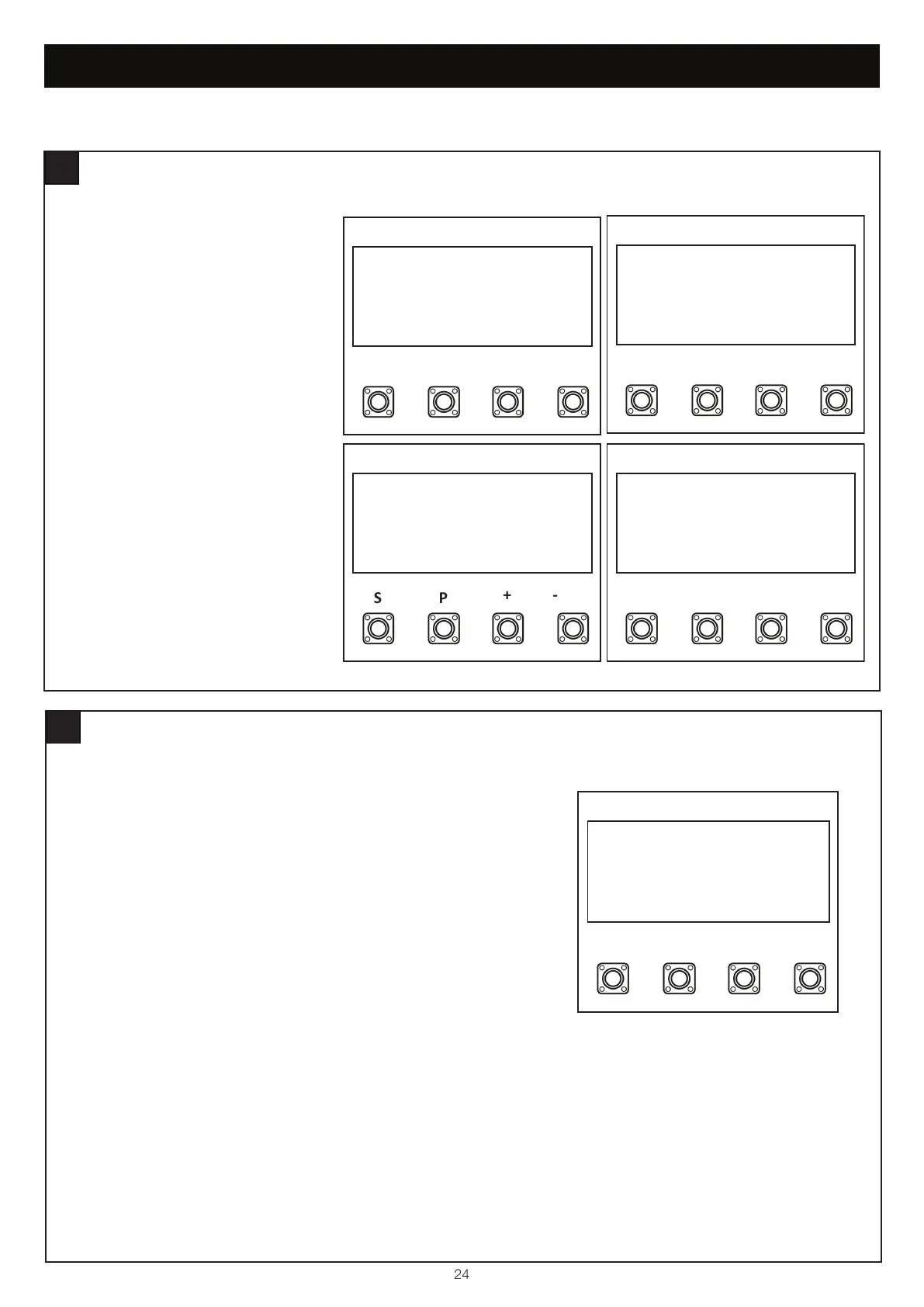
Within the Basic Setting, navigate through
the menu screen until you find “MAIN MENU
REVERSAL TIME”.
1. Press the “P” button to enter this setting
(figure 1).
2. Press the “+” or “-“ buttons to navigate
through the options.
3. To confirm the setting, press the “P”
button to save and return to the main
menu screen.
SP
+-
MAIN MENU
REVERSAL TIME
SP
2 SECOND REVERSAL
SP
+-
REVERSE TO LIMIT
SP
CLOSE: REV TO OPEN LIMIT
OPEN: REV 2 SECONDS
figure 1
figure 2
figure 3
figure 4
BASIC SETTINGS
E-LOCK
30
Within the Basic Setting, navigate through the menu screen until you find
“MAIN MENU E-LOCK”.
1. Press the “P” button to enter this setting (figure 1).
2. Press the “+” or “-“ buttons to navigate through the options.
3. You can select the following options:
• Disabled
• E-Lock, 1 Second
• E-Lock, 2 Seconds
• Mag-Lock
4. To confrim the setting, press the “P” button to save and return to the
main menu screen.
SP
+-
MAIN MENU
E-LOCK
figure 1


 To Next Page