User Guide Version 2.60 I-button WHO 5th
Revision 21_Sep_2015 22
Please note:
To run 10 replicates:
After each completed
test, remove the
capillary and initiate
the CONTROL test
again using the same
capillary.
Set-Up: Non-Assayed Material to Establish the target value and +/- range
This is also the set-up procedure for sperm concentration proficiency
challenge
Follow the same Steps 1-5 for “Set-up: Assayed Control” above.
Step 6: Enter the following information from the product labeling
LOT# - number identifying the control media lot.
EXP. DATE – control media expiration date (MM=month, YY=year).
Step 7: Enter the TARGET VALUE and +/- Range for Level 1 and Level 2:
Enter 00 for the target value.
Enter 0.0 for the +/- range.
NEGATIVE control target value and +/- range is pre-set to 0.0
Step 8: Save settings: Press APPLY. The set-up takes about two minutes.
Step 9: Establish the target value and +/- range for each level:
Fill a testing capillary and run 10 replicates following the instructions
below “Control Testing.”
Calculate the mean target value. Based on laboratory protocols
determine the +/- range (Example: 2SD).
Follow steps 1-7 of “Set-Up: Assayed Control” to update the target
value and +/- range for the control.
Running
Controls in
the SQA-V
CONTROL Testing
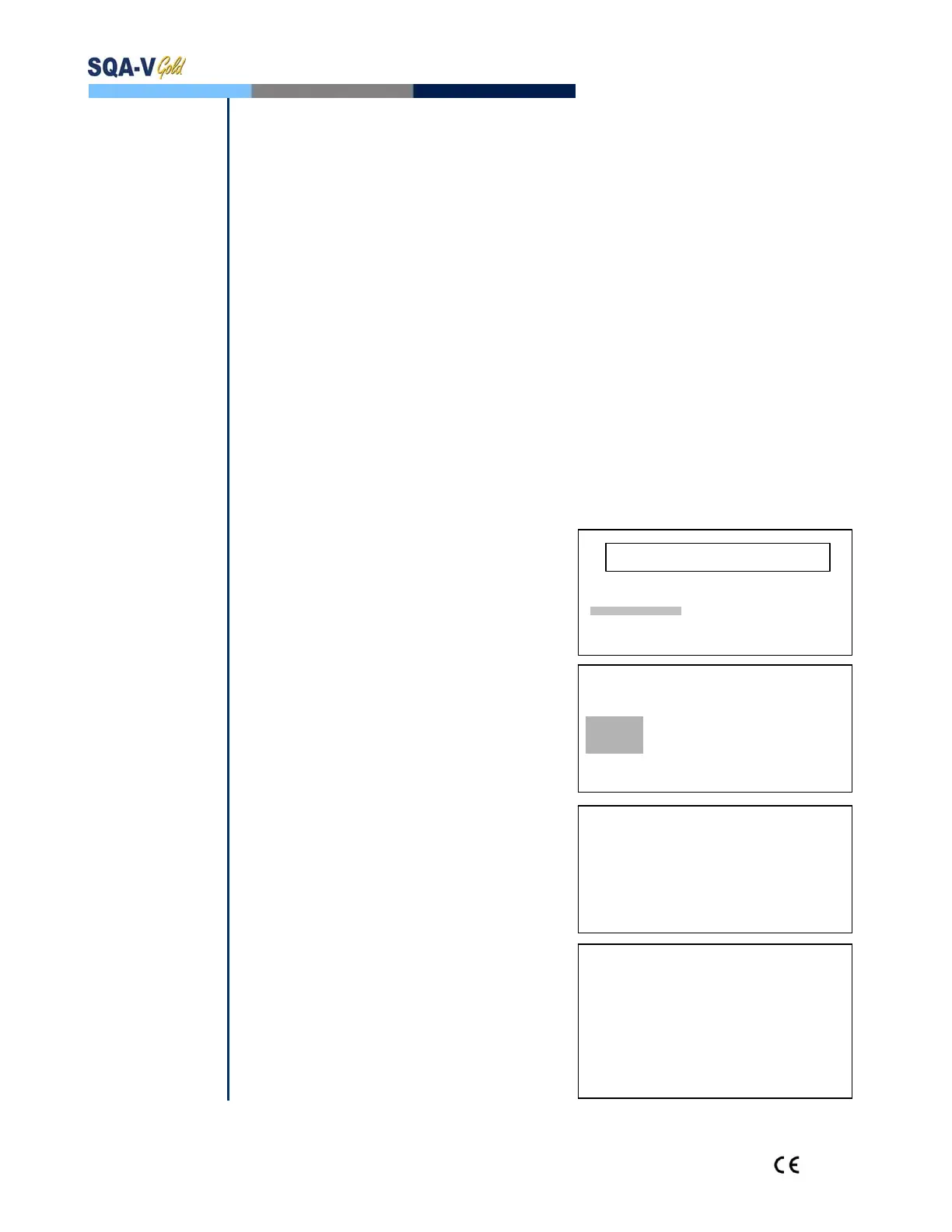
MAIN MENU
Select RUN CONTROLS from the
MAIN MENU of the SQA-V.
TEST NEW PATIENT
RUN CONTOLS
The Control defaults have already
SERVICE
been set-up in V-Sperm.
Select the CONTROL LEVEL: #1, #2
CONTROL LATEX BEADS
or NEGATIVE (LEVEL #3) that is being
SELECT:
tested.
CONTROL LEVEL:
Press ENTER to continue.
LEVEL #1/LEVEL #2/NEGATIVE CONTROL
Controls are run in exactly the same
PRESS ENTER TO CONTINUE
manner as a normal semen sample.
Using control media, follow the same
CONTROL: LATEX BEADS, LEVEL #1
procedure for filling an SQA-V testing
capillary with a NORMAL volume FILL, CLEAN AND WIPE CAPILLARY
sample.
INSERT IN CHAMBER
Testing will begin automatically.
TESTING WILL BEGIN
Control test results will be displayed
AUTOMATICALLY
on the SQA-V screen.
CONTROL TEST RESULTS
LOW, HIGH or NORM. will be displayed
DATE 01/12/06 DD/MM/YY TIME 15:09:08
based on the testing outcomes vs.
LEVEL #1 LOT# 11223344556677889900
target value and +/- range (Disregard
EXP. DATE 04/09 MM/YY
this for non-assayed controls target
TYPE: LATEX BEADS
range set at “0”).
TARGET VALUE: 45.0 +/- 6.3 M/ml
Test results will automatically be saved
CONC. RESULTS: 45.4 M/ml NORM.
and printed.
ACCEPTABLE RANGE: 38.7 – 51.3 M/ml


 To Next Page