Revision 21_Sep_2015 30
User Guide Version 2.60 I-button WHO 5th
Call technical support if this message is displayed again. Prepare for technical
support by printing a copy of the SQA-V SERVICE DATA:
Press the SERVICE key on the SQA-V keypad to activate the SERVICE
MENU screen.
Select: PRINT SELF TEST DATA.
Press ENTER.
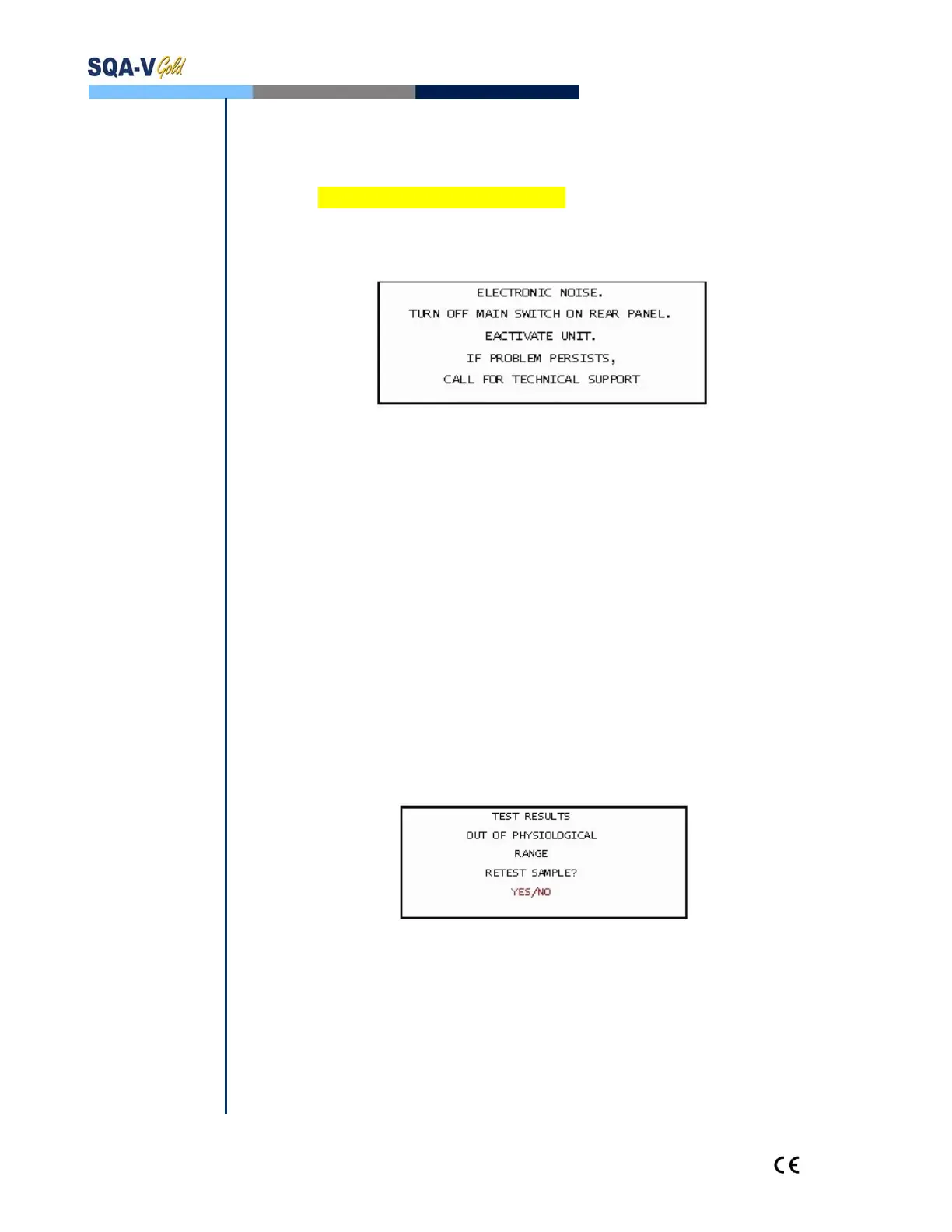
Electronic Noise:
Ensure there is no testing capillary in the measurement compartment.
Remove SQA-V from sources of electronic noise and vibrations (centrifuge).
Clean measurement compartment (refer to Appendix) and after cleaning:
Turn the system OFF then back ON at the main switch on the rear panel.
Press the front panel ON/OFF key to begin Auto-Calibration/Stabilization.
From the main menu: Select TEST NEW PATIENT and rerun the test.
Call technical support if this message is displayed again. Prepare for technical
support by printing a copy of the SQA-V SERVICE DATA:
Press the SERVICE key on the SQA-V keypad to activate the SERVICE
MENU screen.
Select: PRINT SELF TEST DATA.
Press: ENTER.
Concentration Out of Range
Testing Semen Sample:
A message will appear indicating that the tests results for Sperm Conc and/or
MSC are beyond the upper limits of the dynamic range established by the
manufacturer for testing. This message will appear if the SQA-V reads:
SPERM CONC > 500 M/ml or MSC > 450 M/ml
Review sample handling technique (Appendix "Filling the SQA-V Capillary").
Re-test the sample in a new SQA-V capillary. If the message appears again,
reboot the system.
Call for technical assistance if problem persists.


 To Next Page