18
4.2 RESULTS
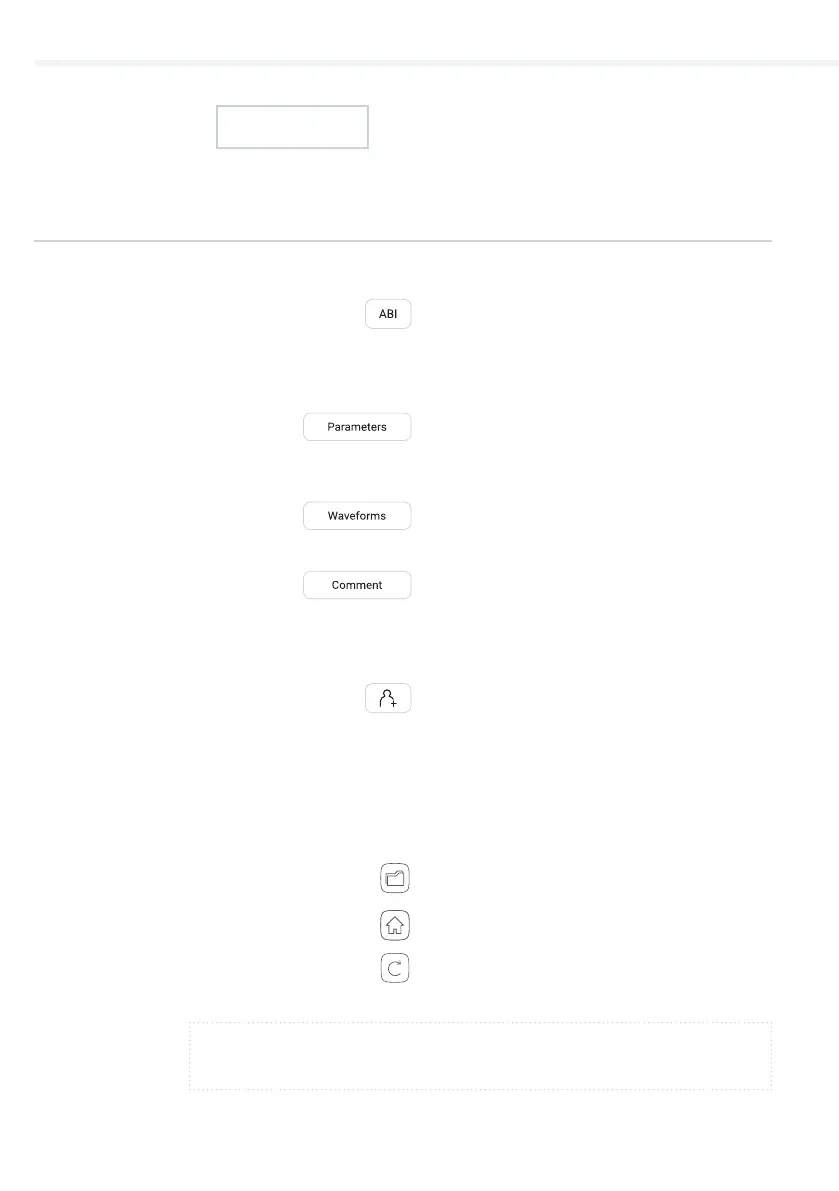
On the top, the navigation menu provides the following actions:
– Repeat the measurement .
– Go to the Home screen.
NOTE
For more information about the result screen, see Chapter 5.4 Reviewing ABI
measurement.
Once the measurement is done, the system automatically switches
to the result page.
RESULTS OF ABI
MEASUREMENT
4.2.1
– Check the ABI results. For easier
interpretation the results are
colour-coded and a representative
scale is given as a reference.
– More detailed information is provided
(heart rate, SYS, DIA and MAP on the
arms and legs).
– Visual representation of the oscillation
and pulse waveform graphs.
– A comment can be added to every
measurement. It will be stored and
always available together with the
recording report.
– Optionally, the user may select an
existing or create a new patient. This
option is not required for a measure-
ment to be performed.
On the bottom the navigation menu provides the following actions:
– Go to the Archive.
QUICK MEASURING GUIDE


 To Next Page