19
RESULTS OF
BLOOD PRESSURE
MEASUREMENT
4.2.2
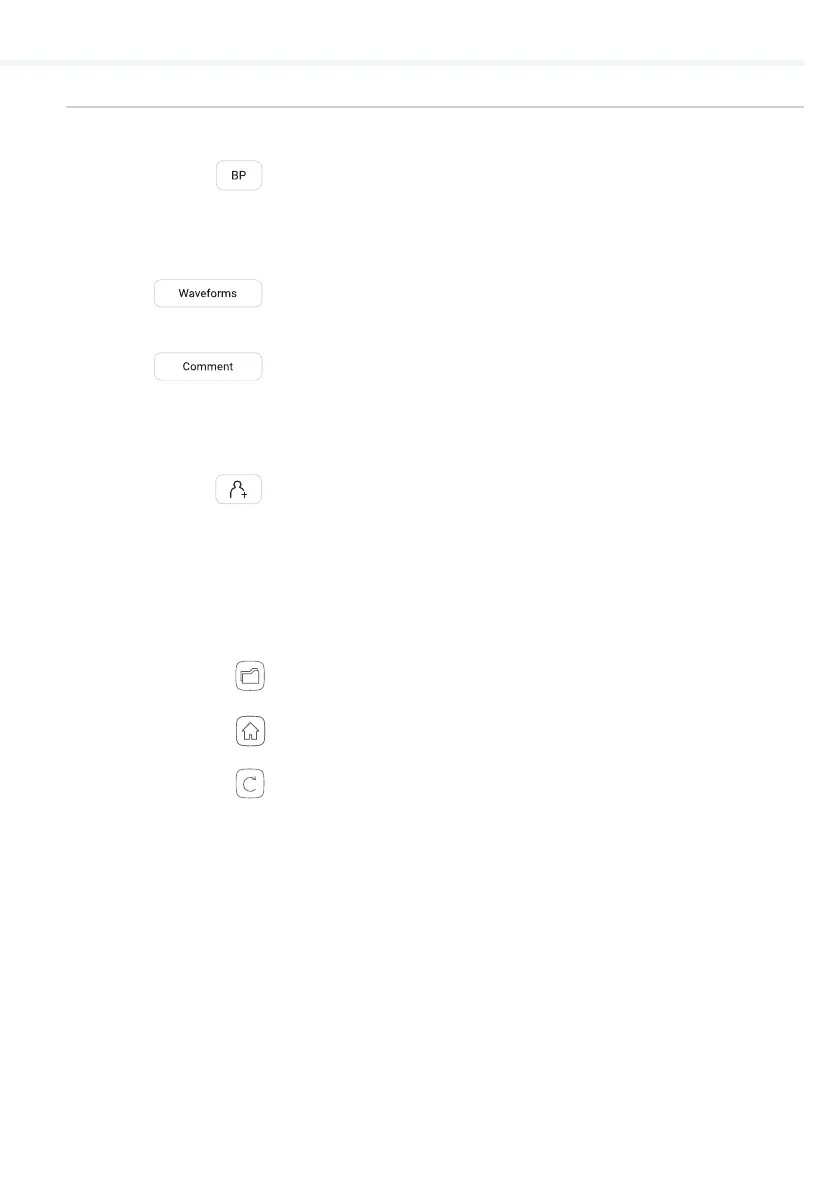
On the top, the navigation menu provides the following actions:
– Check the blood pressure results.
For easier interpretation, the results
are colour-coded and a representative
scale is given for a reference.
– Visual representation of the oscilla-
tion and pulse waveform graphs.
– A comment can be added to every
measurement. It will be stored and
always available together with the
recording report.
– Optionally, the user may select an
existing or create a new patient. This
option is not required for a measure-
ment to be performed.
On the bottom, the navigation menu provides the following actions:
– Repeat the measurement.
– Go to the Home screen.
– Go to the Archive.
QUICK MEASURING GUIDE


 To Next Page