WP4C 4 THE MENUS
4 The Menus
4.1 The Main Menu
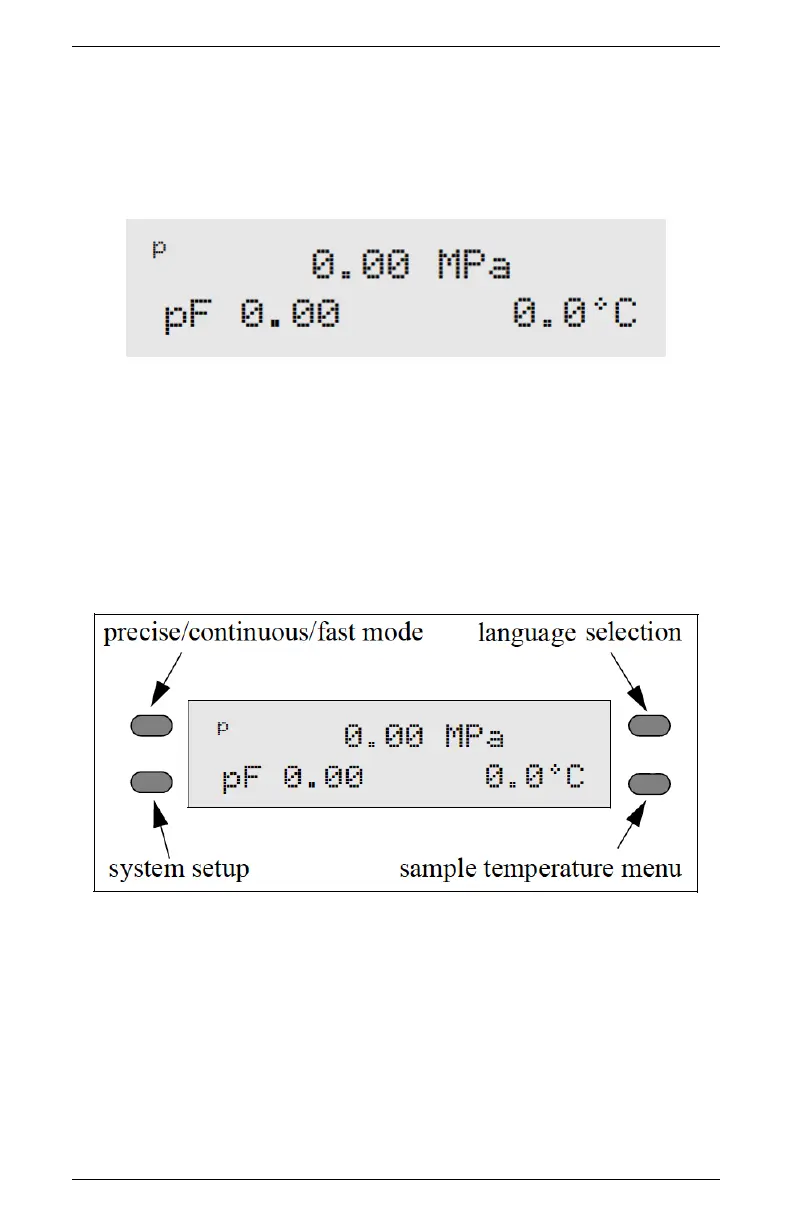
Every time you turn on your WP4C, it will open to this screen. If
this screen does not appear, refer to Chapter 12 for troubleshooting
instructions. The water potential and sample temperature displays
on the screen. On each side of the LCD there are buttons. Each
button performs a different function depending on which mode you
want. Figure 3 provides a description of the modes and options you
may use and the buttons that set them.
Figure 3: Main Menu Screen
4.1.1 Changing Languages
The WP4C comes to you with English as the default on-screen user
language. If you prefer not to use English, you can change it to one
of a variety of other languages: German, French, Spanish, Italian,
Swedish, Danish, Norwegian, Czech, Portuguese, Japanese, Polish or
11



 To Next Page