WP4C 4 THE MENUS
• Cool samples to a temperature slightly below chamber temper-
ature before starting a reading.
• For slow equilibration samples, such as plant and moist soil
samples (> −0.5 MPa), precise reading mode may yield small
errors. For these types of samples, We recommend you use
continuous mode and log data over time (See Chapter 8) to
determine when equilibrium conditions are reached.
• For samples with very little water holding capacity (i.e. dry
sand samples), small leaks in the sample chamber can cause
water potential to drift down over time. Fast mode is recom-
mended for these samples.
• For best results, run most soil samples in precise mode for best
results.
• Never place a hot or warm sample in a cooled chamber, because
condensation will form inside the chamber, causing errors in
reading.
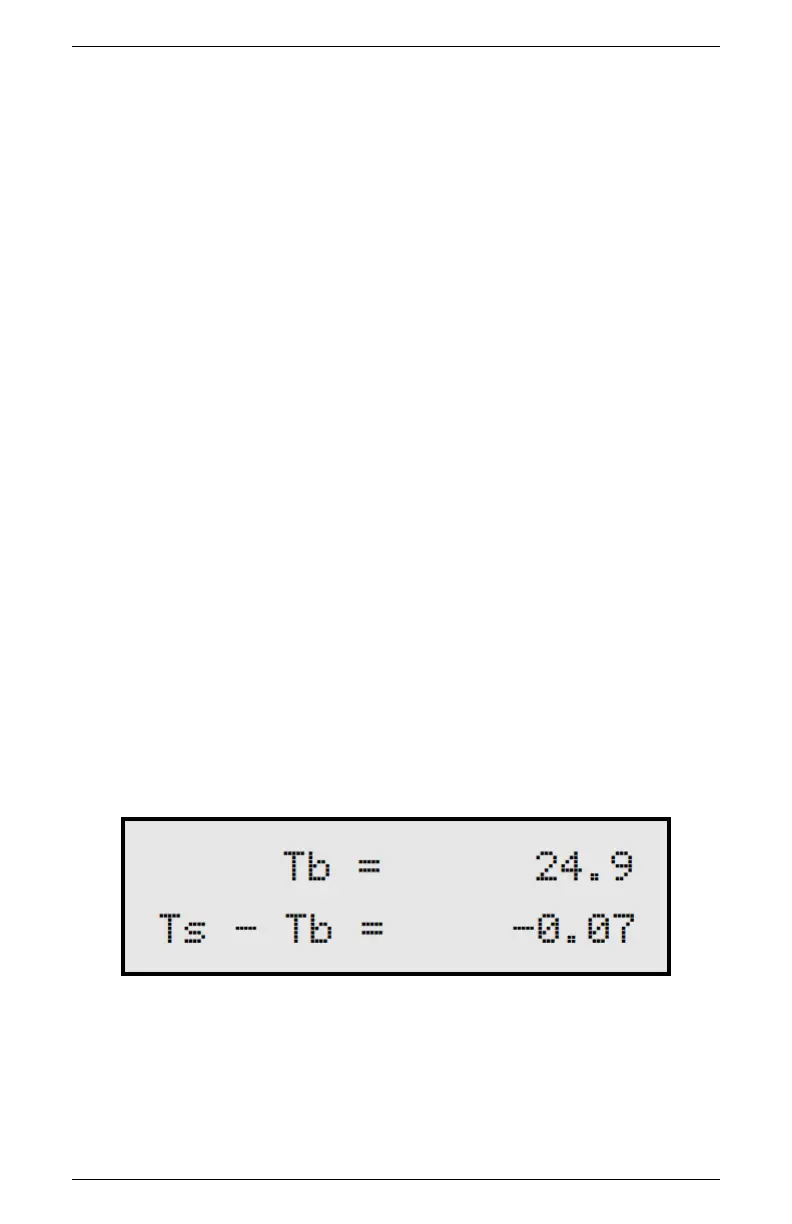
4.3 Sample Equilibration Screen
To see the temperature difference between your sample and the WP4C,
press the lower right button at the main menu. You can only access
the Temperature Difference screen when the drawer knob is in the
OPEN/LOAD position.
This screen shows the temperature difference between the sample
(Ts) and the chamber block (Tb). This screen allows you to quickly
check if the sample is too hot, which may cause condensation inside
the chamber. Press the lower right button to exit.
17



 To Next Page