4 THE MENUS WP4C
Finnish. Change languages by pressing the upper right button of
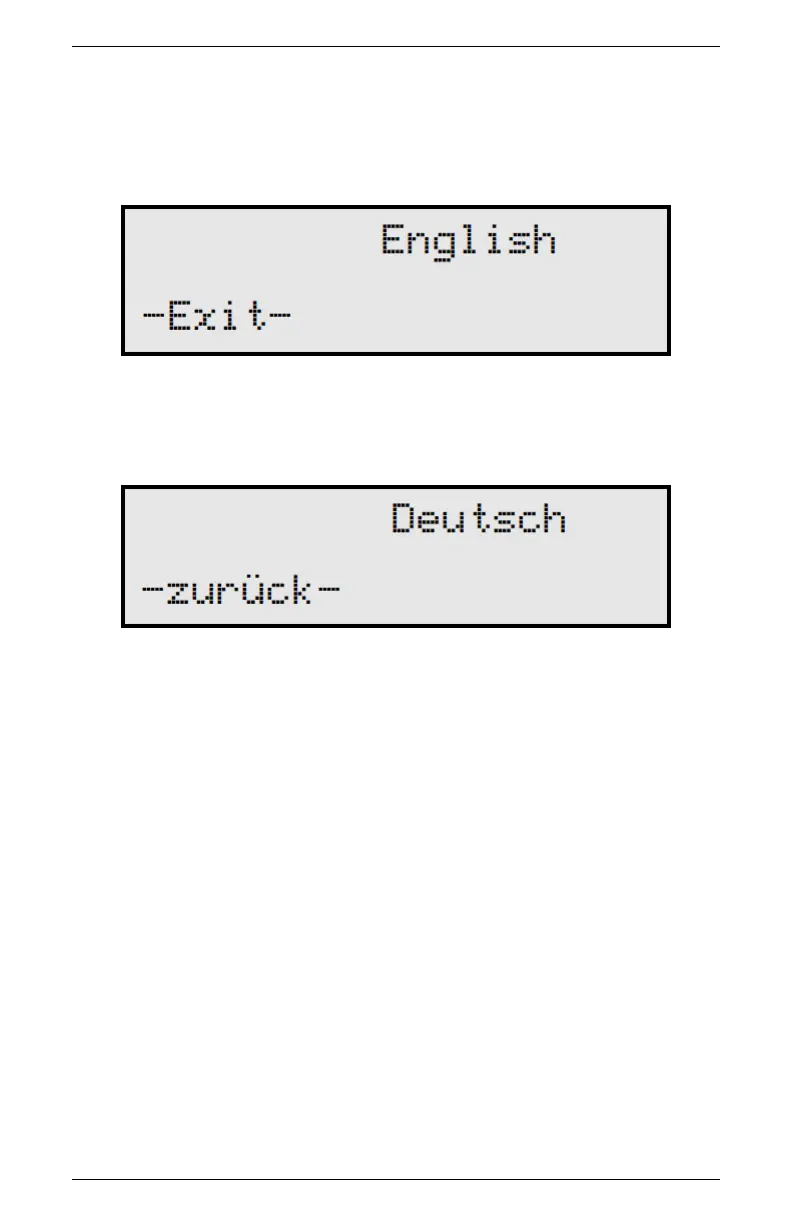
the instrument while it is not reading a sample. You will see the
Language screen with default English.
Press the upper right key again, and the next language option (Ger-
man) will appear.
Each time you press the right button, the display will scroll to the
next language option. Select the language you prefer and press the
lower left button to exit.
4.1.2 Reading Modes
Precise Mode
When you first turn on the WP4C, it will be in precise mode. The
WP4C repeats sample measurements until successive readings agree
within a preset tolerance (0.03 MPa for Ψ > −40 MPa; otherwise
0.3 MPa). The WP4C always starts in precise mode. To toggle
between the precise, continuous and fast modes, press the top left
button. The display will show a small p, c or f to the left of the
water potential readings.(Figure 4)
12



 To Next Page