5 CALIBRATION AND VERIFICATION WP4C
the instrument against the KCl standard. This will alert you to the
possibility of contamination of the unit or shifts in the calibration
from other causes.
5.4 How to Verify and Calibrate the WP4C
Since errors in the calibration value result in errors in all values sub-
sequently measured, care should be taken to do it right.
Checking and Adjusting Calibration
• Press the upper right button in the System Configuration menu
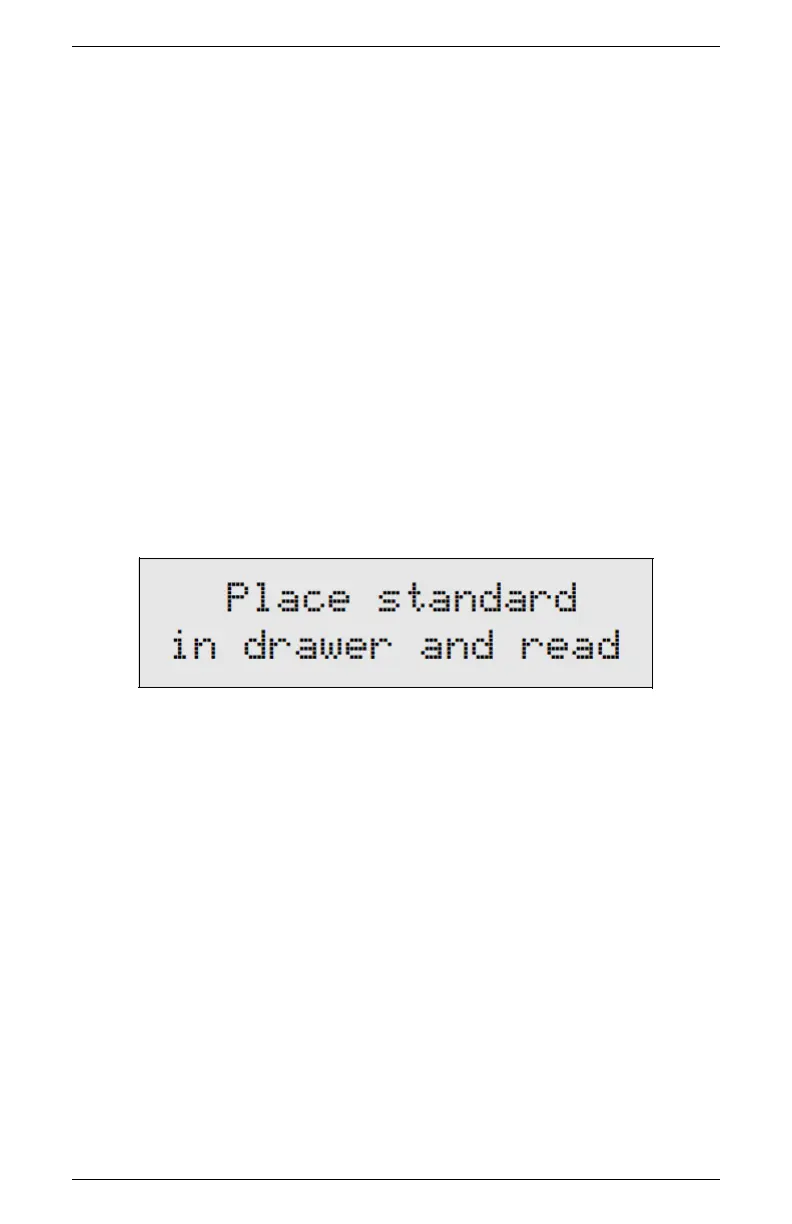
to enter the calibration menu. You will be guided through the
calibration routine beginning with instructions to place your
standard.
• Empty the whole vial of KCl solution into a sample cup and
place it in the WP4C sample drawer. Make sure you calibrate
using the same type of sample cup (plastic or stainless steel)
that you will make subsequent measurements with.
• Carefully slide the drawer closed, being especially careful so the
solution does not splash or spill and contaminate the chamber.
Check to be sure the sample temperature is below chamber
temperature (lower right button).
• Turn the drawer knob to the READ position to make a reading.
When the reading is complete, the following screen will appear:
20



 To Next Page