11 TROUBLESHOOTING WP4C
If the block is properly plugged in to the motherboard and this
message appears, it is likely that one or more of the compo-
nents have failed on the block circuit board.
7. PROBLEM:
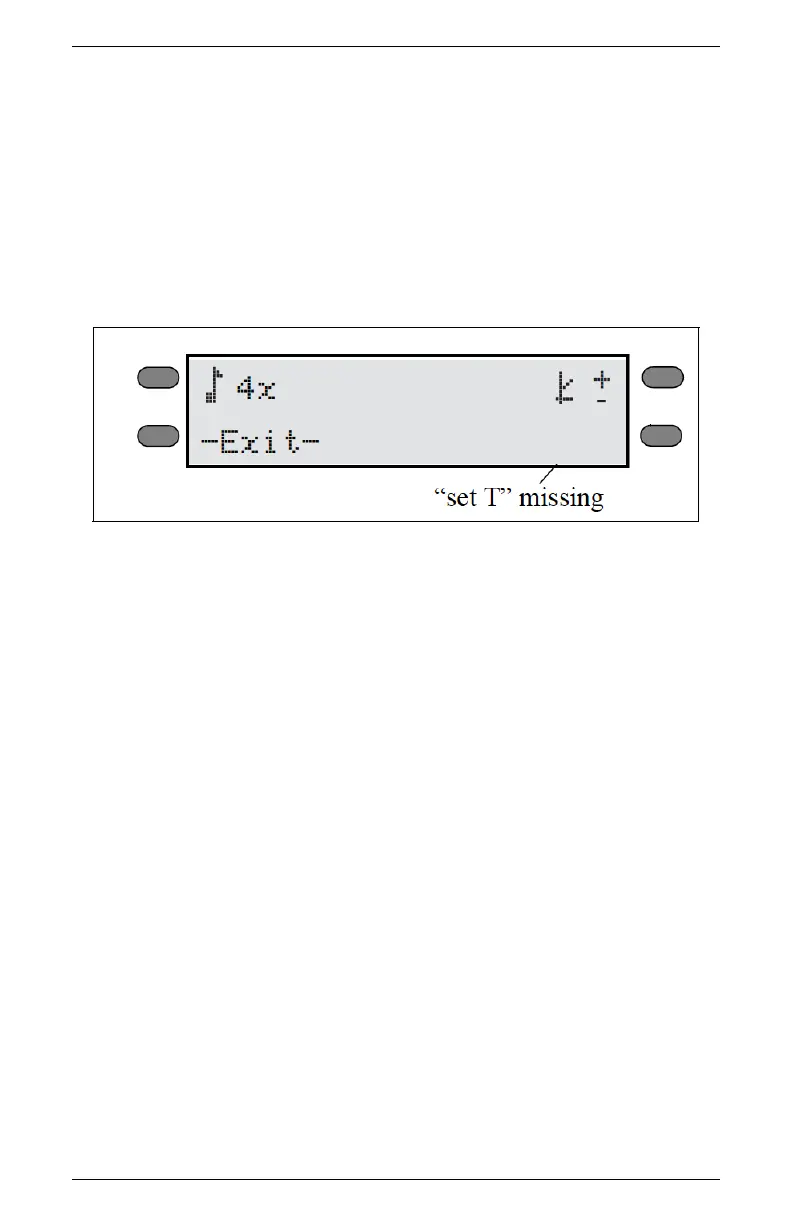
The “Set T” option does not appear anymore in the WP4C System
Configuration menu.
SOLUTION:
The temperature control module inside the WP4C is broken or not
functioning correctly. When the instrument senses that there is a
problem with the temperature control module, it removes that func-
tion as an option to the user as a precaution. Contact METER for
service information.
11.2 Sensor Performance Screen
If, after cleaning your instrument and reviewing the troubleshooting
items, you have reason to believe that one of the components of
your WP4C may be causing measurement error, you can access a
screen that will display values for component performance. Access
this screen by holding down the lower right button while turning
on the instrument. After it initializes, it will beep and come to the
Performance Evaluation screen.
44



 To Next Page