12
99-6507
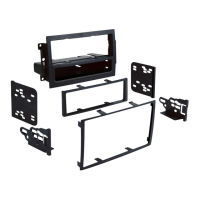
KIT ASSEMBLY
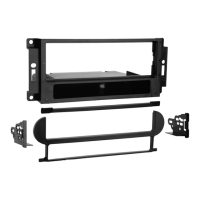
DIN RADIO PROVISION WITH POCKET
B
C
A
1
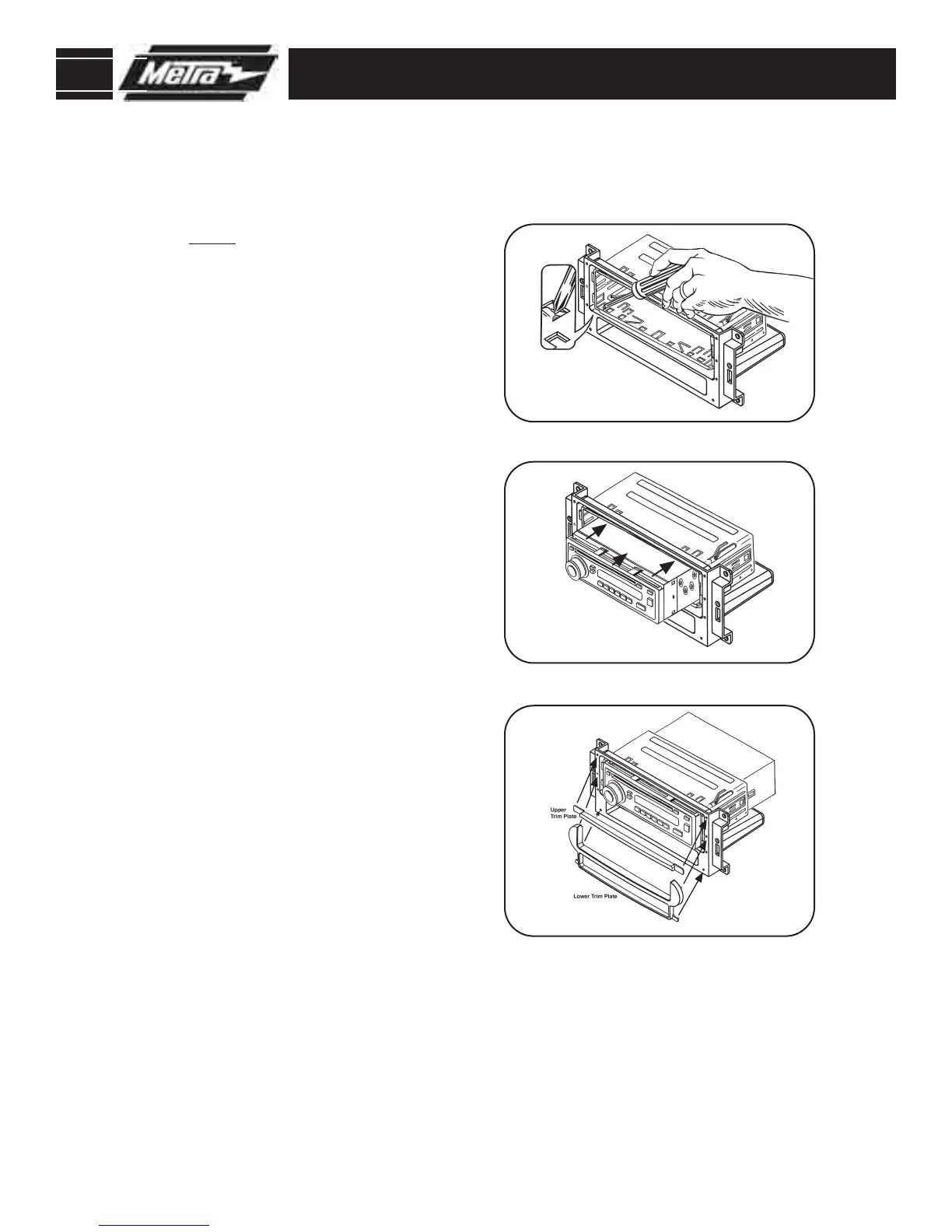
Slide the DIN cage into the Radio
Housing and secure by bending
the metal locking tabs down.
(
Figure A)
2
Slide the after-market head unit into
the cage and secure. (
Figure B)
3
Using the alignment pins on the
trim plates & the corresponding
holes in the housing, attach the
upper trim plate and the lower trim
plate supplied with the kit.
Figure C
NOTE: You will need to remove the
aftermarket radio’s trim ring if
equipped.
4
Continue to Final Assembly.



 To Next Page