4.2. Diagnosis
794 Basic Titrino
145
RS232 test-connector?
• Insert the 3.496.8480 test plug in 'RS 232' port.
• Press <Enter>.
Test sequence:
1. In case of an error an error message is displayed. If for example no test plug is con-
nected, error message
error 68
appears).
2. If no error is found, after about 5 s display shows
RS232 test o.k.
• Remove test plug.
• Press <Clear>.
diagnose press key 0...9
10 Spindle drive and stopcock changeover
• Press <Clear>.
The Titrino fills (only if an exchange unit is inserted)
The Titrino gets out of the diagnosis menu and returns to the user program.
• Remove exchange unit.
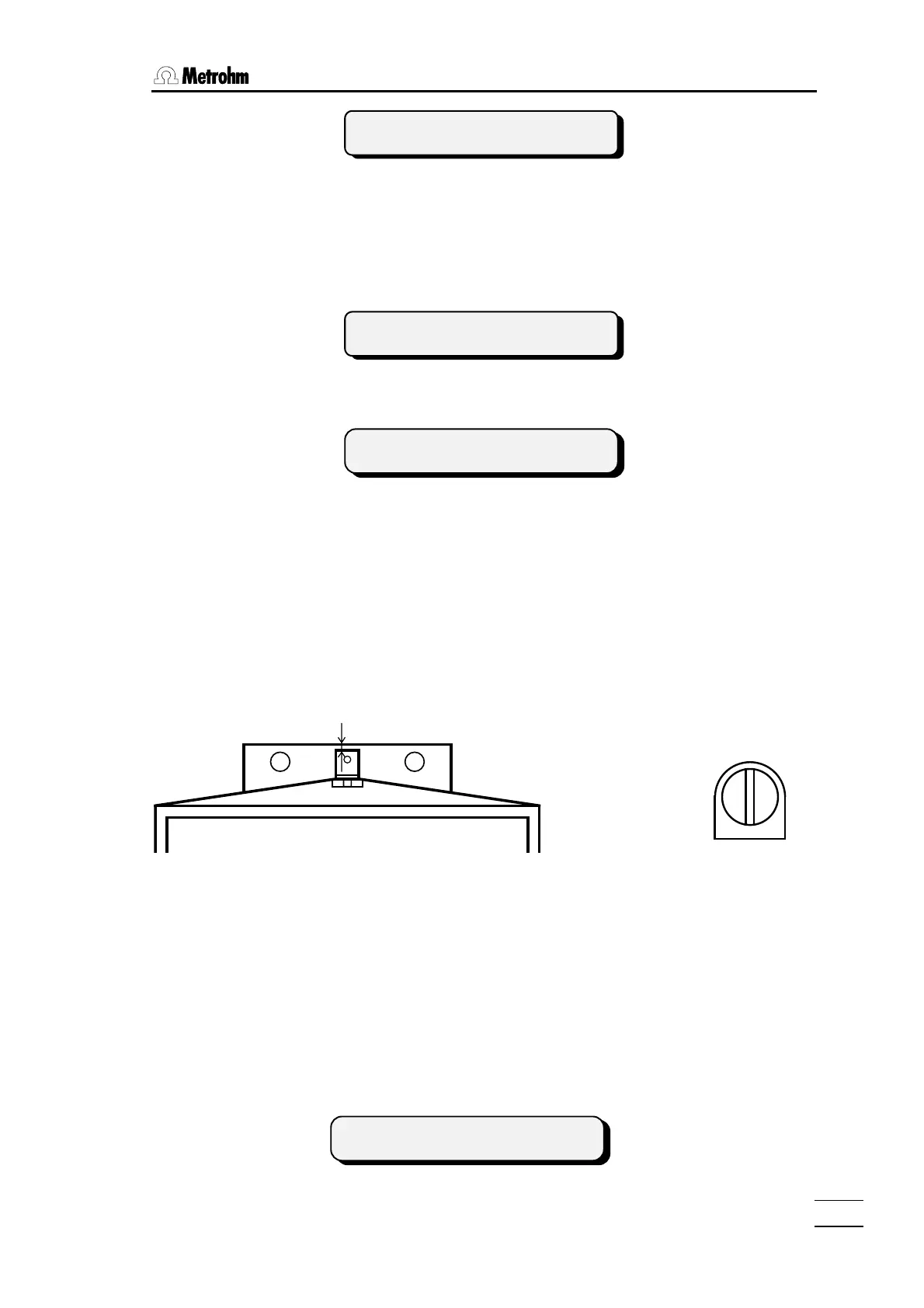
• Check spindle zero position, see Fig. 5.
0.2 - 0.6 mm
Fig. 5 Fig. 6
The spindle must be 0.2 - 0.6 mm below the edge of the sliding plate.
The bar of the stopcock coupling must be exactly parallel to the lateral edges of the MPT
Titrino, see Fig.6.
• Reinsert Exchange Unit.
Titrino fills.
The display of before reappears.
• Knob 'dV/dt' to right stop.
• Press the <DOS> key (on instrument) until the piston rod reaches the top and at the
same time measure the time from start to end.
XXX X ********
cylinder em
ty !
mind selected language!














 To Next Page