3.6 Initial start-up
■■■■■■■■■■■■■■■■■■■■■■
14
■■■■■■■■
3
■ In the software, start Reference Standardization. Follow the
instructions in the software.
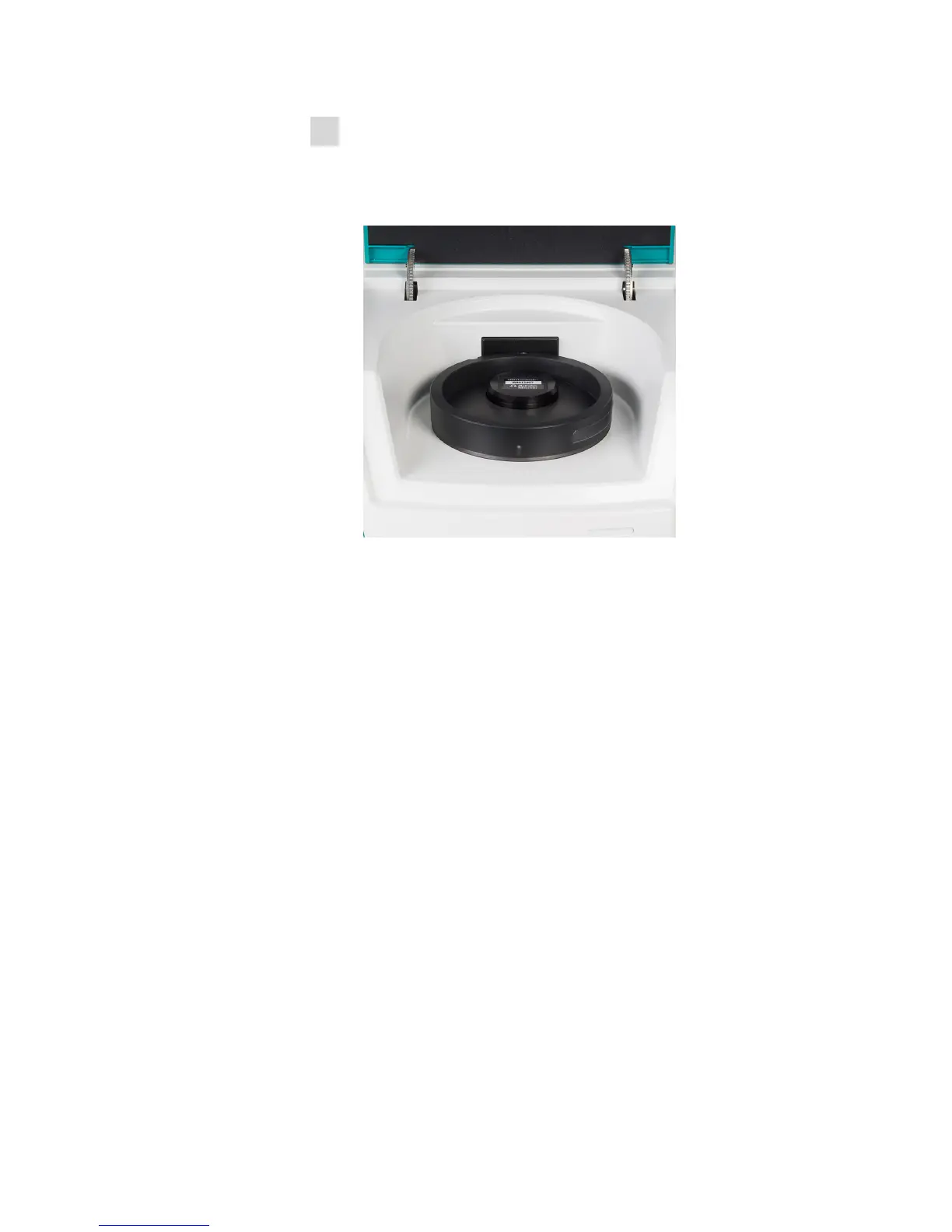
■ When the software prompt appears, insert the reflection standard
(R8012007) into the opening of the holder. The label of the
reflection standard must be visible.
■ Close the lid.
■ Wait until Reference Standardization is completed.
■ Remove the reflection standard from the holder.
Regulated industries
If you put the NIRS DS2500 Analyzer into operation in a regulated indus-
try, then additional tests are required after the procedures described in the
chapter "Non-regulated industries" have been performed.
In regulated industries, the Vision Pharma software version and the NIRS
reflection standard, 7 pcs. (6.7450.010) are required for the instrument to
be put into operation.
Information on which additional tests are required for your specific regu-
lated industry can be found in the applicable standards.



 To Next Page
 Loading...






